
Today, I set up a scroll function for a client's foreign trade website menu, making a record here.
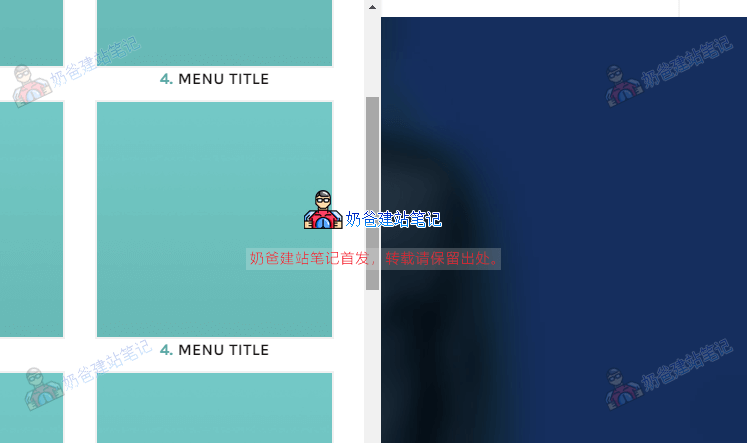
For many foreign trade e-commerce websites built with WordPress, many themes support mega menus. This can lead to very long content in certain submenus, which is not ideal for display. Therefore, we need to set it up so that a scrollbar appears after exceeding a certain number of pixels. The method is simple: just add an `overflow-y` parameter.
ul ul{
    max-height:500px;
    overflow-y:scroll;
}
For example, in the above example, set the maximum height to 500px, and then overflow-y becomes scroll.
The overflow-y property specifies whether to clip the top/bottom edge content if it overflows the element's content area.
Supports the following values:
| 值 | Description |
|---|---|
| visible | Content is not clipped and may be rendered outside the content box. |
| hidden | Clip content – no scroll mechanism provided. |
| scroll | Cropped Content – Provides a scrolling mechanism. |
| auto | A scrolling mechanism should be provided if the content overflows the box. |
| no-display | If the content does not fit the content box, the entire box is removed. |
| no-content | Hide the entire content if it does not fit within the content box. |