When it comes to SEO plugins for the WordPress platform, one must mentionthe largest user baseYoast SEO.
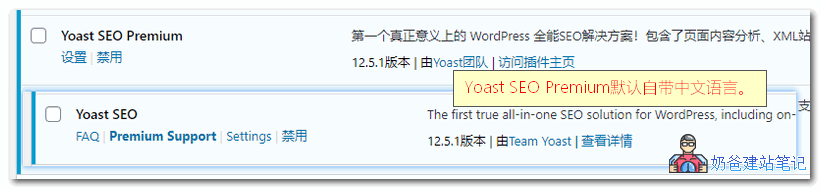
Yoast SEO comes in free and premium versions.The premium version comes with Chinese by defaultso you don't need to look for a localized version.
This article from Naiba Web Development sharesDifferences Between Yoast SEO Free and Premium Versions、Yoast SEO Chinese Premium Version Download和Usage Tutorial。
Differences Between Yoast SEO Free and Premium Versions
Difference One: Language Support
Yoast SEO Free version does not support Chinese by default, the Premium version supports Chinese by default.
Difference Two: Different Features
①、Compared to the free version, Yoast SEO Premium includes additional features such asRedirect Manager,XML Sitemap
These two features are useful for domestic users, but they can be replaced by other plugins; they are not indispensable.
② Add related phrases, internal linking suggestions, social media previews, email support, and no ads.
These features are useless for Chinese site users. For English sites, they might be useful, but Naiba has not built English sites so the actual effect is unclear. From testing, it seems they can help analyze SEO information on the site and provide internal link suggestions, but no comment.
Yoast SEO Chinese Premium Version Download
The free version of Yoast SEO can be installed directly by searching in the WP Admin Dashboard. The advanced Chinese paid version can be downloaded after payment, but Naiba recommends another one.Rank Math Plugin, it's free.
Pro Cracked Version Download (v16.6 latest version visible after payment, 14.9 old versionClick here, extraction password:9LNKT1DD)
One-time payment, lifetime access.
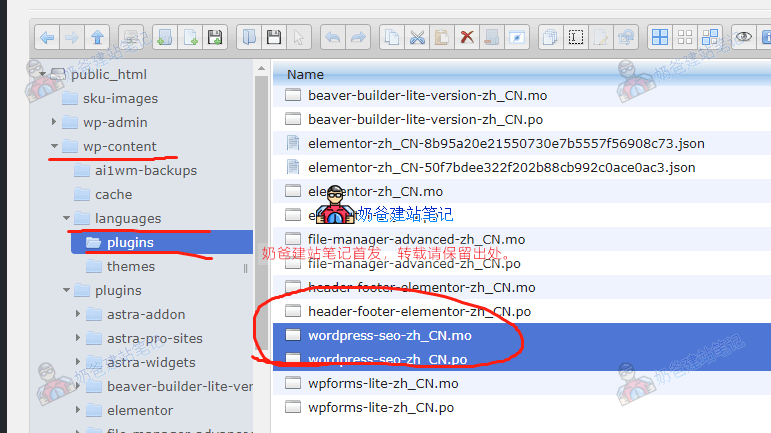
Tip: After downloading, wait a few minutes and then click update in the WordPress backend. After updating the translation, the plugin will display in Chinese.
Extraction Password:9LNKT1DD
If the update never occurs, refer to the image below and upload the language pack yourself:
Yoast SEO 17.0 Update Log
Published: August 24, 2021
Say hello to Yoast SEO 17.0! This release includes several behind-the-scenes improvements, including some fixes to our indexable data management. Now, enjoy Yoast SEO and write the best content in the language of your choice! Read more about what's new in Yoast SEO 17.0 in our release post!
Enhancements:
Speed up admin page loading by preventing unnecessary counting of unindexed objects.
Reduce the database size of many sites by clearing unused items from the database.
Improve overall performance and responsiveness of Gutenberg.
Bug Fixes:
Fixed a bug where the Save all button in the bulk editor was not working.
Fixed a bug where columns in the Existing bulk editor were not updated after saving.
Other:
Updated the message suggesting you install WooCommerce SEO when WooCommerce is installed.
Yoast SEO Usage Tutorial
Next, let me introduce how to use Yoast SEO. The free version just lacks Chinese translation; the operation steps are the same.
Run Configuration Wizard
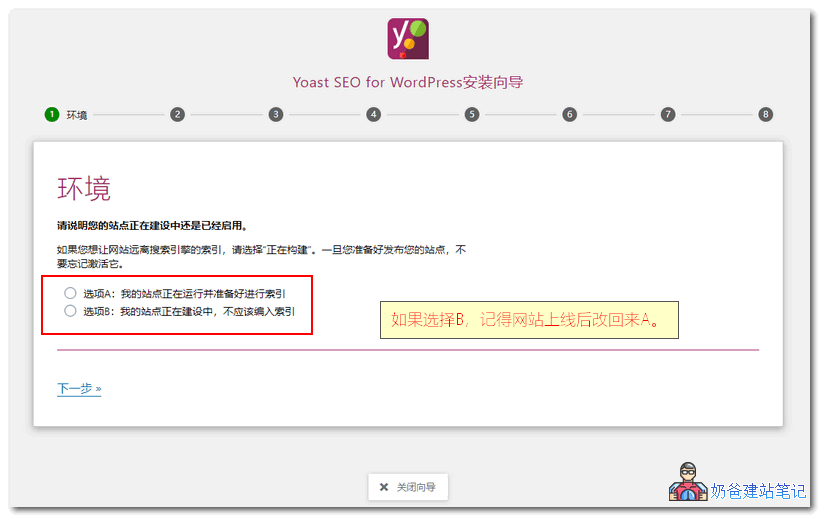
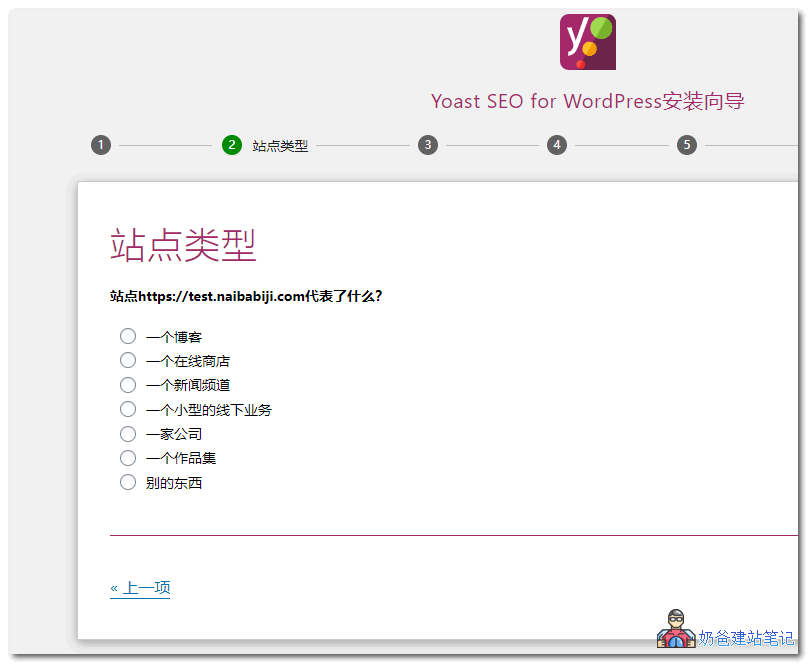
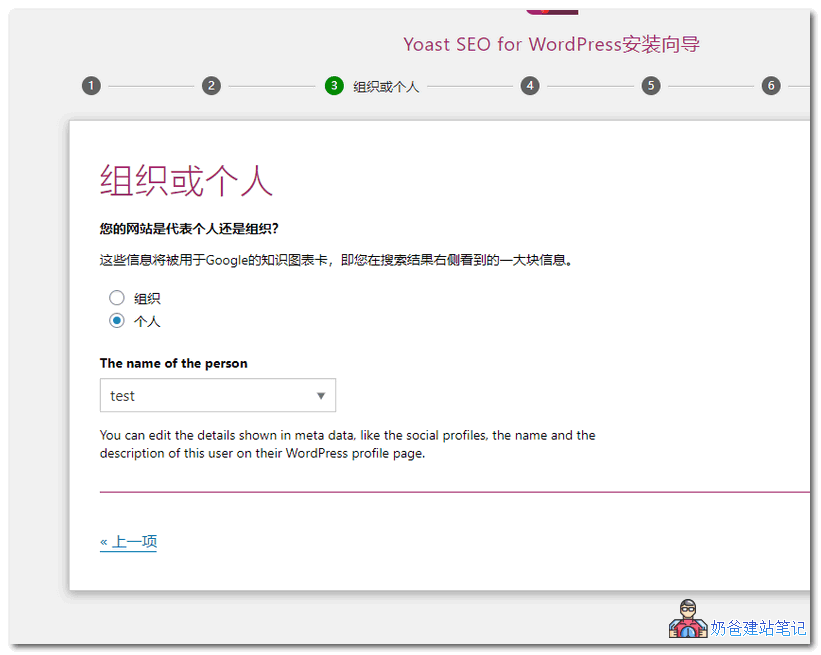
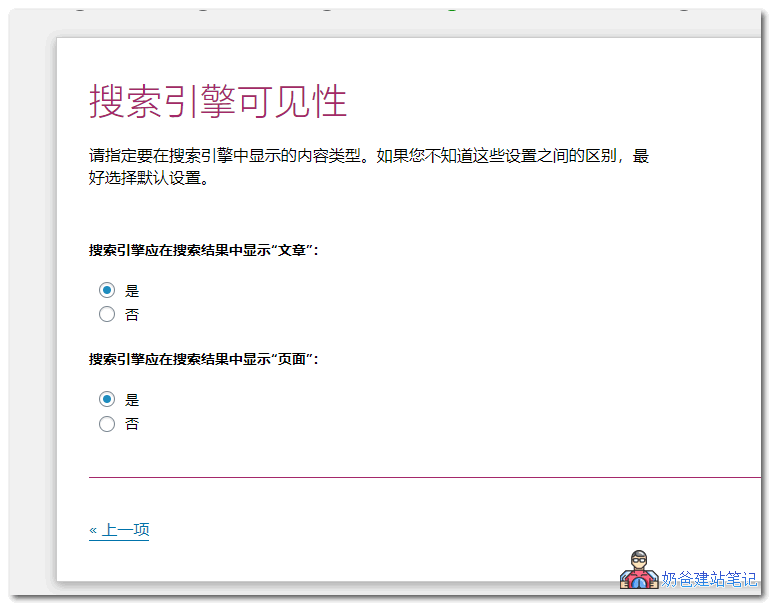
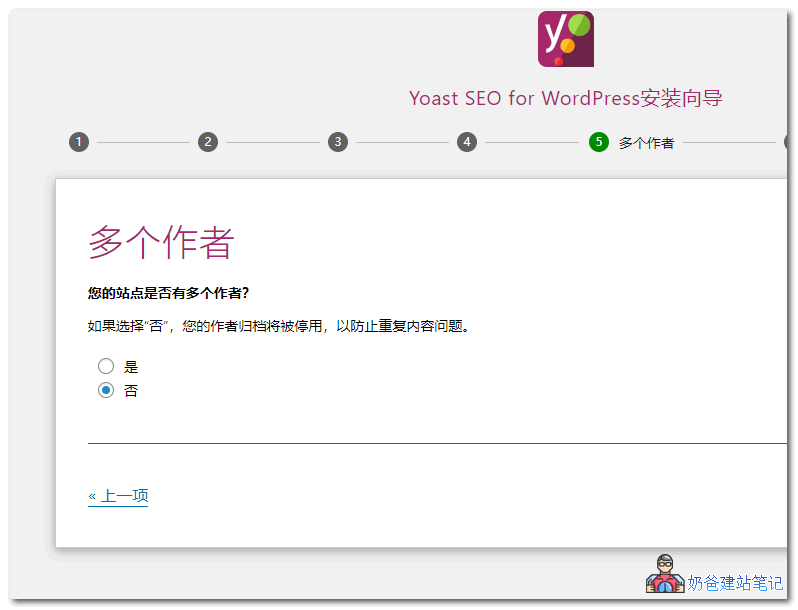
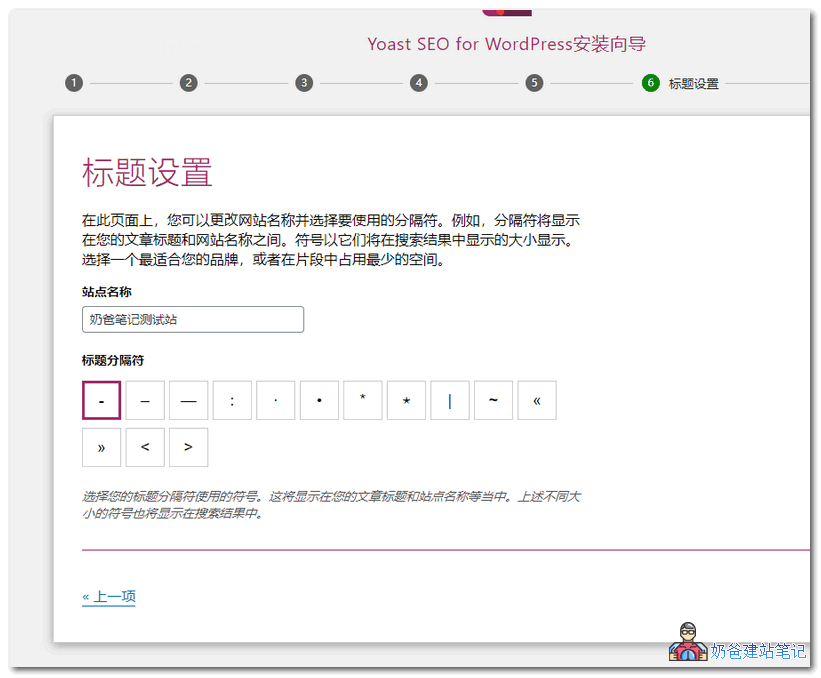
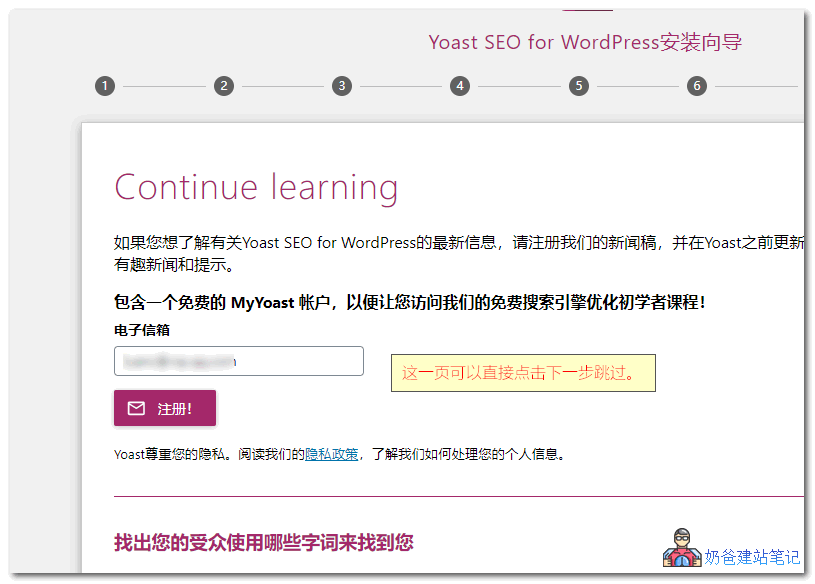
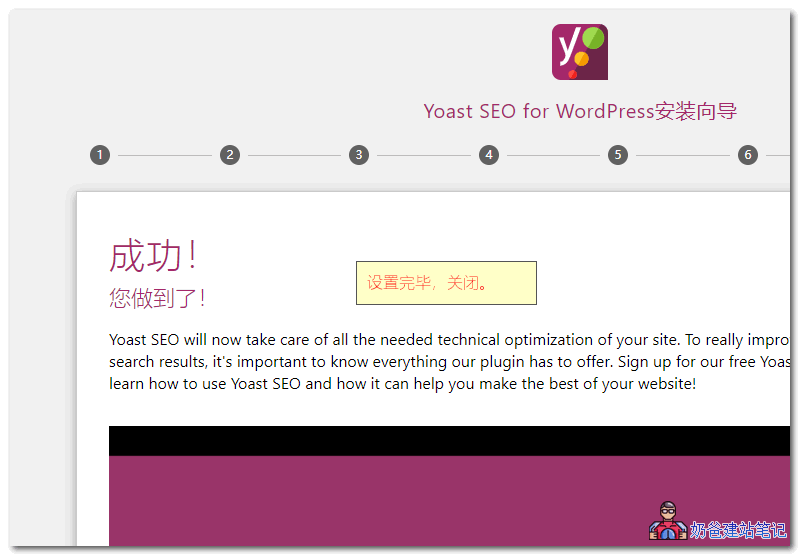
Yoast SEO provides a setup wizard feature for newcomers, which you can start via the wizard in the admin bar.
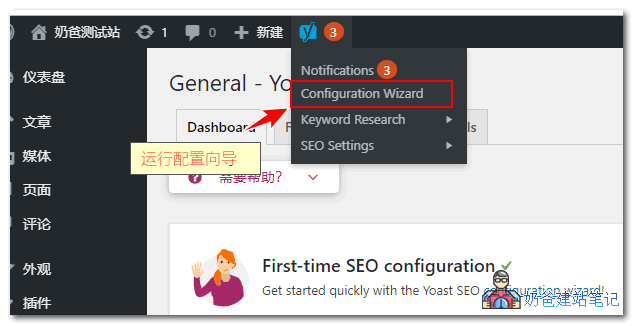
The setup wizard consists of 8 steps. For the free version, just follow the Chinese prompts in the screenshots below.
Feature Settings
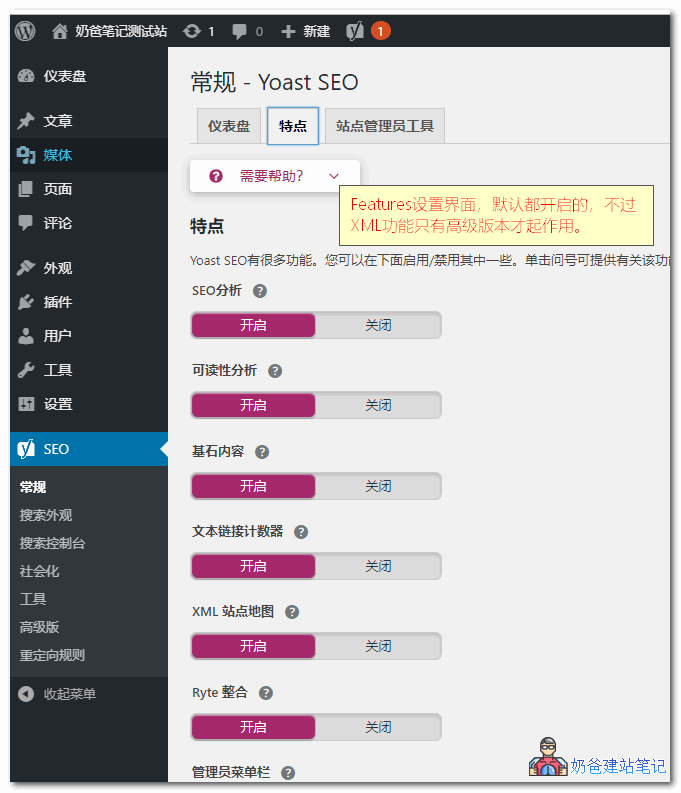
After the wizard finishes, we enter the Yoast SEO settings. The features under 'Features' are enabled by default, except the XML sitemap feature is not available in the free version. If you use the premium version, it can replace your sitemap plugin.
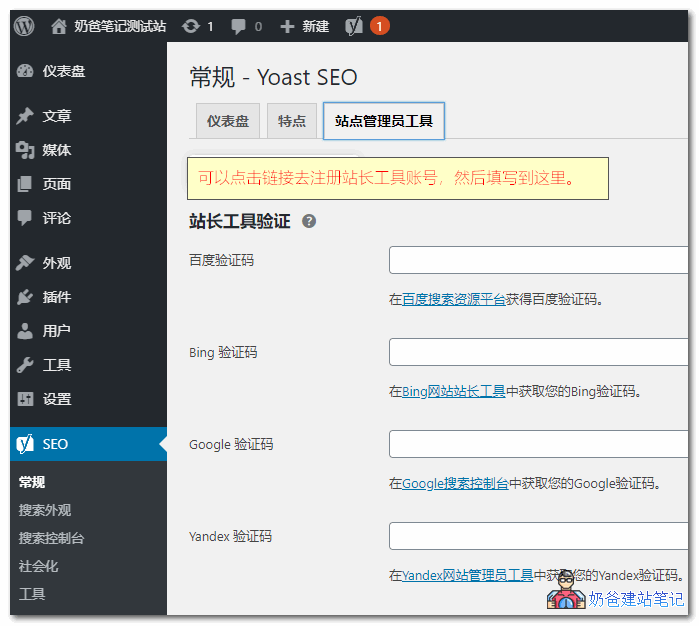
Site admin tools (like Google Search Console) are recommended for everyone to register and fill in. (Essentially, during site admin registration, there's a website meta tag verification. You paste the verification code here, then click verify to pass.)
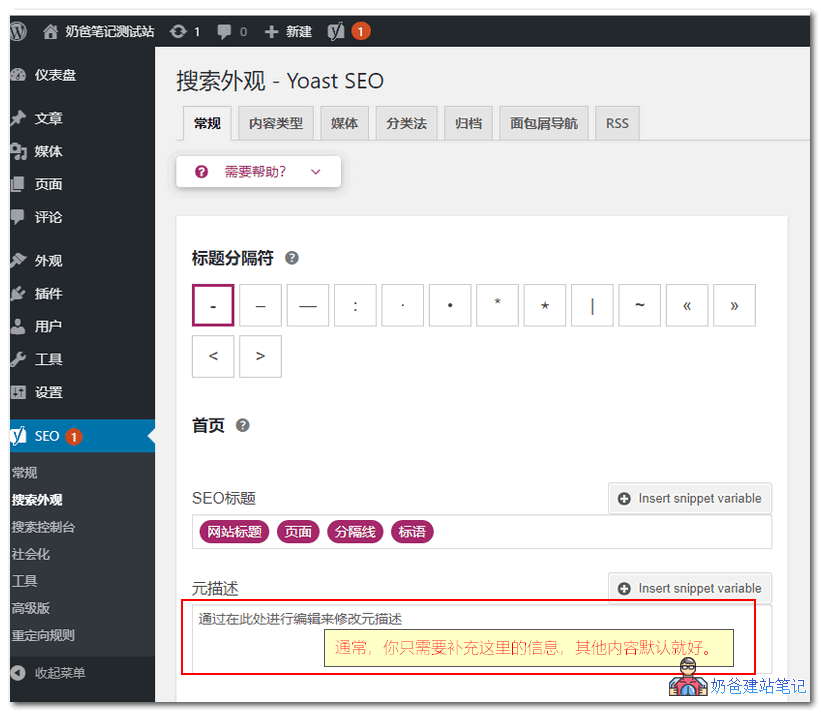
In Search Appearance, usually you only need to fill in the homepage meta description. This is like a brief introduction to your website. For example, Naibabiji's is: NaibaWebsite Building Notesrecordsthe steps to build your own website,WordPress Installation Tutorial for Individuals and Businesses; sharing Theme templates, Plugin code resources for download, VPS hosting deals, usage tutorials, and web optimization techniques.
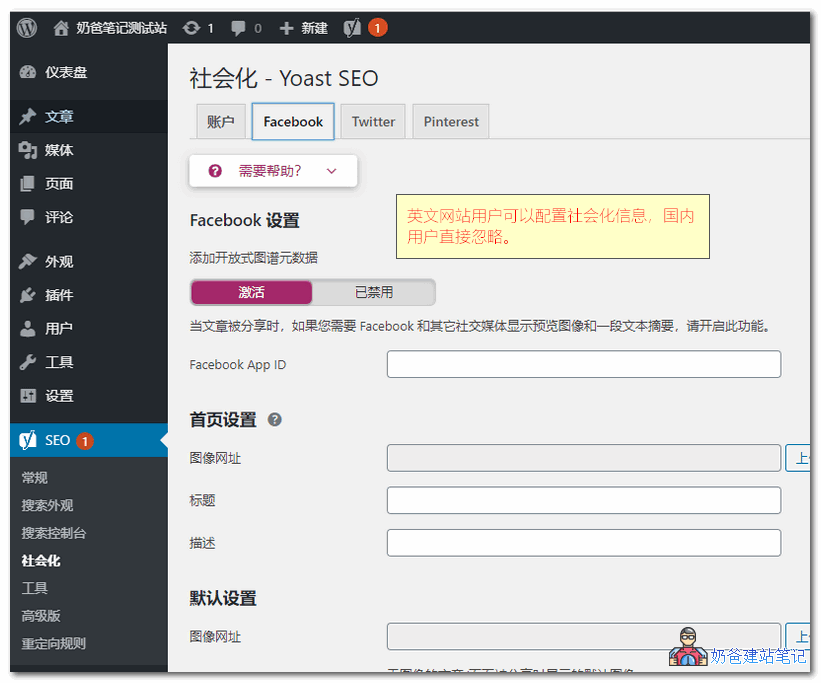
Social sharing here is only useful for foreign websites; domestic users can simply ignore it.
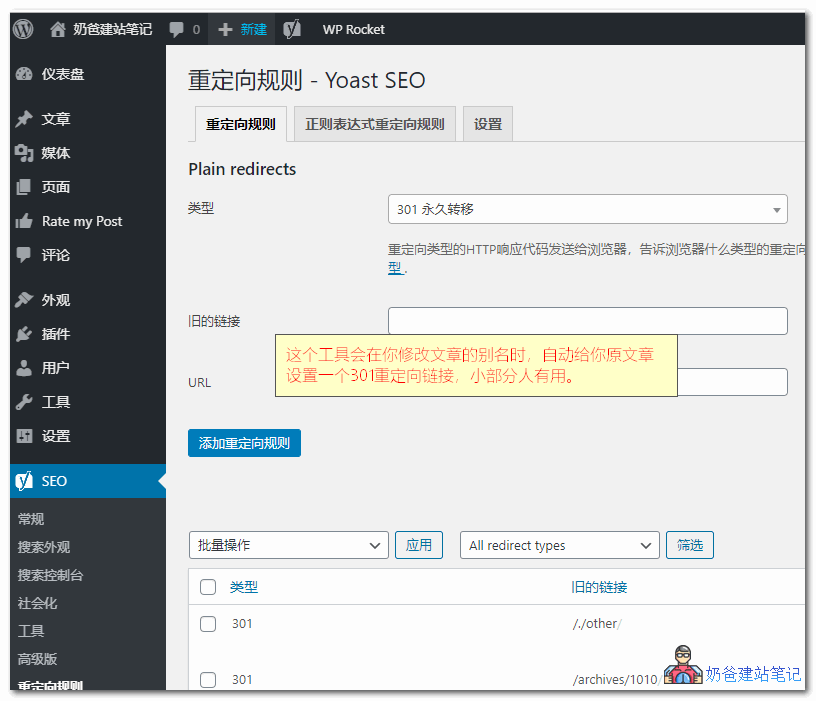
Redirect Rule Management
This is a feature only available in the premium version, similar to the one previously recommended by NaibaNo more worries about dead links WordPress 404 SEO plugin recommendation: 404 SolutionThe plugin works the same, except Yoast SEO automatically adds new 301 rules when you modify the post slug.
However, if youPermalinkare not using a Permalink structure containing %postname%, then this feature is basically unnecessary. So the free version of Yoast SEO is also sufficient.
Application When Writing Posts
The main point of installing an SEO plugin is to easily set TKD (title, keywords, description) for individual articles when writing. However, generally only important articles that aim for rankings are deliberately written with TKD.
Most articles use defaults; the plugin automatically outputs the title based on your preset title format, while keywords and description are left empty.
For SEO beginners, the keywords and description you write may not be accurate, so it's better to let search engines decide the keywords and description for your article.
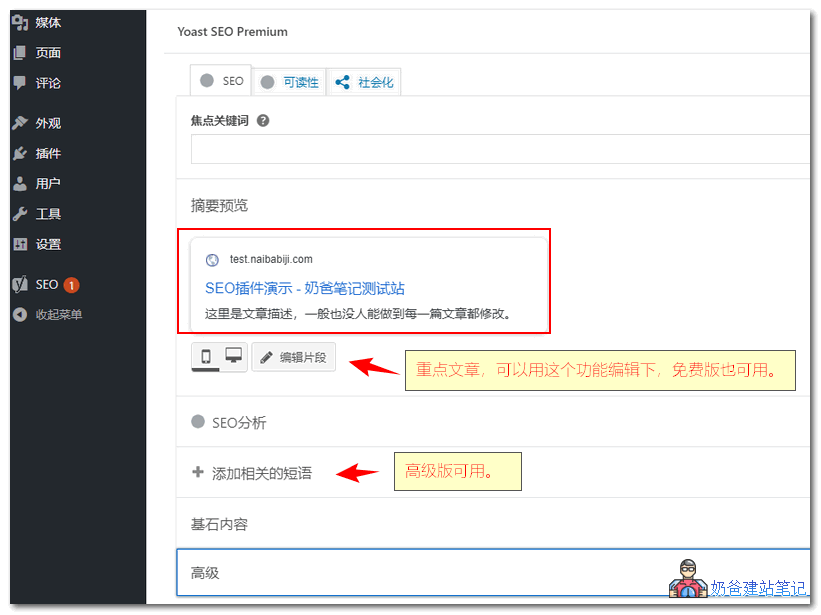
The related keyphrase feature is only available in the premium version. Naiba tested it; for Chinese websites, SEO Analysis, Related Keyphrases, and Cornerstone Content are basically useless. I haven't written for English websites, so I'm not sure if it's useful there.
Don't Rely Too Much on SEO Plugins
Website SEO is not something an SEO plugin can handle alone. The key is to write quality articles and have basic SEO knowledge.
The features provided by these SEO plugins can actually be implemented through the theme template code. The purpose of installing an SEO plugin is to:
- Easier and more convenient to use than modifying Theme code;
- No need to worry about SEO information loss or changes due to different Theme code when switching Themes.
SEO is a bit of a mystery. If you believe in it, it exists; if not, it's also fine, as long as the basic points are met:
- The website content meets user needs;
- The website title contains word combinations users would search for;
- The website structure is reasonable.
Leave the rest to the search engines to decide.