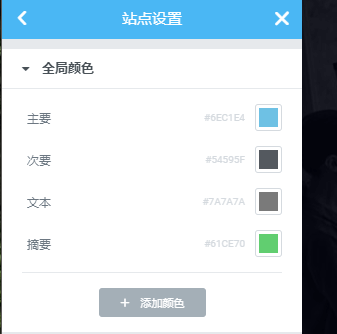
If you recently updated the Elementor Plugin on WordPress, you might find that the colors of titles and text on your website have changed. Instead of the previous black or custom colors, they have turned into a light blue #6ec1e4, as shown in the image below.

The reason for this is that the latest version of Elementor forcibly enables default colors; the old version didn't have this issue. The solution is simple. Specific steps are as follows:
1. Open any Page and edit it with Elementor.
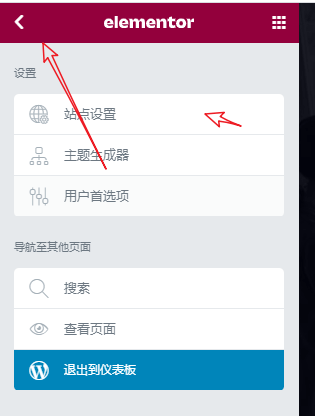
2. Click the three horizontal lines in the upper left corner, then select Site Settings.
3. Modify the colors in Global Colors to those required by your website, then update the page.