
users who build websites with WordPressFriends who have built websites should have noticed the need for the site to receive emails, such as password recovery, user comments, website inquiries, etc., all hoping that emails can be sent normally to the administrator's mailbox. However, the reality is that many people, after setting up their websites, cannot receive emails sent from the site. The main reason is that the server you purchased does not support email sending functionality. To solve this problem, we need to use an SMTP plugin to send emails.
Why Do You Need an SMTP Plugin?
1. The server does not support sending emails directly from the website
Normally, except for purchasingSiteGround和Hostingerthis specialized WordPress server to build a website, where the server can properly receive WordPress's email sending requests and send emails to your administrator's mailbox, other non-WordPress hosting orVPSused to build WordPress websites cannot send emails directly. This is because most servers disable outgoing emails to avoid spam issues. To enable the website to send emails, we need to rely on an external email system, which requires the use of SMTP.
2. Emails sent directly from the server are prone to ending up in the spam folder
Emails sent directly from the server are very likely to end up in the recipient's spam folder because the email addresses used by the server are self-created, lacking authority and security, and are not trusted by some email providers, which may label them as spam by default.
3. The server has limitations on email sending frequency
If your website has needs such as member registration, order notifications, form reminders, promotional offers, etc., the daily volume of emails sent may be relatively large. If the server sends emails too frequently, it may be blacklisted or simply unable to send emails.
To solve these problems, we need to use SMTP email services because SMTP emails can use real email addresses, such as Gmail or corporate email, or professional email sending platforms to send emails, resulting in higher efficiency and email delivery rates.
Best WordPress SMTP Plugins Recommended
Below,NaibabijiI recommend several WordPress SMTP email plugins that I have used and found to be quite good.
Post SMTP
Plugin Address:https://cn.wordpress.org/plugins/post-smtp/
Post SMTP is the most frequently used SMTP plugin by Naibabiji. It works with the Gmail API to implement SMTP email sending, with a high success rate. Additionally, this plugin includes email sending logs, making it easy to troubleshoot issues.
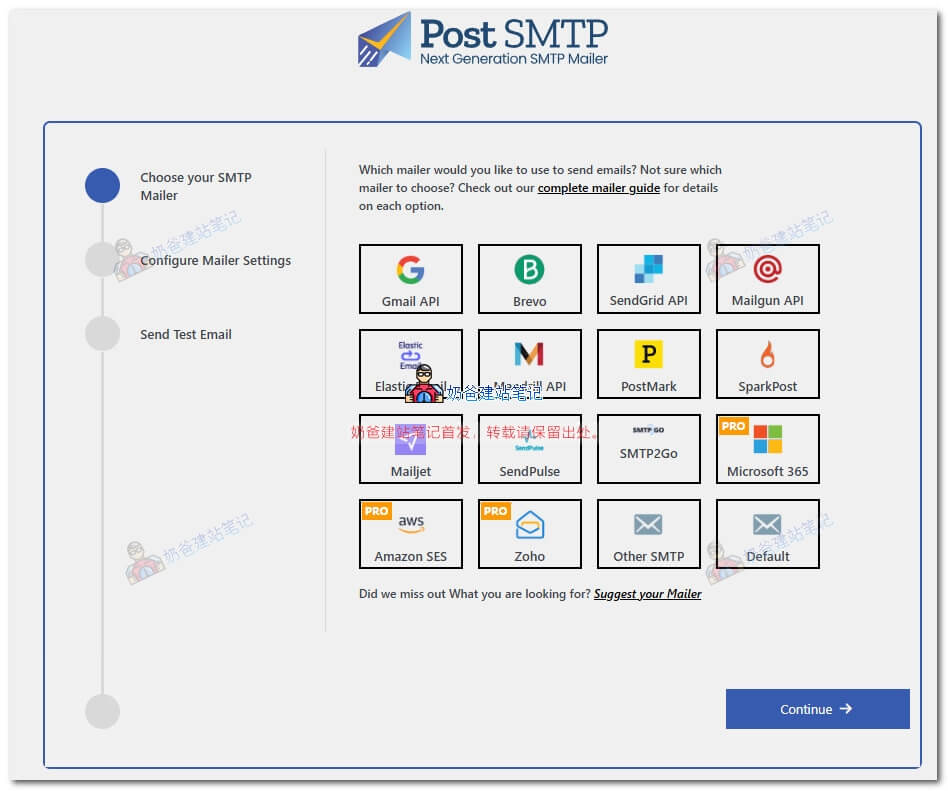
For detailed usage, Naibabiji has written a separate tutorial:WordPress Website Not Receiving Inquiry Emails? Post SMTP Plugin Setup Tutorial – Naibabiji
WP Mail SMTP
Plugin Address:https://cn.wordpress.org/plugins/wp-mail-smtp/
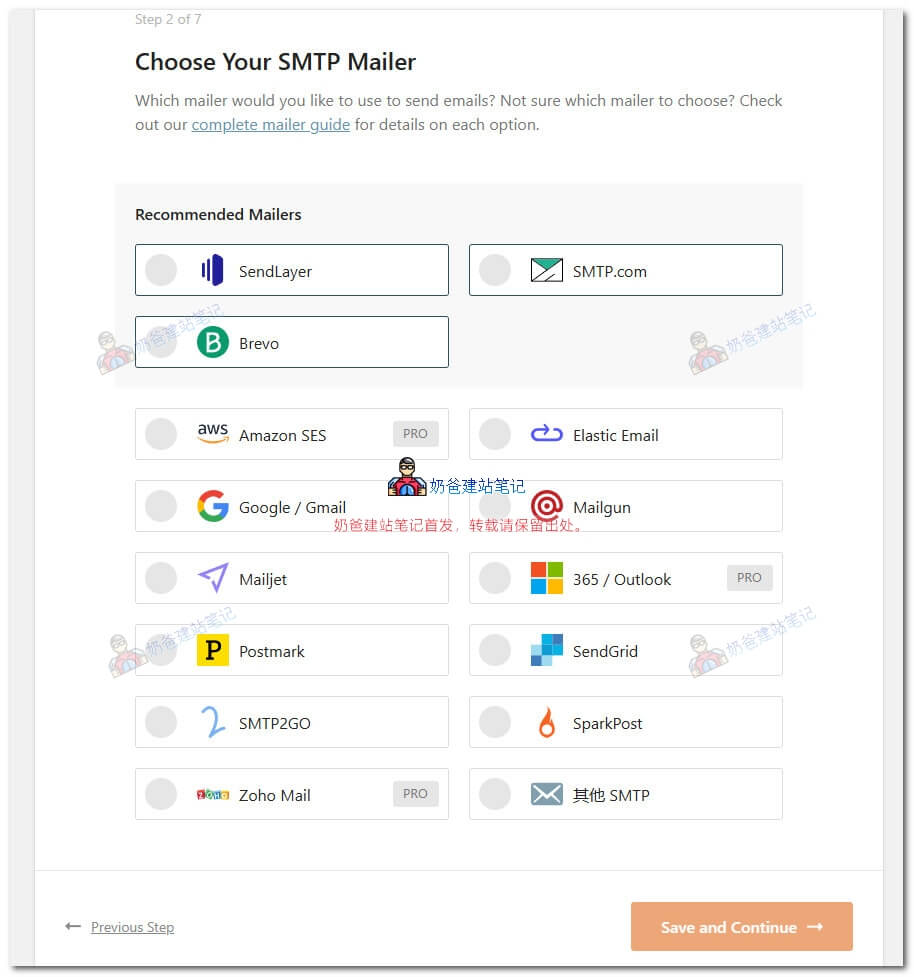
WP Mail SMTP is another popular SMTP sending plugin under WPForms, a leading inquiry form plugin for WordPress. Unfortunately, the email log feature of this plugin is not free; it requires payment to view.
Easy WP SMTP
Plugin Address:https://cn.wordpress.org/plugins/easy-wp-smtp/
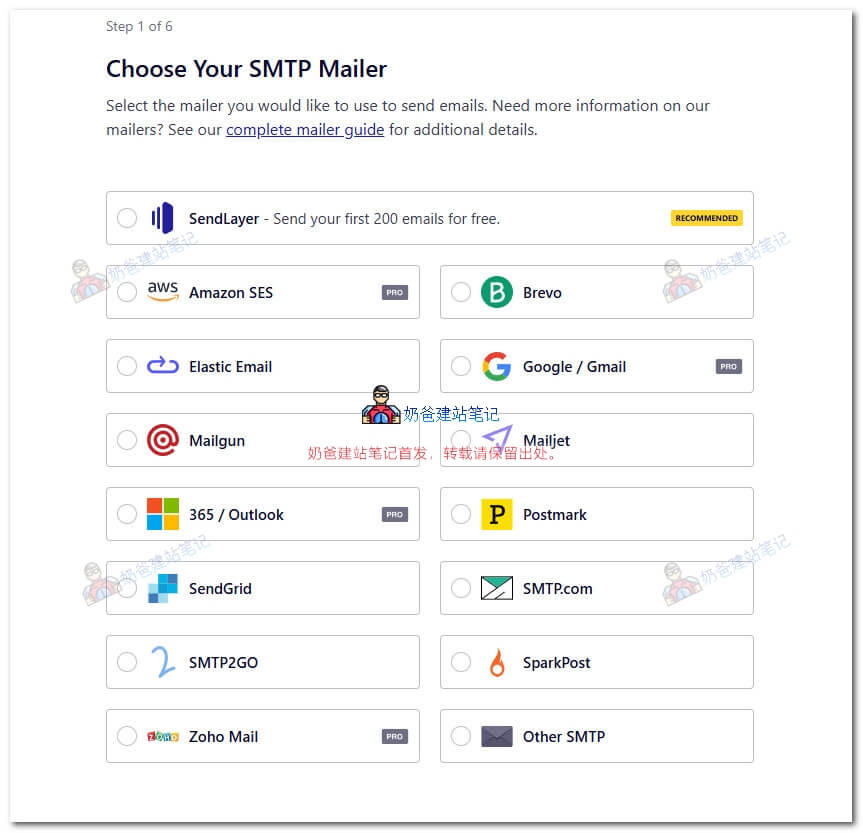
If you want to use Gmail as your website's sending email, this Easy WP SMTP is not suitable for you, as you need to purchase the Pro version to connect Gmail for sending.
Similarly, this plugin also charges for viewing logs, which is not convenient for troubleshooting.
FluentSMTP
Plugin Address:https://cn.wordpress.org/plugins/fluent-smtp/
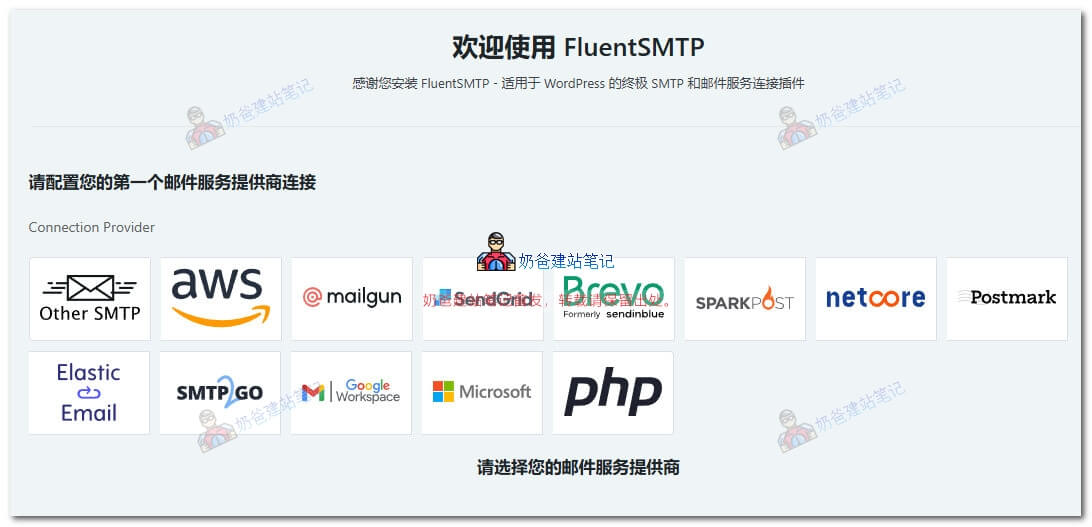
The FluentSMTP team also has another inquiry form plugin: Fluent Forms. Both are rising stars, so this plugin's log feature is free, competing well with Post SMTP in functionality.
Zoho Mail for WordPress
Plugin Address:https://cn.wordpress.org/plugins/zoho-mail/
Strictly speaking, this plugin cannot be considered a conventional SMTP sending plugin because it is specifically designed for Zoho Mail sending; email addresses from other platforms cannot be used.
Zoho is a paid enterprise email service. Naiba purchased the cheapest plan to send emails for some clients. The advantage is that paid email is more stable, and the sending address is an enterprise email, which adds more trustworthiness.
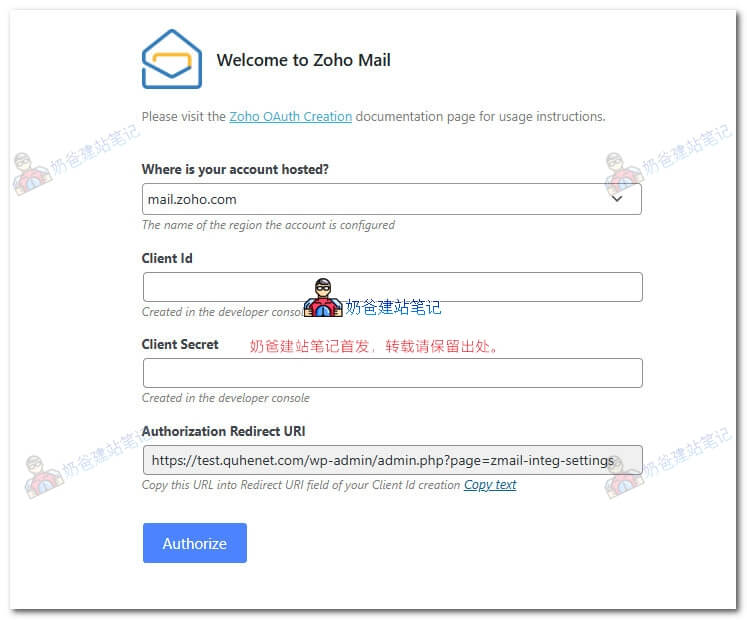
Related Tutorial: WordPress Configuration for Zoho Mail Email Sending Tutorial
Related Articles
Enable Comment Email Reply Notification Function on Website
Tencent Enterprise Email Registration and SMTP Sending Setup Tutorial
Recommended Foreign SMTP Email Service Provider Platforms
NetEase Enterprise Email Purchase and Usage Tutorial / SMTP / POP / Client Configuration, etc.