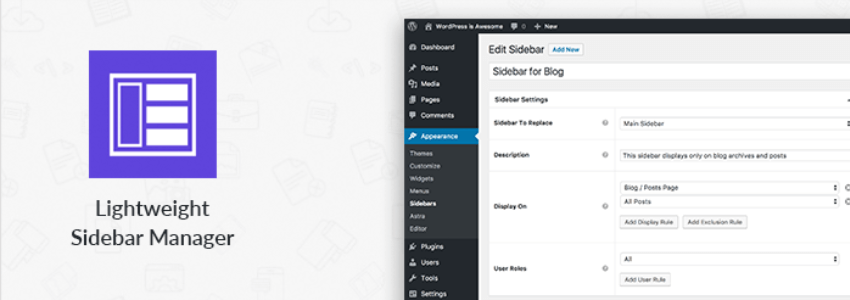
building your own websiteWithout coding, but wanting to display differentwidgetson different pages, is there a way to achieve it? The answer is yes. The plugin introduced in this article, Lightweight Sidebar Manager, is a plugin that allows you to customize sidebar widgets by creating sidebars with conditional judgments to add widgets.
Description
Usually, you will see a single sidebar across the entire website. However, sometimes it is necessary to display relevant sidebars on certain pages. For example: on WooCommerce pages, a sidebar containing related products or best-selling products is more relevant than recent comments, right?
This plugin helps you solve that problem because it allows you to create new sidebars and conditionally display them easily in certain locations on the site. Once you create a sidebar and display it on your preferred pages, you can add relevant widgets to it.
Some features:
- Create Unlimited Sidebars
- Place them anywhere defined by your theme (footer widgets/left or right sidebar)
- Works with any theme
- Conditionally display sidebars on specific posts, pages, taxonomies, or custom post types
- Display sidebars based on user roles
Usage Method:
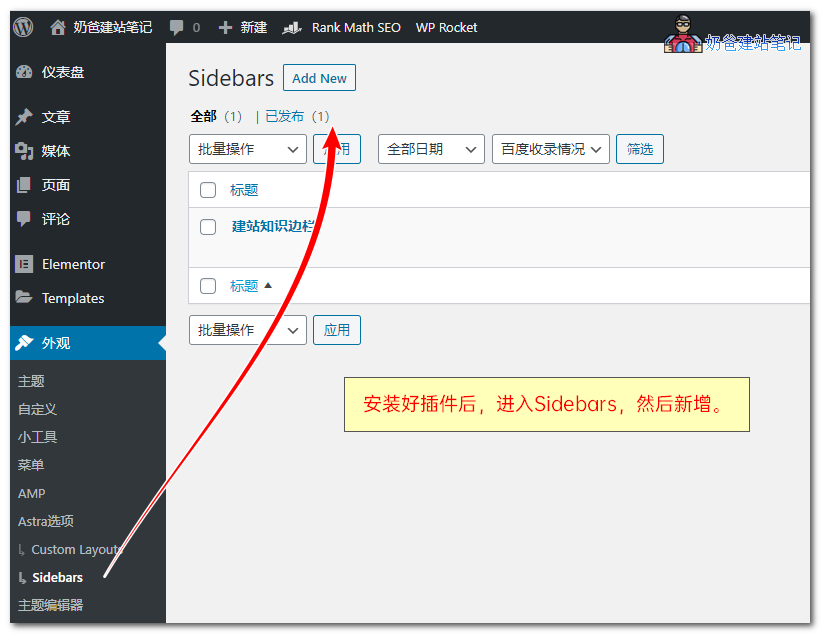
1. After installing the plugin, click into the Sidebars menu, then add a new Sidebar.
Then you can edit this sidebar, setting some judgment conditions, such as where to display it and which users can see it.
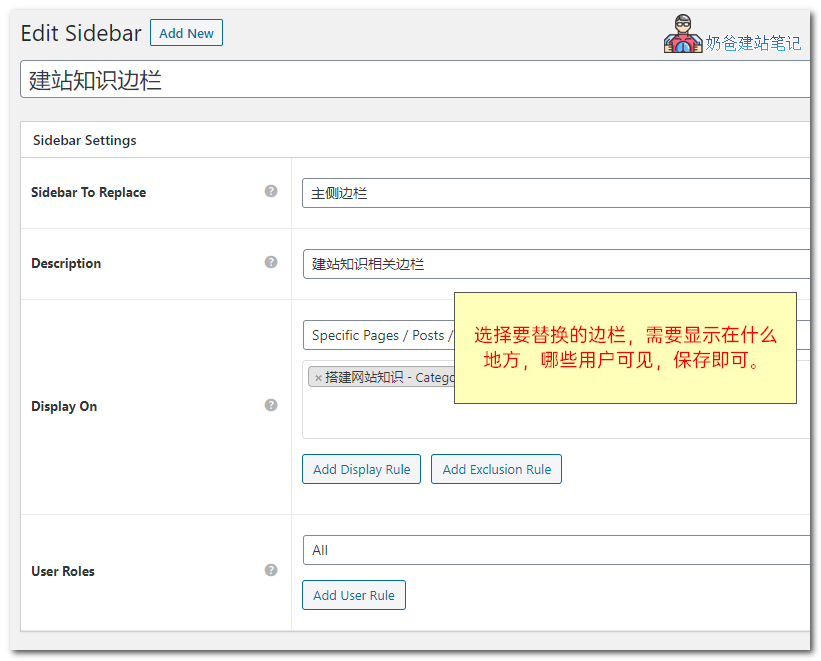 After adding, go to Appearance - Widgets, and you will see the sidebar you just added.
Add the widgets you want to display to this sidebar, and they will be displayed according to the conditions you set. Very simple, give it a try.
If you feel that Lightweight Sidebar Manager's features do not fully meet your needs, you can also check out similar plugins:Content Aware Sidebars