
When using WooCommerceto build an e-commerce websiteWhen using WooCommerce for an e-commerce website, if customers want to negotiate prices or ask about discounts, besides contacting you through the website's contact methods, is there a more convenient operation?
The answer is, of course, yes. This article recommends severalWordPress inquiry pluginsrecommended in this article can provide the function of quicklysending quotation emails.
Product Enquiry for WooCommerce
The Product Enquiry for WooCommerce plugin can add an inquiry button to each WooCommerce product page. Using this button, potential customers can send you product inquiries or quote requests. You gain more opportunities to convert potential customers into actual customers.
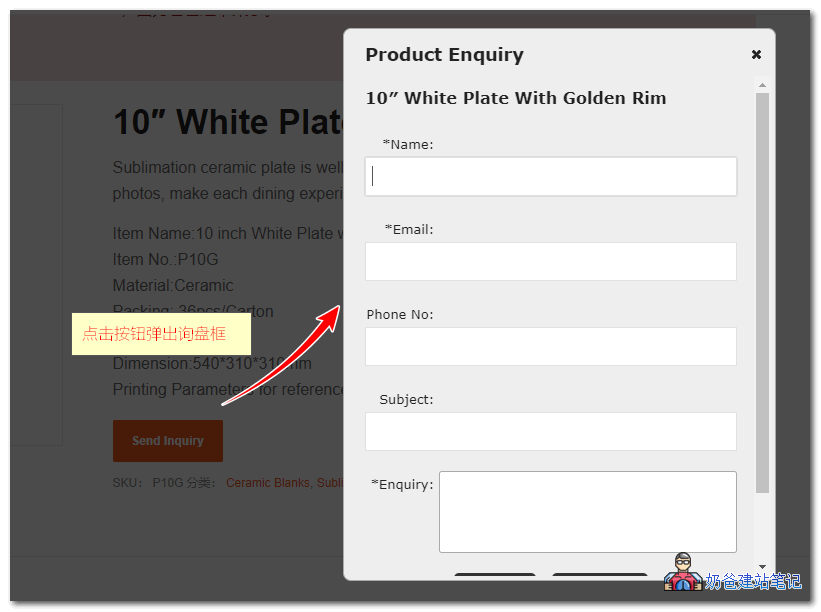
Features
- Add an inquiry or request a quote button: Allows customers or visitors to inquire about products by asking questions directly from the product listing page. By setting the button label text to „Inquire Now,“ „Request a Quote,“ or „Quote on Order,“ your customers can consult and negotiate for the product listings they are interested in.
- Multilingual Translation Support: The latest version is ready for translation. All you need to do is create .mo and .po files for your language.
- Configuration Settings: Plugin users/admins can configure where the inquiry or request quote button appears on the product page and many other details.
- Send to Website OwnerEmail: After clicking the button to submit the form information, an email will be automatically sent to the set admin email according to the configured format and content, containing details such as site name, product name, product URL, customer name, and inquiry message. Additionally, if the plugin admin has configured this feature, the customer can receive a copy of this email.
- Quick Support: The plugin support sidebar in the settings page provides you with several options to request support queries, make custom development inquiries, learn about other services we offer, etc., all directly from the plugin settings page.
This plugin comes with a Pro version that offers more personalized settings. For details, refer to the download page description.
NP Quote Request WooCommerce
NP Quote Request WooCommerce differs from the WP inquiry plugin recommended above in that the inquiry button is only visible on the checkout page.
By default, NP Quote Request WooCommerce allows you to set inquiry for specific products individually or for all products.
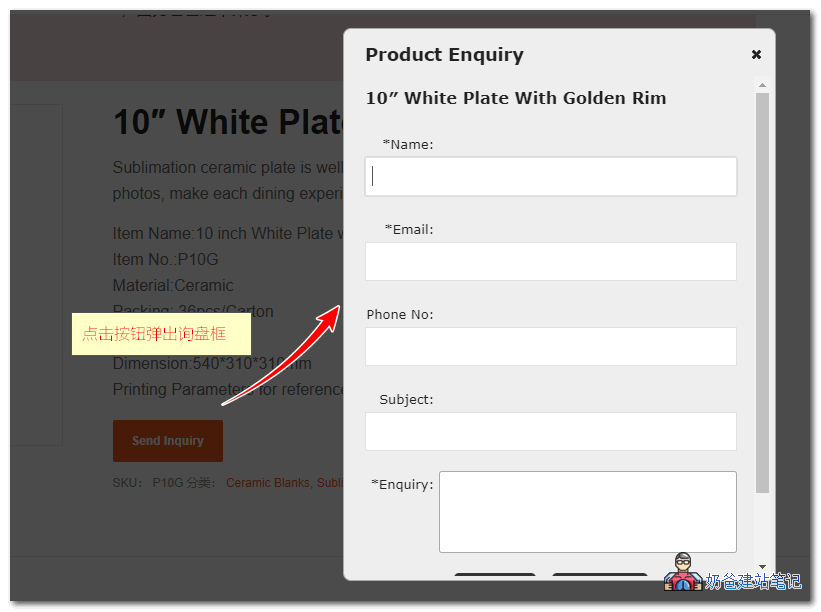 This plugin also supports a Pro version with more features. For details, see the download interface.
Quotes for WooCommerce
Quotes for WooCommerce can directly replace the shopping button with an inquiry button. When a user clicks "Add to Cart," the process proceeds like a normal shopping flow, but at the final payment interface, only the "Send Request Quote" button is available, without actually entering the checkout interface.
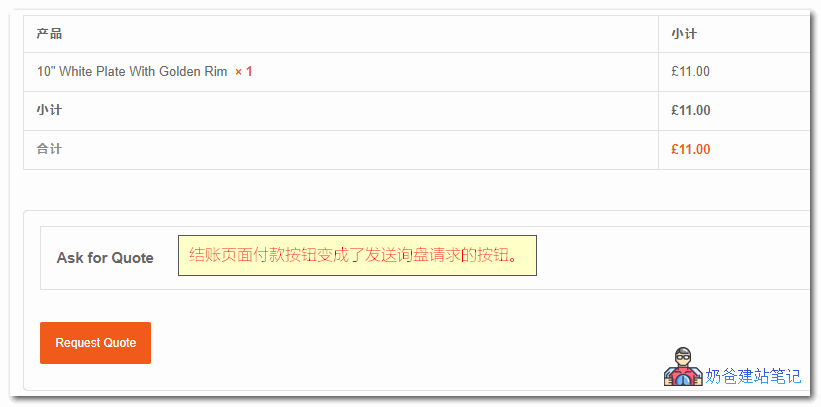
This plugin is a free WP inquiry plugin with no Pro version, and it also lacks inquiry logs. Therefore, ensure yourwebsite's email systemis working properly; otherwise, there is a risk of losing inquiries.
YITH Woocommerce Request A Quote
YITH WooCommerce Request A Quote likely has a larger user base, as many e-commerce themes default to using YITH series plugins.
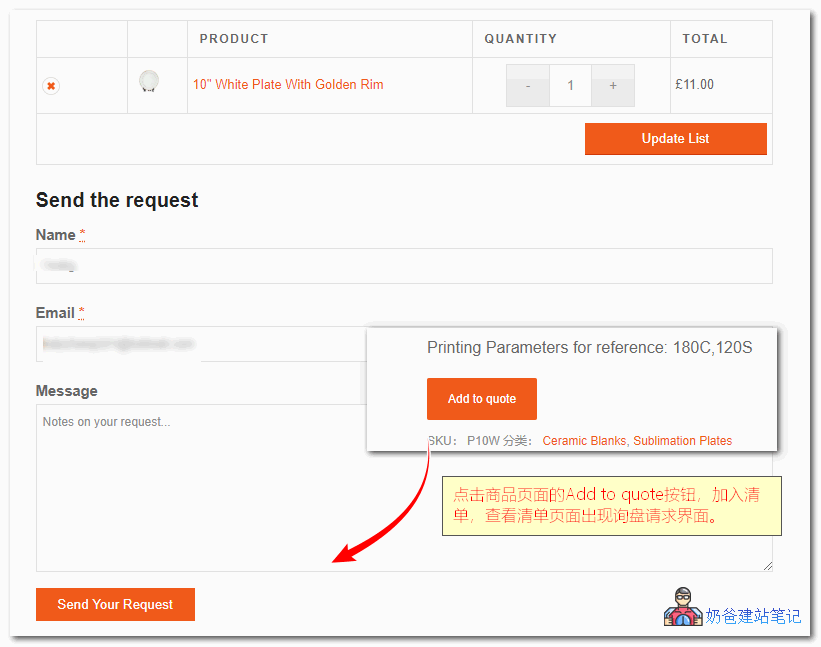
YITH WooCommerce Request A Quote works similarly by adding desired products to a list, and after clicking the list page, you can send a request, which is emailed to the administrator.
The pro version can record requests as normal WooCommerce orders, reducing the chance of missing orders.
Request a quote
Request a quote is different from the quote plugins recommended above; it does not display a button on the product page. Instead, it directly provides a quote request page, similar to a visitor registration form. Customers submit their information on the page, choosing to be contacted via email or phone, and you can see all request information in the backend.
WooCommerce Quote or Enquiry Contact Form 7
This one was recently discovered; the advantage is that it can directly display an inquiry button on the product page, and clicking it pops up an inquiry box on the current page.
Related Plugins and Articles
Summary
The above are the 6 WordPress inquiry button plugins recommended by NaibaWebsite Building NotesAmong the 6 recommended WordPress inquiry button plugins, you can choose one based on your actual needs.
However, after installing the plugin, be sure to test whether it works properly to avoid emails not being sent. The safest method is to purchase a plugin that retains inquiry records in the backend, or use an email plugin with sending records, so you don't have to worry about losing inquiries due to email system failures.