
Previously, Naiba sharedtwo free plugins for adding a table of contents, today I recommend a paid table of contents plugin, Fixed TOC. Its advantage is that the table of contents can scroll with the page and become a floating button, supported on both desktop and mobile, making it easier to switch between sections and view article content.
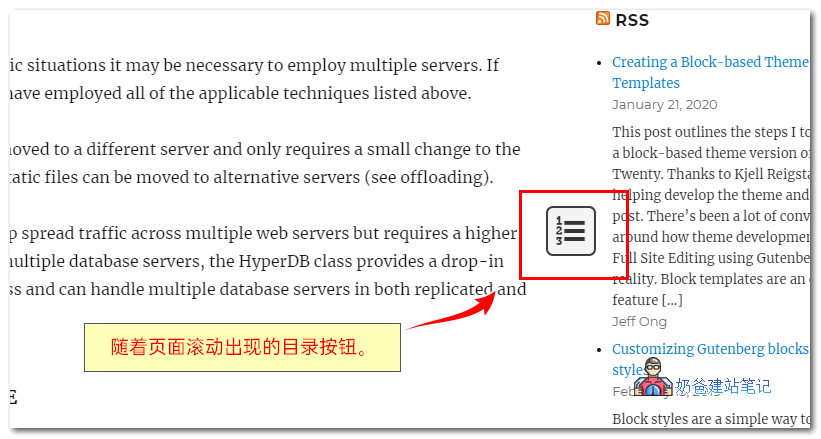
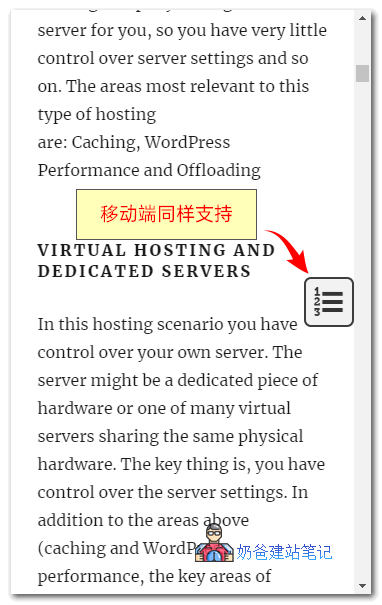
Fixed TOC has the same functionality as the previously introduced table of contents plugins, but it has a special feature: as the page scrolls, a table of contents button appears next to the article, allowing users to jump to the corresponding document location while reading, enhancing the user experience.
The demo effect is as follows:
Desktop scroll-triggered table of contents button demo????
Mobile scroll-triggered table of contents button demo????
Additionally, Fixed TOC comes with rich configuration options, allowing you to control its position, colors, fonts, excluded headings, and more.
Key Features:
- Automatically generates a table of contents from post content.
- Supports Posts, Pages, and any other public post types.
- Responsive layout. Adapts to any device size.
- Displays above the post content.
- Fixed to the page.
- Supports adding to Widgets.
- Smooth scrolling.
- Dynamically indicates the currently viewed heading.
- Enable collapse/expand for sub-lists.
- Freely customize position, size, font, color, etc.
- Supports shortcode functionality to display the TOC anywhere within a post.
- Supports posts with „Next Page“ quick tags.
- Supports Customizer live preview.
- Determine which headings to display in the table of contents.
- Displays a brief tooltip when scrolling to a heading target.
- Freely create your preferred style.
- Set individual options for each page.
- Offers many animation effects for you to choose from.
- Supports popular page builder plugins such as Visual Composer, Elementor, Thrive Architect, Divi, etc.
As mentioned at the beginning of the article, this is a paid plugin priced at $20. If you like it, you can purchase one.
If you want to try it out simply, you can download it from the Naibabiji Web Development Exchange Group.
Group 774633089 Shared > WordPress Plugins > fixed-toc.zip