
Most webmasters who are new to WordPress website building do not know how to do SEO optimization. Today, Naiba recommends a very powerful WordPress SEO optimization plugin: All-in-One Search Auto Push Management Plugin.
The earliest version of the All-in-One Search Auto Push Management Plugin was called Baidu Search Push Management WP Plugin. Now with version updates, it supports push to Baidu, Google, Bing, 360, Shenma, and Toutiao search engines.
What is search engine push?
Every website we have is stored in a corner of the internet. Under normal circumstances, if you don't tell search engines that you have a new website, they may take a very long time to discover it, as in the case of this friend's website below.
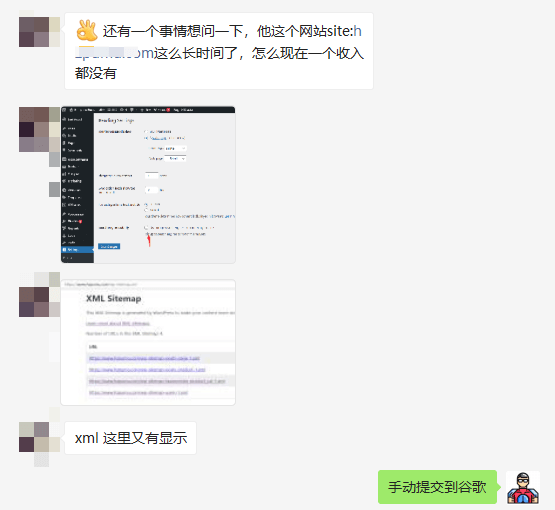
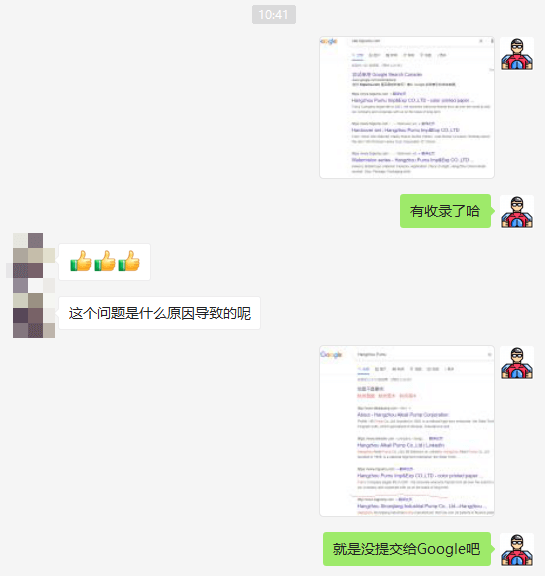
Then Naiba helped submit it to Google. Today, when tested, it has been properly indexed, and the website title can also be found by searching on Google.
The role of the All-in-One Search Auto Push Management Plugin
The function of the All-in-One Search Auto Push Management Plugin is simple: when you update an article on your website, it automatically notifies multiple search engines, telling them: „Hey, we have a new article today, come and check it out.“
Then, as long as your article meets the search engine's inclusion criteria, it will be indexed. This saves you from having to notify each search engine individually every time.
Plugin usage tutorial
1. First, download and install the plugin via the link below.
2. After enabling, enter the plugin settings, as shown in the figure below:
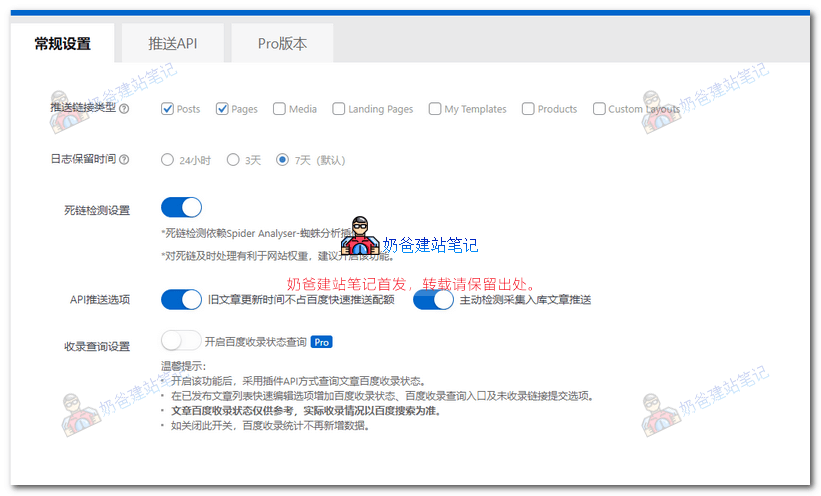
For the type of links to push, usually select Posts and Pages. For foreign trade websites, you can also select Products. Check the boxes according to your actual situation.
If you have also installedSpider Analyser - Spider Analysis Plugin, you can also enable the dead link detection feature.
Turn on the API push option.
The inclusion query can automatically check the inclusion status of your articles on Baidu. It is an advanced feature that Chinese website owners may consider enabling.
3. Switch to the Push API page and follow the tutorial to set up the API information for each search engine.
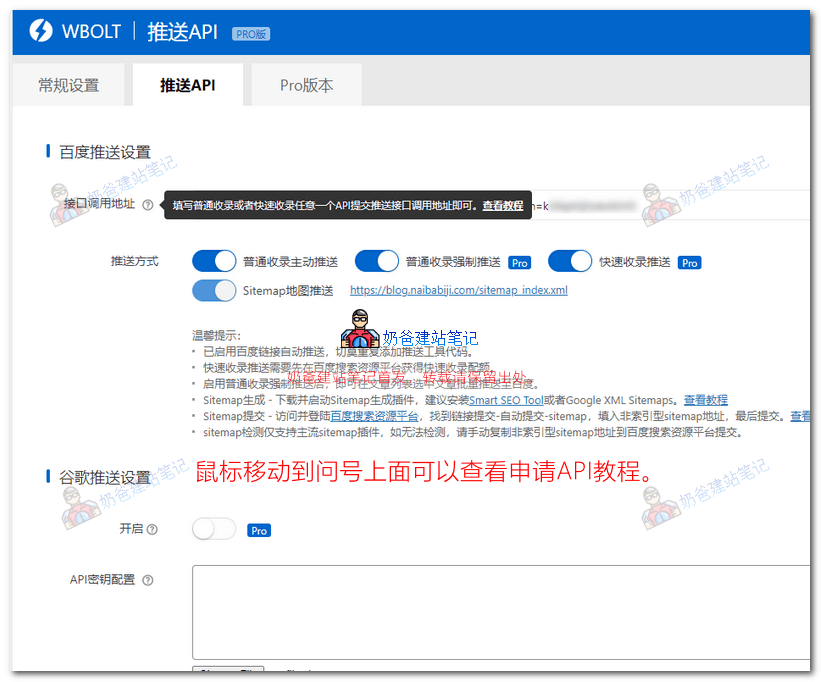
The previous version of Naiba did not support Google. The new version now supports Google, so Naibabiji also applied for a Google API push.
After setup, when we publish an article, the plugin will automatically notify the search engines you have configured, and you can view the push log.
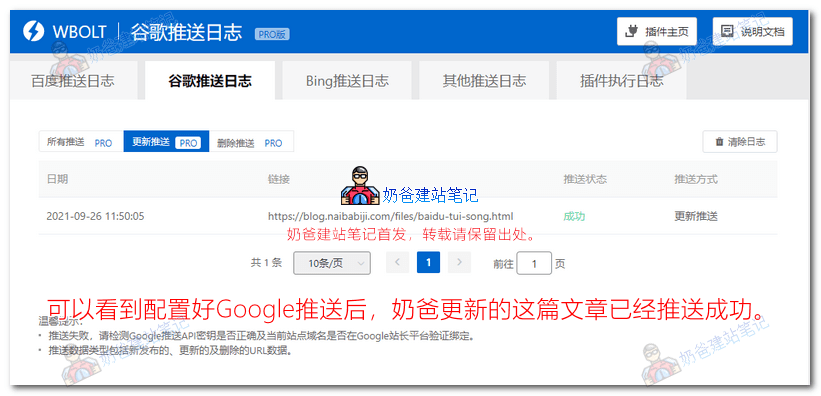
Then just wait for the Google search spider to come and crawl it.
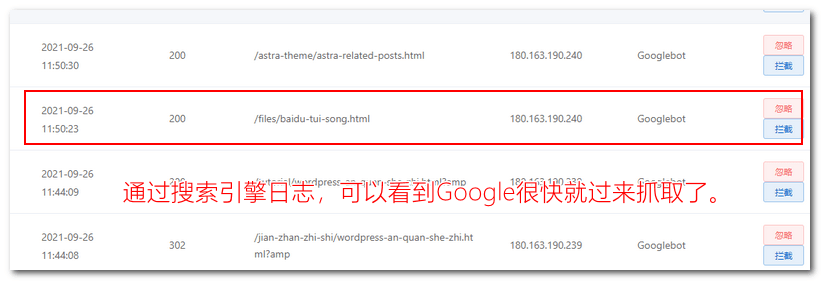
If you have installed a search engine log plugin, you can clearly see that Google comes to crawl the content shortly after the article notification.
The website has been successfully built and is now shakily setting sail! Thank you, Naiba~