
Astra Pro is a premium paid WordPress Theme. After entering the activation code, it will automatically check for new version updates in the WP Admin. When a new version is found, you can simply click the upgrade button in the admin to upgrade to the latest version. However, due to unstable network connections on domestic servers, we can only manually update via installation packages. The specific method is as follows:
Step 1:InstallEasy Theme and Plugin UpgradesPlugin.
Step 2:在HereDownload the zip file for the Astra free Theme.
Step 3:In the WP Admin Dashboard - Appearance - Themes - Add New Theme, upload and install the downloaded zip file.
Step 4:If you are an Astra Pro user, you may also need to update the corresponding Plugin.
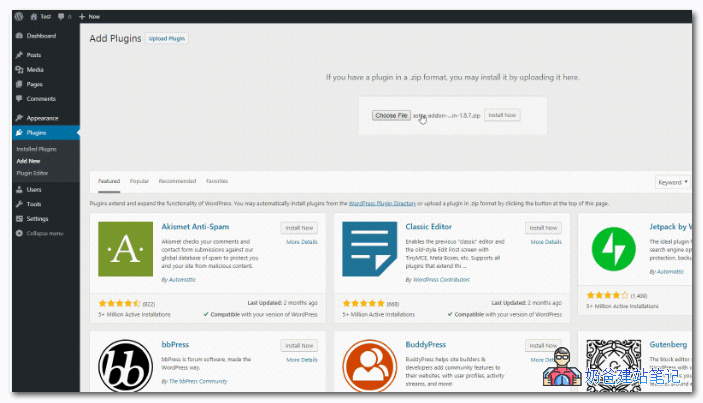
Step 5:Download the latest Plugin installation package from Astra's purchase website. In the WP Admin Dashboard, go to Plugins, Install New Plugin, and upload it.
Note: This method is also applicable for manual updates of other Themes.