
The biggest fear when building your own website is not knowing the technology and then not knowing how to debug a slow website loading speed.The article 'The Simplest Method to Improve WordPress Website Speed and Performance'mentions using image lazy loading to enhance website loading speed. Therefore, this article introduces a solution that doesn't require technical knowledge.
Using a3 Lazy Load to set up image lazy loading
a3 Lazy Load is a mobile-friendly, very easy-to-use plugin that can speed up the loading of website pages.
The more images your website has, the more obvious the optimization speed of a3 lazy load becomes. Only images within your browser window will load; images outside the window will load only when your browser window is about to access them.
This can improve the page loading speed and also save bandwidth.
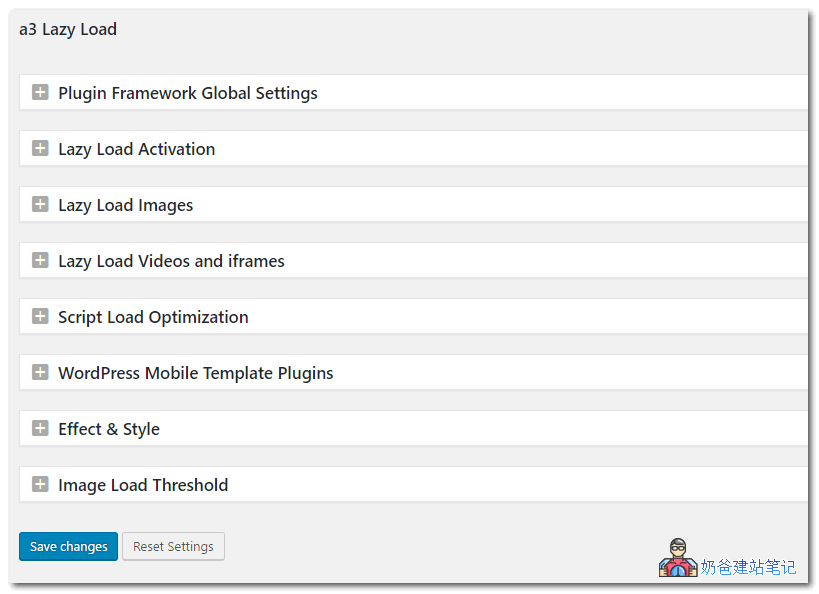
a3 Lazy Load image lazy loading is a free WordPress Plugin. After installation and activation, you can see the settings interface.
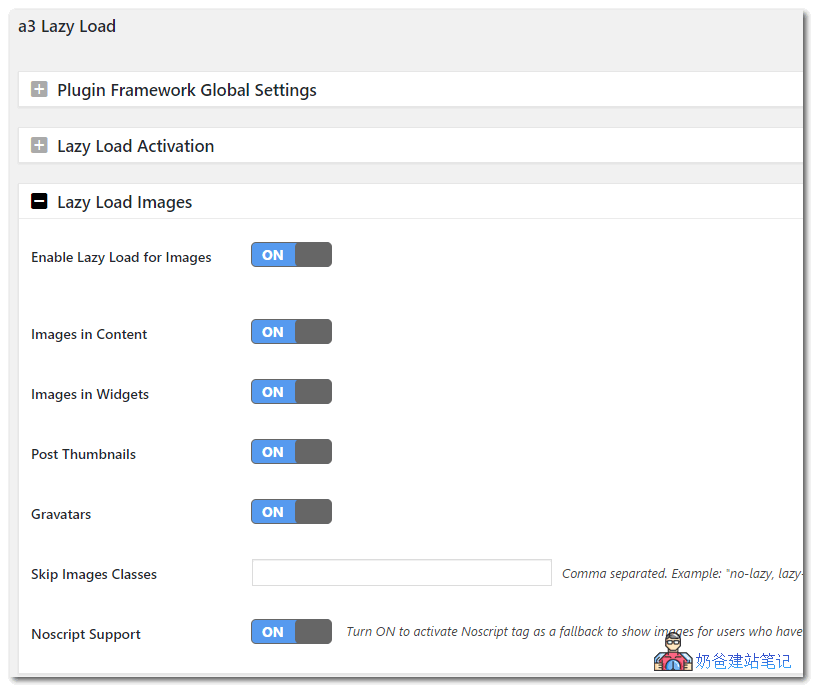
We can control which images need lazy loading, which is more user-friendly than lazy loading all images.
In addition to images, if your website has many videos, it can also lazy load videos and iframes, which is quite helpful for improving website speed.