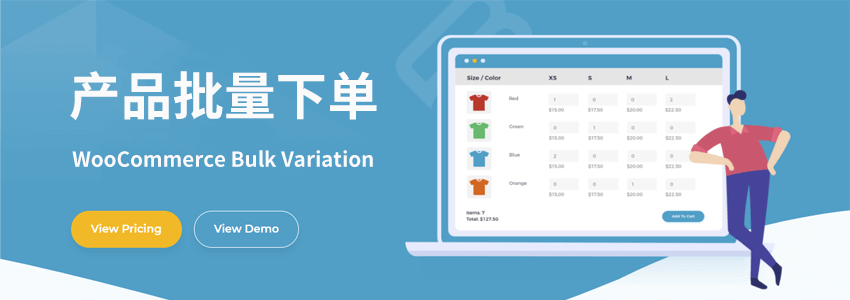
How to implement bulk product ordering on an e-commerce website built with WooCommerce? I believe many people in foreign trade encounter this problem. When conducting wholesale business, although WooCommerce supportsvariable products, but ordering is too troublesome for customers. Many customers hope to have a page for bulk ordering.
For example, if you are in clothing wholesale, customers may ask why they cannot select multiple styles and sizes at once, and instead have to go to different product pages to order, which is too cumbersome.
Therefore, we need to find a method that allows customers to bulk order products with different variables directly on a page. Naiba will introduce two plugins to achieve this functionality.
Both plugins can achieve bulk ordering of variable products. They are both named WooCommerce Bulk Variation.
Plugin One
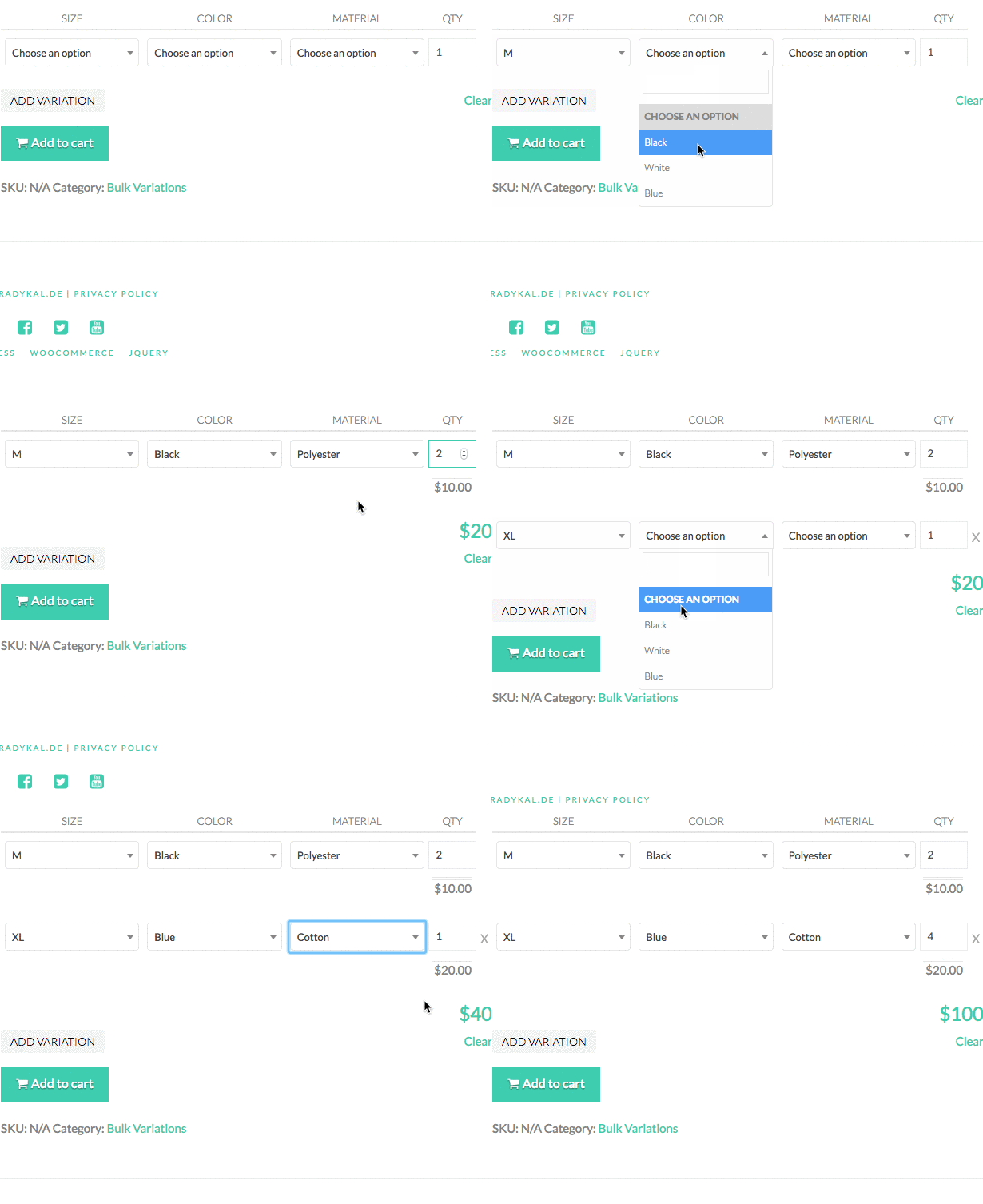
The effect is as shown above. With WooCommerce Bulk Variation, your customers can easily add multiple variations to the cart at once through a user-friendly interface. All selected variations will be added to the cart as a single item.
This plugin costs $15, which is relatively cheap, but the display is not as intuitive.
Plugin Two
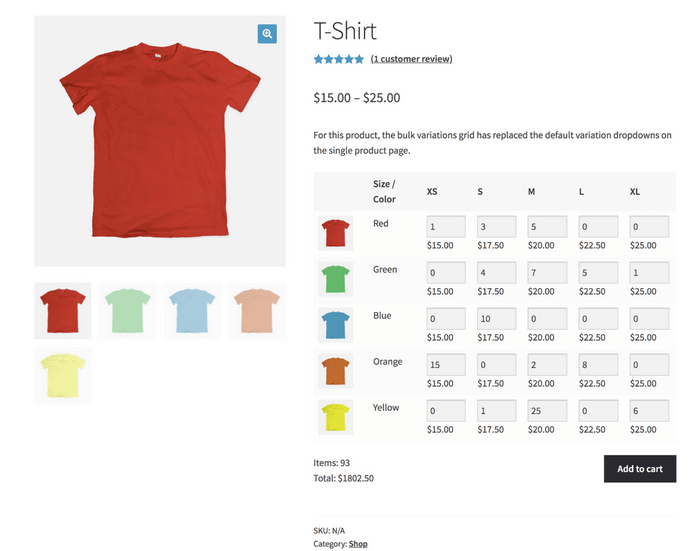
The second WooCommerce Bulk Variation plugin costs $69 and up, but looking at the interface, I believe most people will think it is better.
It can display product images and hide the buy button to only show prices.
Usage Method
Both plugins are based on variable products (Variations), so you need to add variables to your products before using these plugins.
Please refer to the previous article for how to add variables:WooCommerce Tutorial: Adding Variable Products with Optional Color Packages (Variable/Variation Products)