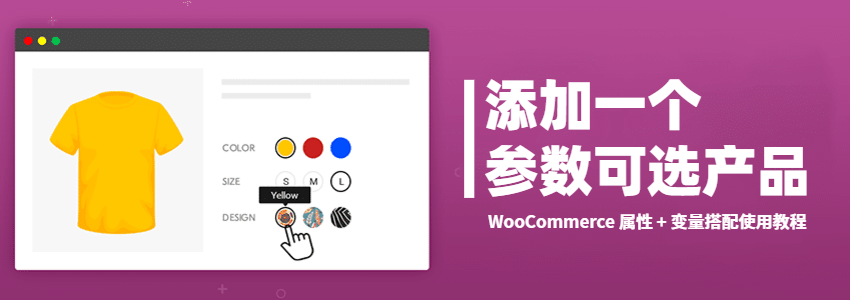
Most website owners who build independent sites with WordPress use the WooCommerce plugin when uploading products. If you want a product page to allow selection of different types, packages, sizes, colors, etc., similar to Taobao, how can this be done? It's very simple; you just need to use WooCommerce's attributes and variations features.
Variable Product Effect Demo:
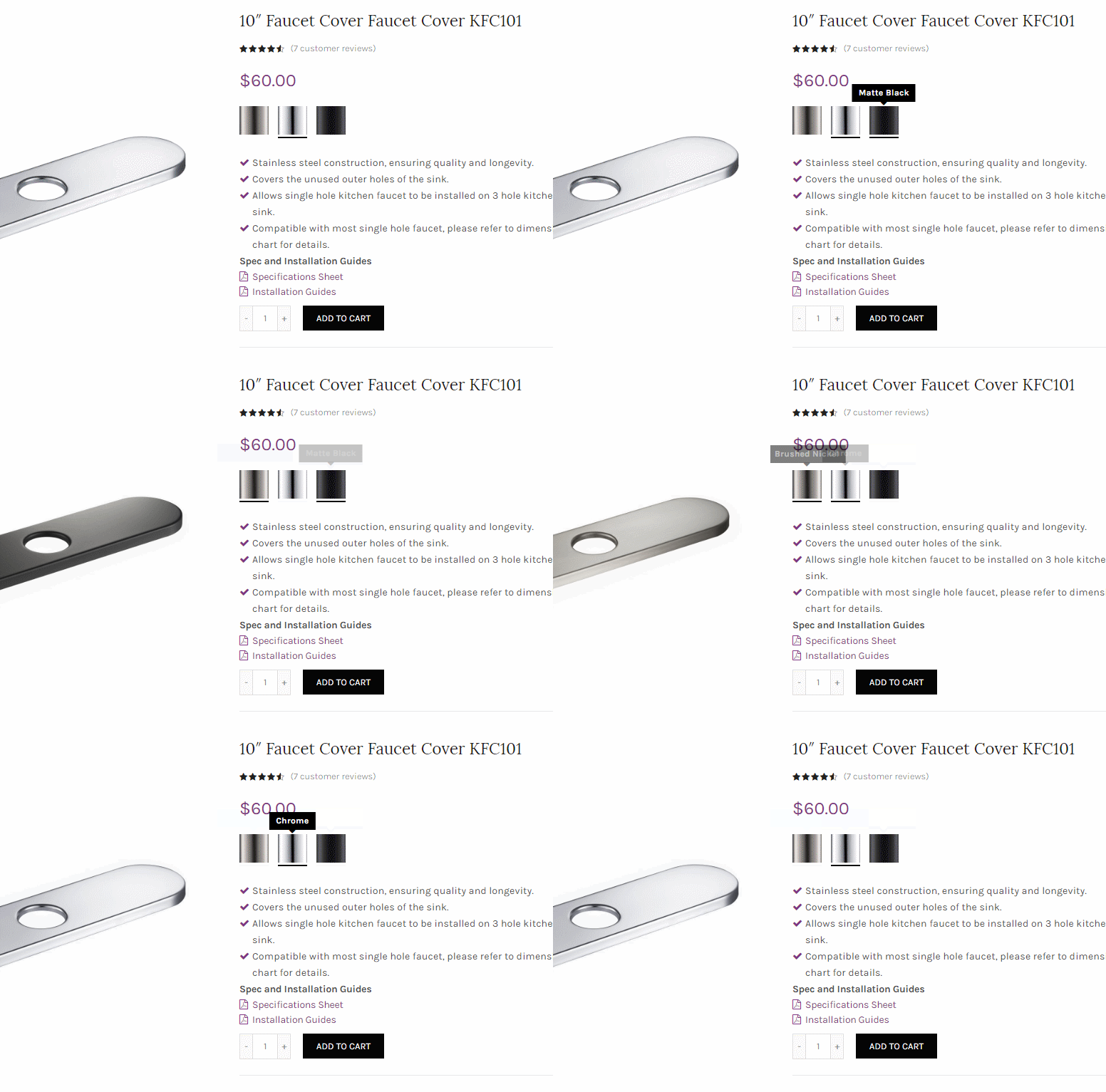
Implementation Method:
1. In WooCommerce backend, go to Products, Attributes, and create a new attribute.
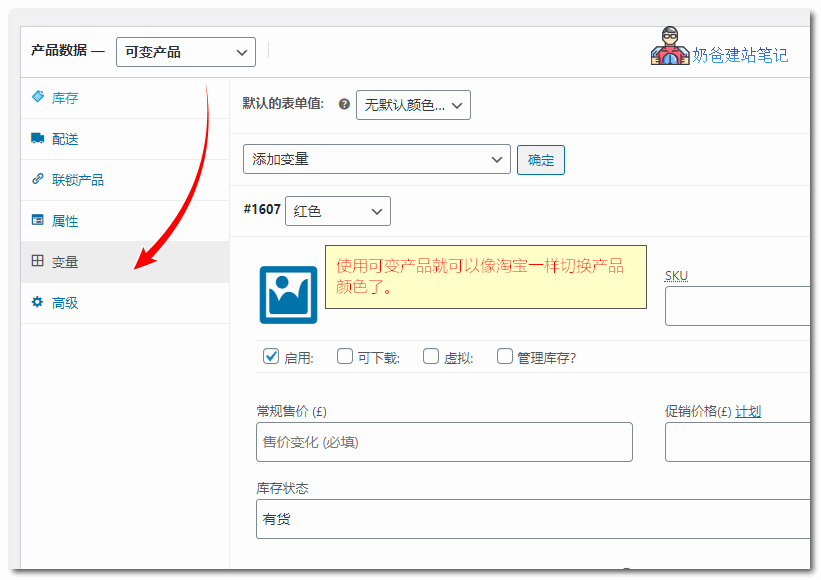
2. Add a product, and select Variable product for product data.
3. Switch to the variable tag and add the variable.
 Flexibly using this built-in attributes and variations feature can help you group products of the same model but with different colors or sizes onto the same product page, which is beneficial forGoogle SEOto avoid producing too much homogeneous content output.
Of course, to achieve the effect shown in the demo image, you need a well-designed e-commerce theme, otherwise you will have to rely on some plugins or code to make it look beautiful.