
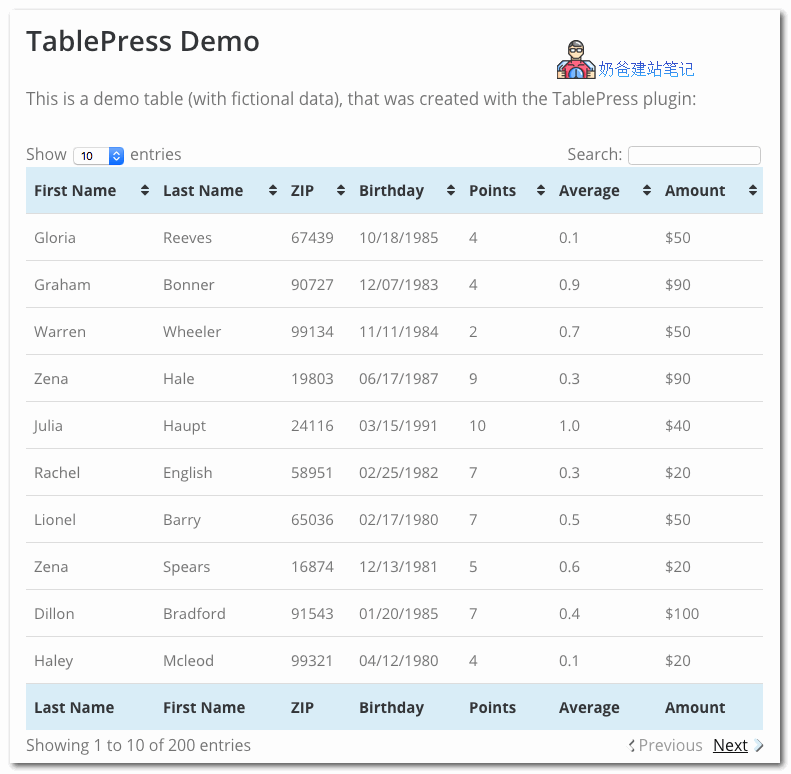
Previously, I sharedWP Table BuilderThis table creation plugin, today I'm sharing another table plugin, TablePress, which supports floating table headers and sorting.
TablePress helps you easily create and manage beautiful tables, then embed them into posts, pages, or text widgets using shortcodes. Table data can be edited in a spreadsheet-like interface, so you can edit easily without coding. Tables can contain any type of data, even formulas that need to be evaluated. Another JavaScript library adds features like sorting, pagination, filtering for site visitors. Tables can be imported and exported from Excel, CSV, HTML, and JSON files.
How to achieve the floating table header sticky top function?
To make the first row header of the table float to the top, we need to install a TablePress extensionDataTables FixedHeader
After installing the extension, normally use the shortcode to insert the table into the post. To make the first row stick to the top, add the following to the shortcode:datatables_fixedheader=topThat's it, just like the example below.
[table id=123 datatables_fixedheader=top /]
If your website's navigation bar is also always floating at the top, the two will definitely overlap. Therefore, you can also add an offset value, as shown below:
[table id=123 datatables_fixedheader=top datatables_fixedheader_offsettop=60 /]
Besides 'top', you can also make it display at the bottombottom
Besides TablePress, there is another paid table pluginAdvanced TablesIt also supports sticky display functionality.
For specific usage tutorials, refer to:WordPress Table Plugin TablePress Usage Tutorial – Naibabiji