
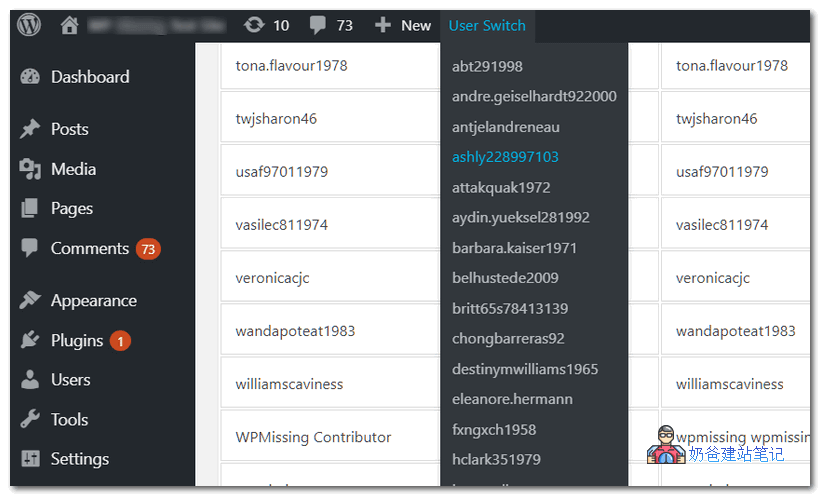
Like the previously sharedLogin as UserSimilarly, WP User Switch is also a plugin that allows arbitrary switching of login identities. It allows administrators to quickly switch user accounts by clicking the desired username from a dropdown list in the admin bar, without logging out/in.
By default, WP User Switch only allows administrators to switch between users. However, the „Quick User Switching“ feature can be enabled for users specified in the settings.
Usage Method:
1. Download the WP User Switch plugin and save it.
2. Unzip the plugin and upload wp-user-switch to the Plugins directory.
3. Log in to the admin panel and enable the plugin.
4. You can also install and activate the plugin by uploading the plugin zip on the Add Plugins page.
5. After installation, you will find a new menu „WP User Switch“ in the admin bar. Hover over the menu and click a username from the dropdown list.
6. You can also switch between users on the plugin settings page.
7. Enable the Quick User Switching feature for specific users.