
What are Xshell and Xftp?
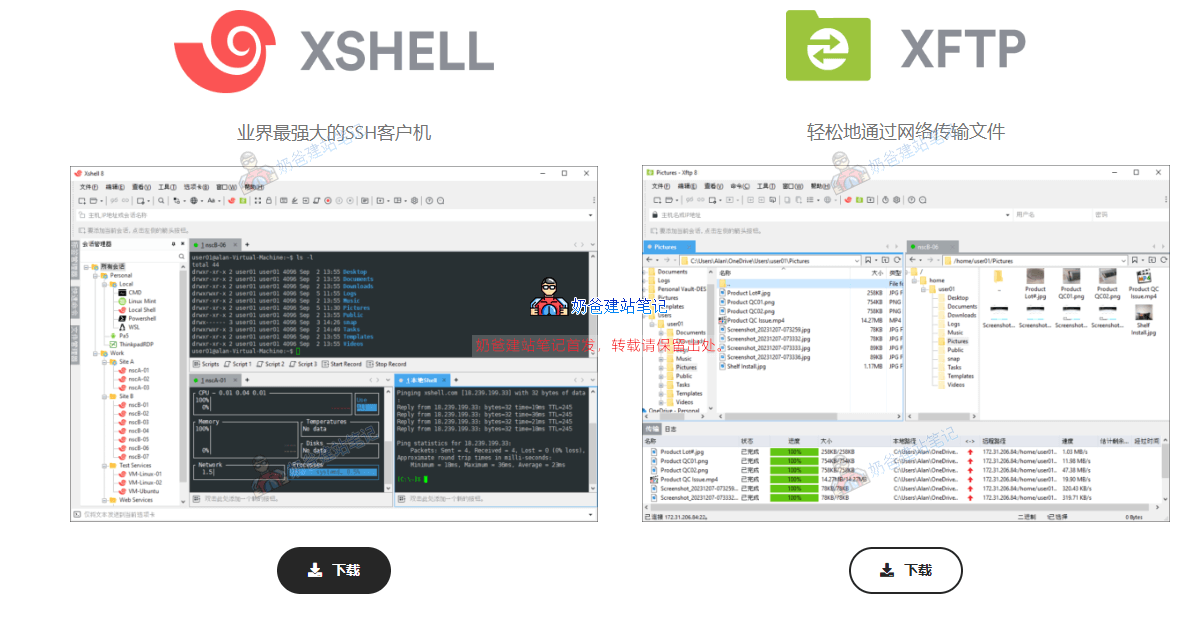
Xshell and Xftp are powerful SSH and SFTP/FTP clients with built-in Chinese language support, free for personal and school use.
What exactly do they do? You can understand them with the following examples:
- XshellLike a "remote control", control your VPS via command line, such as installing software, restarting the server, and checking system status.
- XftpLike a "remote USB drive", visually upload website files to VPS, download logs, and batch manage images and code.
In a nutshell: Xshell is responsible for "issuing commands", and Xftp is responsible for "transferring files". They work together as the golden pair for managing VPS servers.
Xshell 8 / Xftp 8 Chinese Version Download Link
Remember,download from the link below, do not search on Baidu, and it is not recommended to use cracked versions.
Note: If you are using a Mac computer, you don't need to install Xshell, you can directly use the terminal to connect to the VPS server.
Official free download website:https://www.xshell.com/zh/free-for-home-school/
If you cannot open the above URL, you can also download directly from the link below. It is saved to the cloud drive by Naiba from the official website without any modifications.
Password: 1tdg
After downloading, install the software and then you can use it.
Related articles: