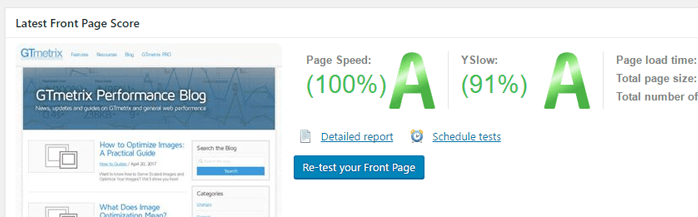
Actually, using a domestic VPS won't result in slow internet speeds, but when it comes to optimizing WordPress, you always feel like tinkering when you have free time. Do you want to know where your website is slow? You can try the GTmetrix website.
GTmetrix Introduction
GTmetrix is an online webpage speed testing tool. It rates website speed using Google Page Speed and Yahoo YSlow, and provides actionable suggestions to improve website performance.
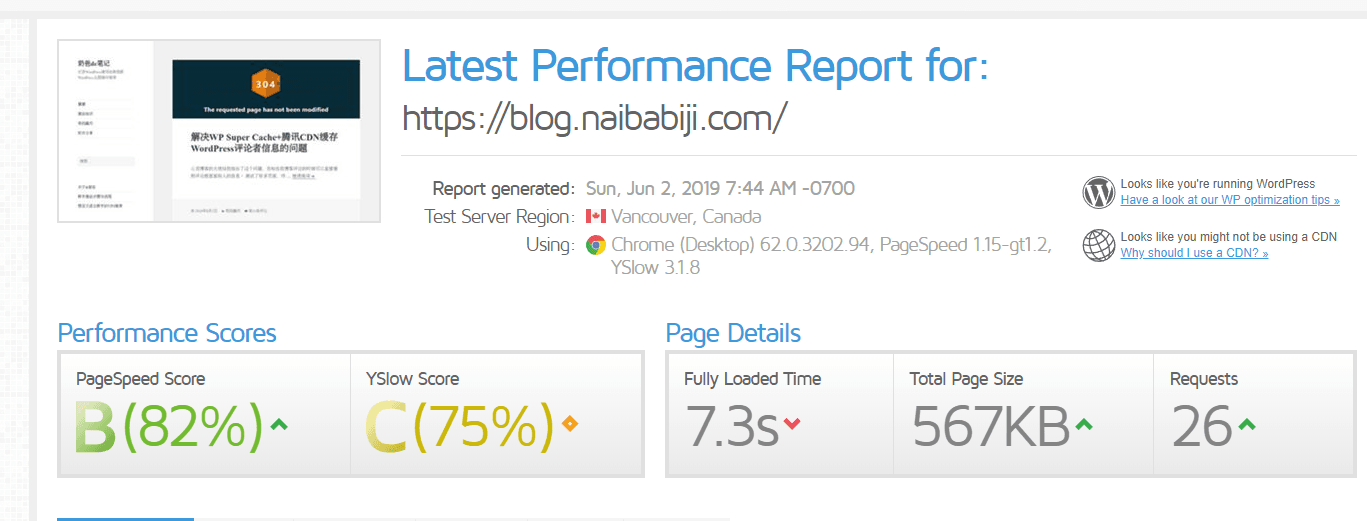
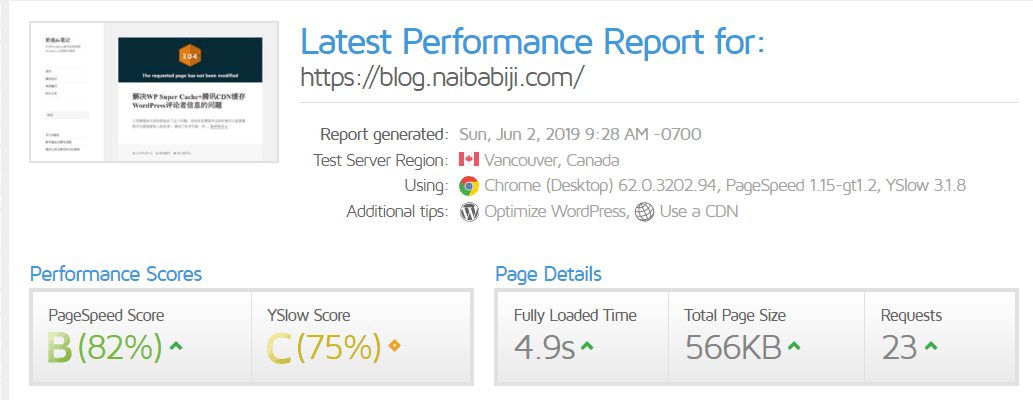
After testing, it will give you many suggestions. For beginners, these suggestions are often hard to understand, so whether to tinker is up to you.
Installed a caching plugin, and it improved a bit.
Website:https://gtmetrix.com/(May not be directly accessible)
Some Tips for Optimizing WordPress
Optimizing WordPress is a meticulous task. For ordinary users, achieving a very high score is not easy. And there's no need to pursue that extra 1 second of speed. As long as the page loading speed doesn't feel slow, it's fine. Content is king.
In general, optimizing WordPress is nothing more thanGetting a high-performance VPS(domestic is best, the effect improvement will be obvious), reducing resource requests (streamlining CSS, JS, and other external resources), and caching database queries. If you want to optimize WordPress, you can refer to the following methods.
Install aQuery Monitor plugin, it can tell you which resources are loaded on your site and which database queries are performed.
Install a caching plugin. Famous ones include WP Super Cache and W3 Total Cache. You can search and install them directly from the backend.
Add a CDN to your website. You can add it to the entire site or only to images. If you only add CDN to images, you can refer tousing Upyun to accelerate WordPress websites
Then, for more complex operations, you might need a VPS or a more advanced shared hosting plan to support the following optimizations.
Configure Nginx fastcgi_cache to Cache and Accelerate WordPress Websites
Or install a Memcached cache (this is what Naiba currently uses). Method reference:Baota Panel: Methods for Installing Extensions like Memcached and ionCube(Specific detailed tutorial hasn't been written yet, leaving a placeholder or you can search online; tutorials are available.)