InMotion Hosting Introduction
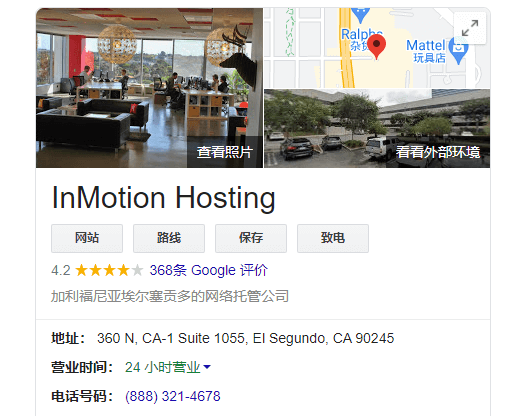
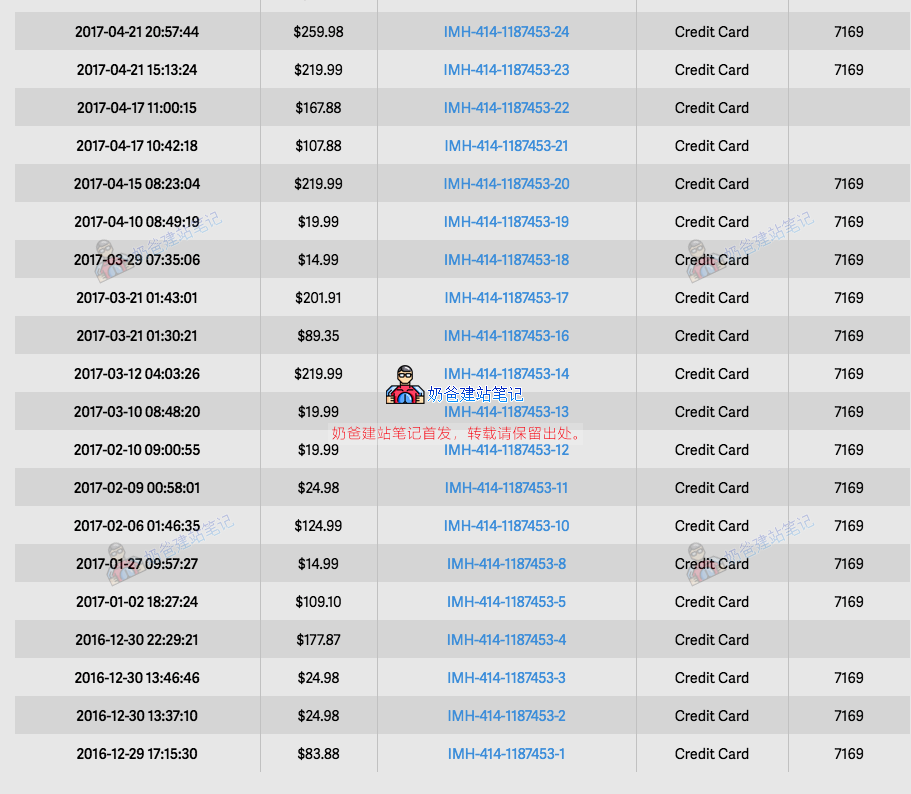
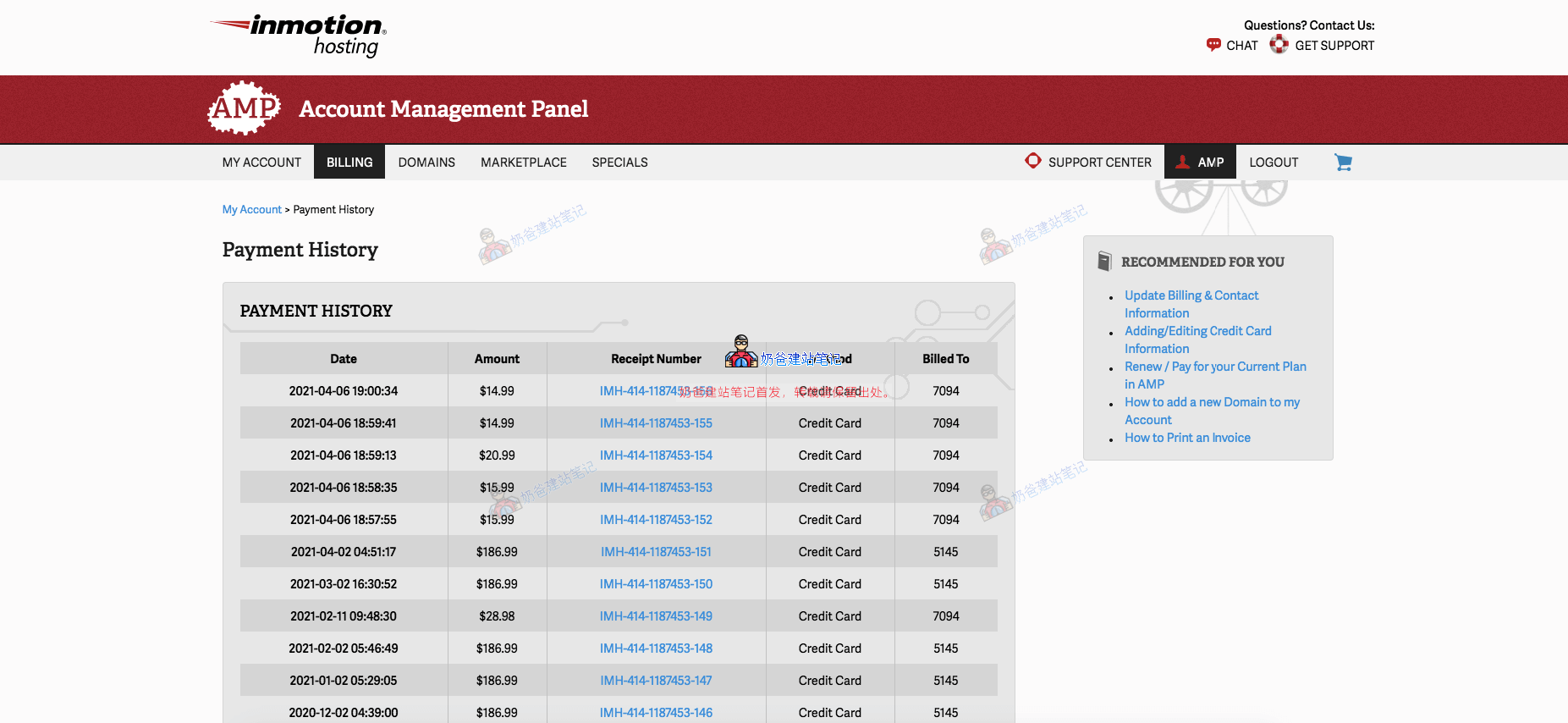
InMotion Hosting is an industry-leading provider of shared hosting, WordPress hosting, VPS hosting, dedicated servers, and managed private cloud. Founded in 2001, with its headquarters located in Segundo, California, wefirst started using their service in 2016, and currently still have monthly server expenses of several hundred dollars, as shown in the image below:
Advantages of InMotion Hosting:
We have been continuously using InMotion Hosting's services for 5 years. Their advantages are stable service and reliable performance. In addition to standard features, they have made many optimizations for WordPress, such as advanced caching, Brotli compression, PHP 8 support, etc.
Disadvantages of InMotion Hosting:
The price does not have a significant advantage. For example, the cheapest WordPress hosting plan is $4.99/month (for 3 years), and it also limits the number of websites (though this is also a guarantee of server performance). It does not include free backup functionality by default; if automatic backup is needed, it must be purchased separately (of course, you can install plugins to achieve free automatic backup). Another disadvantage is the relatively few data centers. If your website's main clients are in North America, there is no impact. If they are clients far from North America, the speed may not be ideal.
Overall, if your website primarily targets North American clients, you don't mind a difference of one or two dollars per month, and you want a stable hosting provider, then you can consider InMotion Hosting.
InMotion Hosting Purchase Tutorial
1. Click the button below to jump to the purchase page, then click the Add to Cart button.
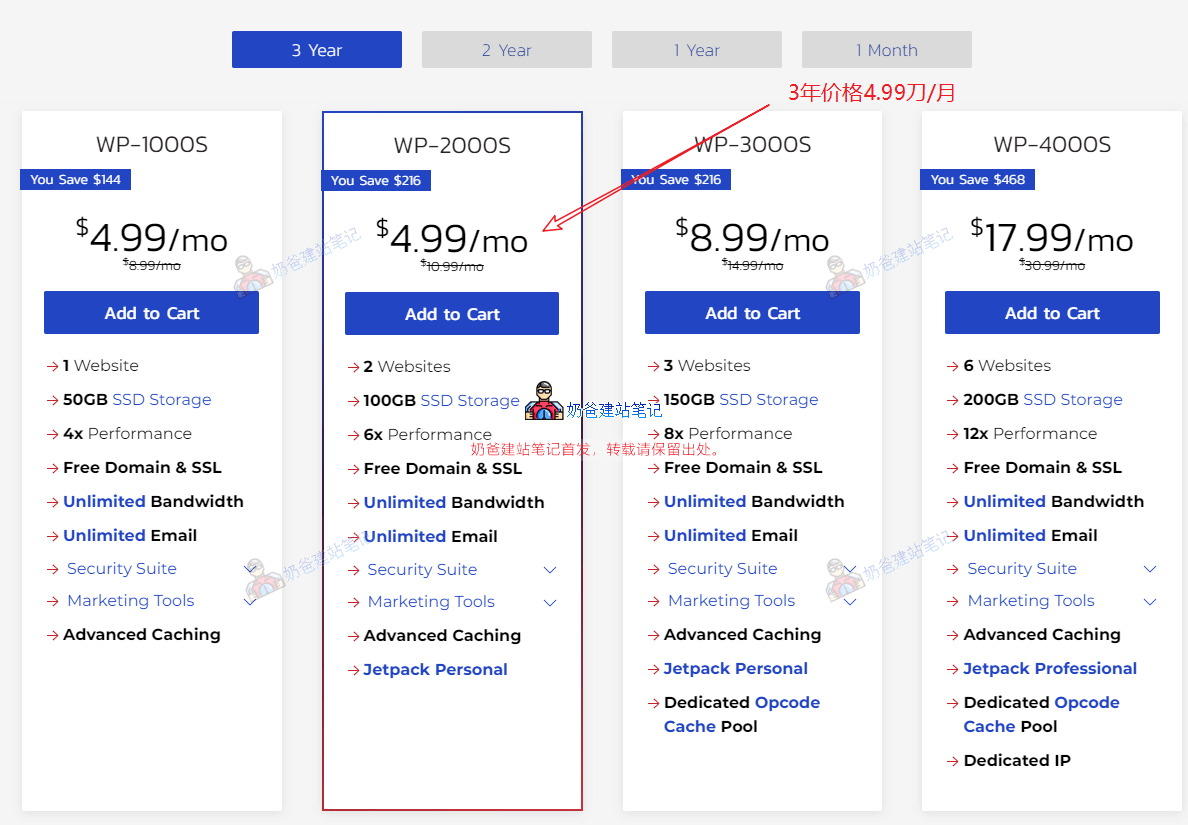
It is recommended to choose the WP-20000S plan, which allows building 2 websites, includes 100G SSD storage, 6x performance, provides a free domain and SSL certificate, unlimited traffic, unlimited business email accounts, and other features.
2. Verify the additional information on the checkout page
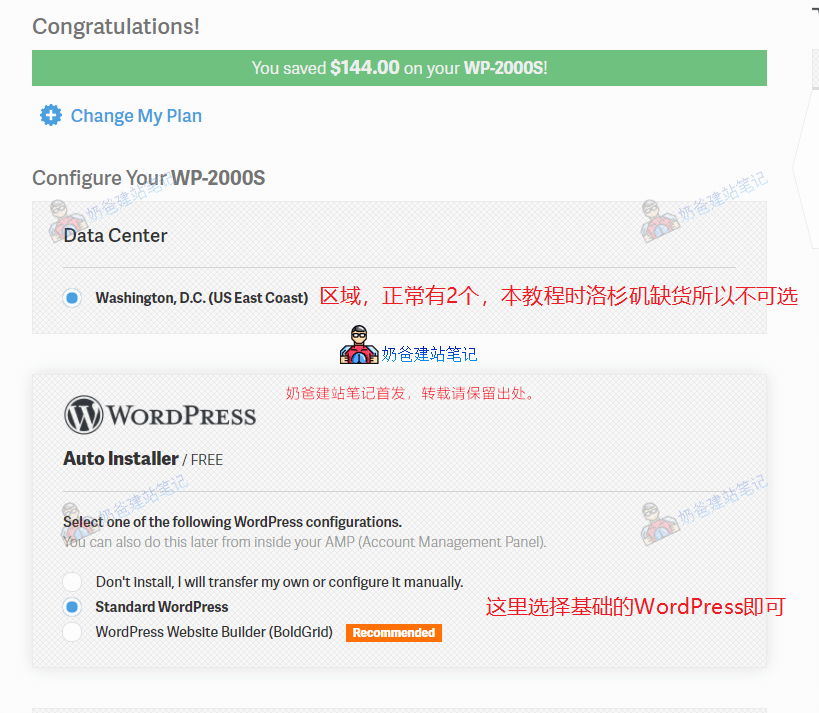
The Data Center option above was not selectable when writing this tutorial; the Los Angeles one was sold out.
There are 3 options for WordPress installation:
- Don’t install, I will transfer my own or configure it manually. If you are migrating from another server, choose not to install.
- Standard WordPress Regular users can choose this basic WordPress option.
- WordPress Website Builder (BoldGrid) Their website builder, not needed, as it will conflict with theWordPress TutorialDifferent.
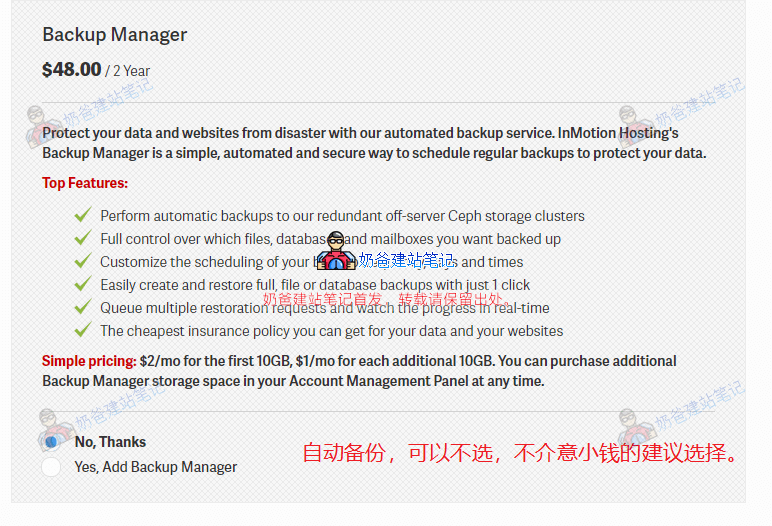
For backup management, a 2-year plan costs $48, with only 10GB of backup space by default. If you have a regular official website, not an e-commerce site, you can consider not purchasing the backup and manually installing it yourself.WordPress Backup PluginBackup. If you have an e-commerce website, it is recommended to purchase one (the backup function is similar to insurance; you may never use it, but if you use it once, it's worth it).
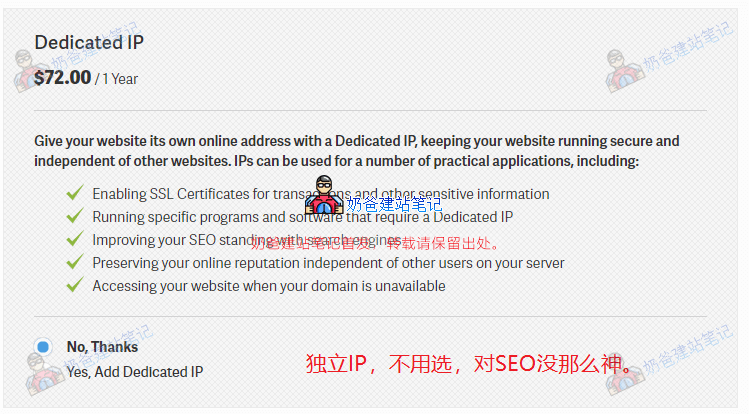
A dedicated IP is optional; the price of $72 per year is not cost-effective, and a dedicated IP is not that magical forSEO optimization ranking.
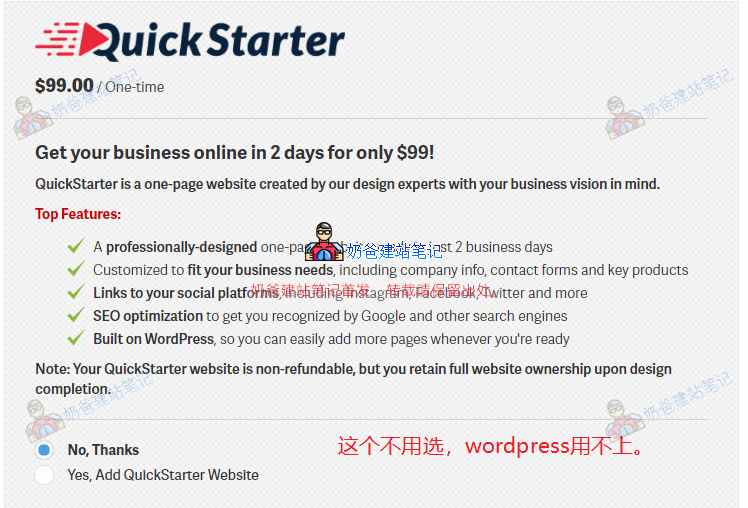
The Quick Starter server option is not necessary; it helps create a single-page website, which will not meet your website needs, and you will likely end up rebuilding the site later.
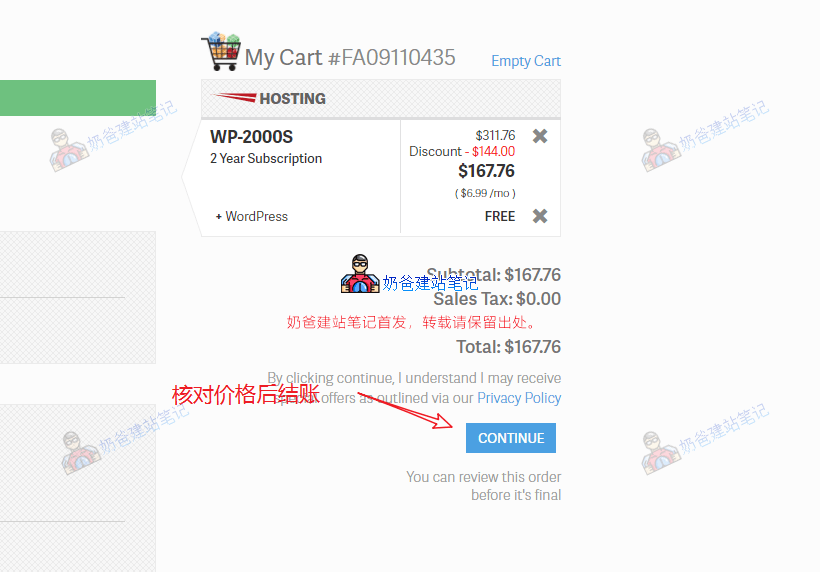
Finally, checkout. At the time of this tutorial, the 2-year price is $167.76 (later, it was found that the 3-year price is similar, so it was switched to 3 years), approximately ¥1087 RMB, with an annual server cost of just over ¥500, which is not expensive.
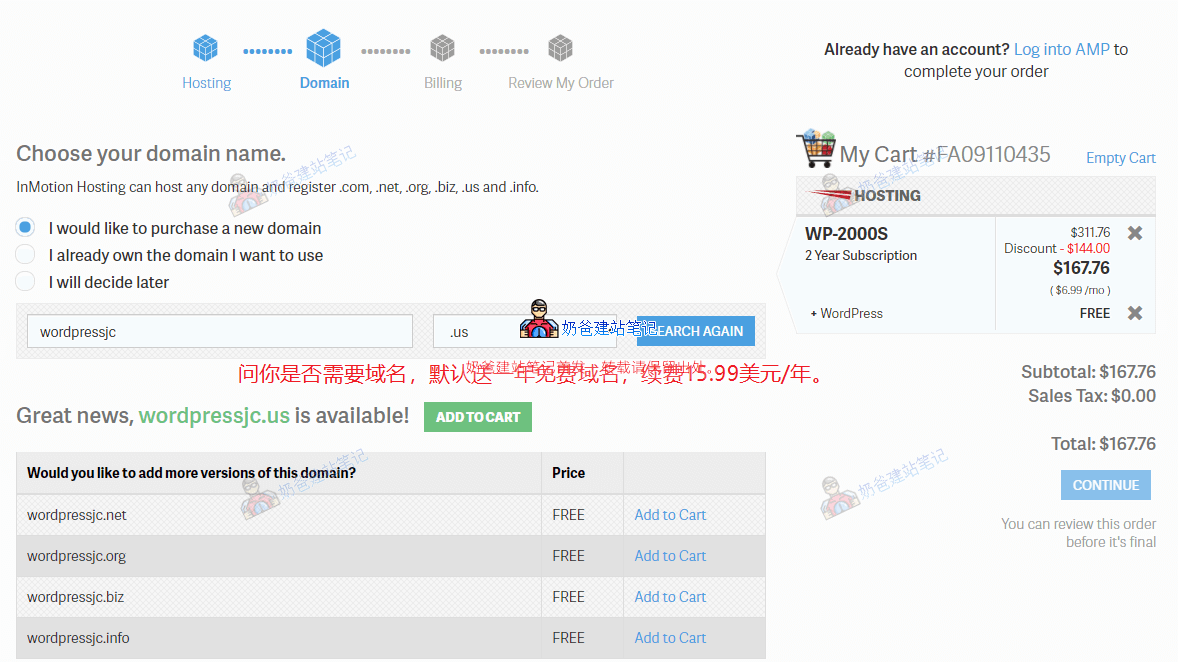
Domain selection stage. If you have alreadypurchased a domain, then choose the second option: 'I already own the domain I want to use.' If you have not registered a domain yet, you can choose the first option: 'I would like to purchase a new domain.'
Enter the domain you want to register in the domain search box, and click 'Add to Cart' for any domain that appears as available. The domain renewal fee for the second year is $15.99 (a few dollars more expensive than other places, but for beginners unfamiliar with much technology, paying a few dollars more per year for convenience is an option; choose as you see fit).
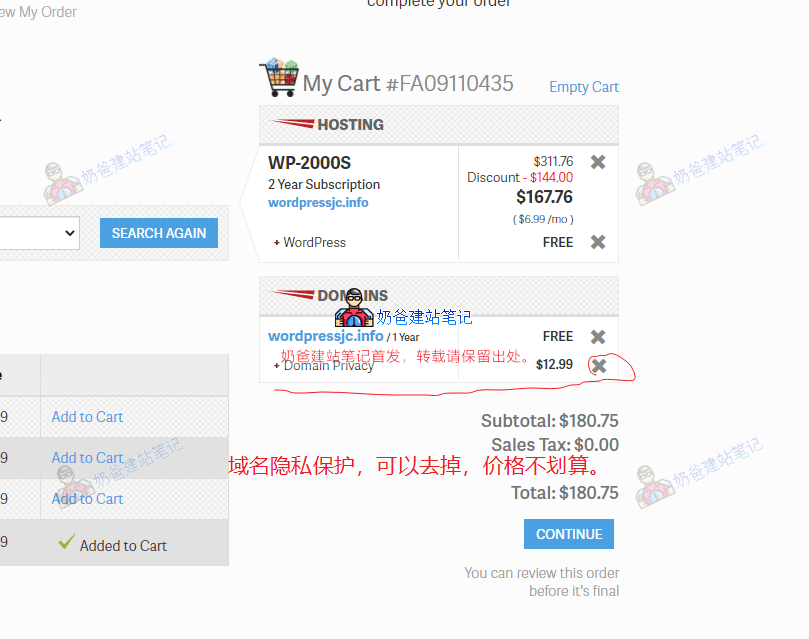
If you choose their free domain, after adding it to the cart, the price on the right will change, adding a domain privacy fee of $12.99, which can be removed because registrars likeNameSilo offer it for free, and this price could buy another year of domain registration.
After removing Domain Privacy, click the CONTINUE button. You will be prompted again to purchase Domain Privacy; select 'No, Thanks.' Since foreign trade websites are aimed at acquiring customers, domain privacy protection is not very meaningful.
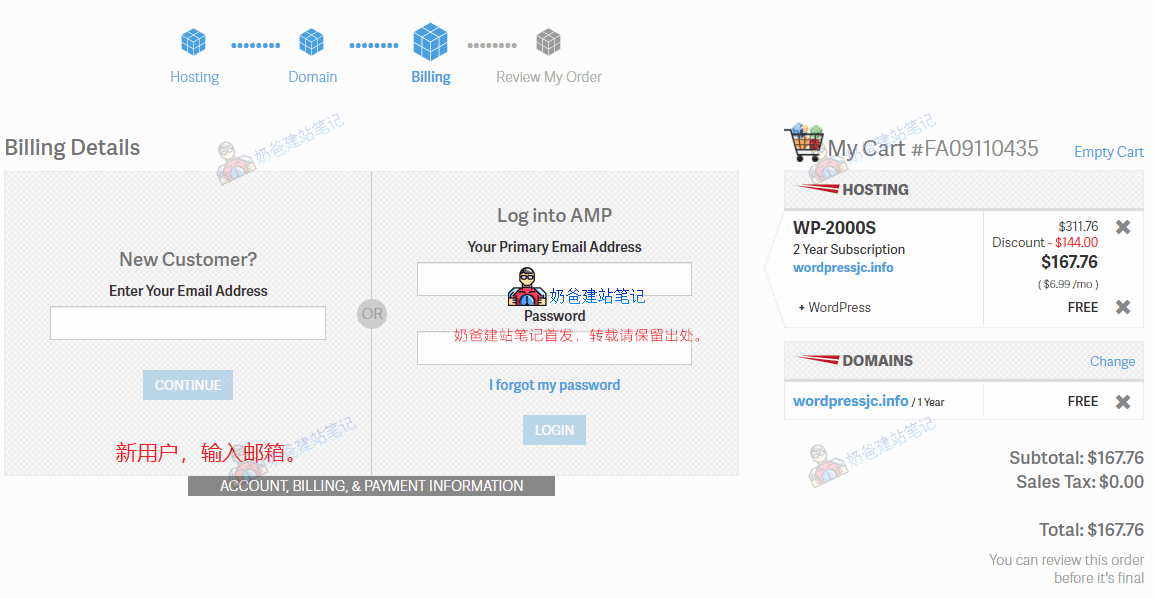
On this interface, enter your email address under New Customer and then continue. (Here, you can try moving the mouse to the webpage close button; it might trigger a 10% discount.)
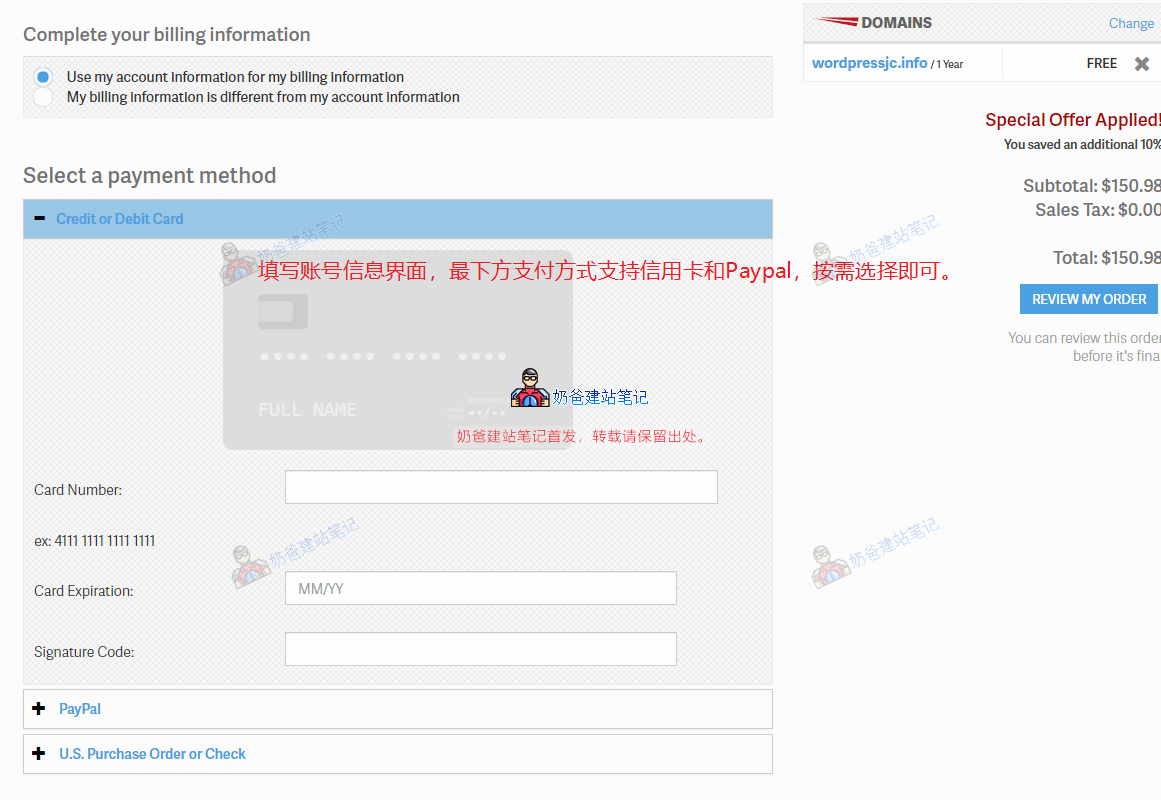
Next, the account and payment interface appears. Fill in the account information according to your actual situation (Note: Ensure details like address are written thoroughly, or the account may undergo review). For payment methods, we can choose credit card or PayPal.
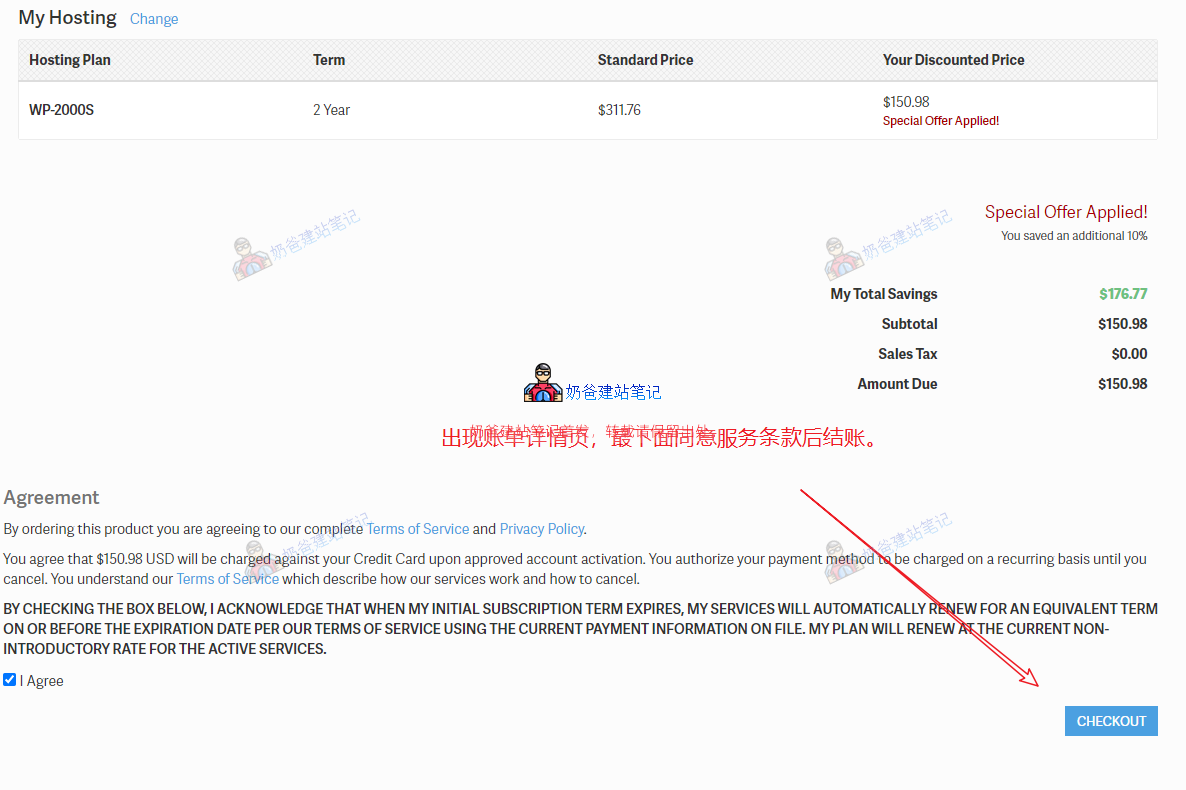
Click the checkout button.
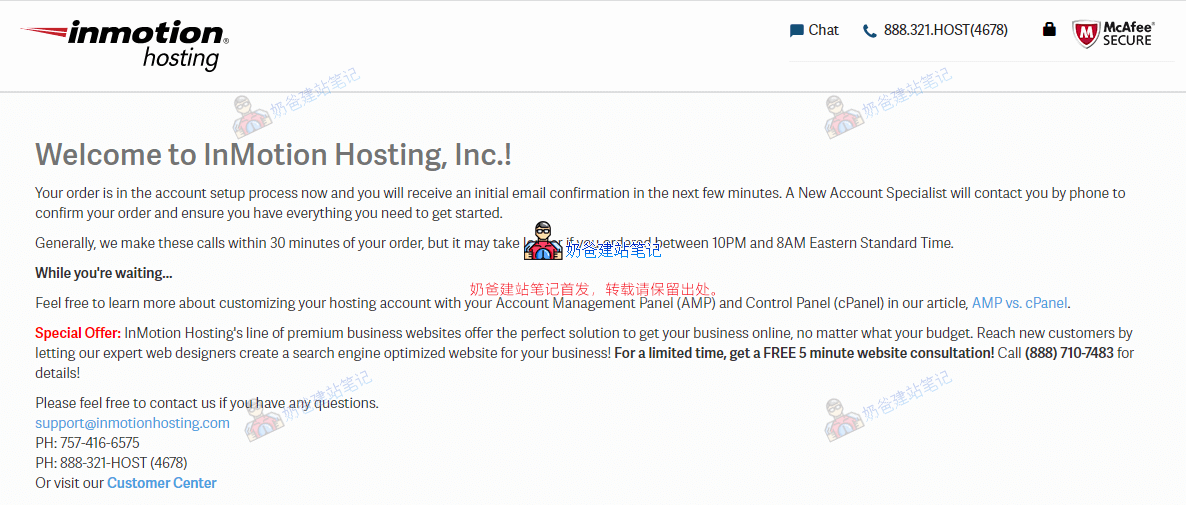
If everything goes smoothly, a 'Welcome to InMotion Hosting, Inc.!' interface will appear, informing you that the account is being set up. Please wait, usually a few minutes; if purchased domestically, it may take longer. You will receive an email notification upon approval.
We just need to wait. Of course, if you don't want to wait too long,you can also manually contact their online customer service. (If there is no activity after 10 minutes, it is recommended to contact online customer service. They are currently stricter with new account reviews, and contacting customer service can speed up the process.)

When you receive two emails like the ones shown above in your inbox, it means the service is activated. The first is the billing email, and the other is the service information email.
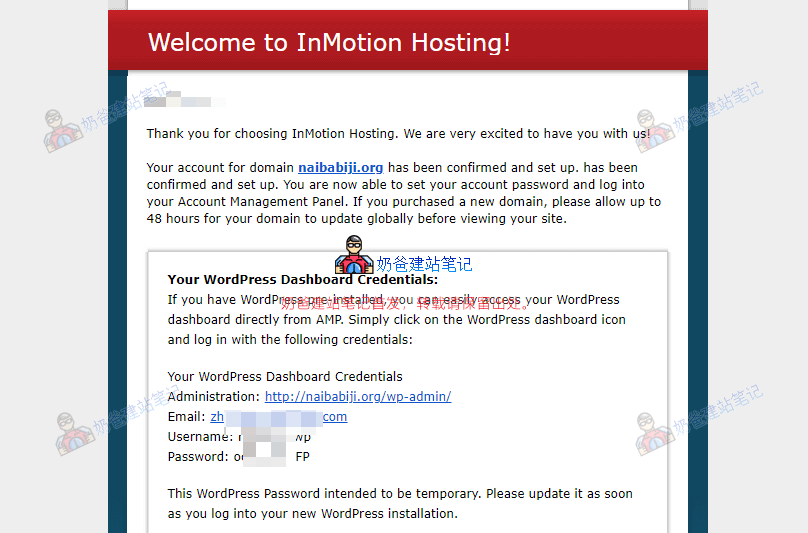
Since we chose to register the domain with InMotion Hosting and install WordPress, the email will directly provide the WordPress admin login URL, username, and password. At the bottom of the email, you will be prompted to set a password for the InMotion Hosting official website.
Newly registered domains have a DNS propagation time, so you may not be able to access the website immediately; wait a few tens of minutes, and it will be OK.
For domains registered with InMotion Hosting, you will receive several emails about the domain after a few hours, including one that requires you to click a link for confirmation; do not miss it.
Automatically install WordPress website
After the domain name resolution takes effect, visit the domain name you purchased, and you will find that WordPress has already been set up for you, so you can directly modify and customize WordPress.
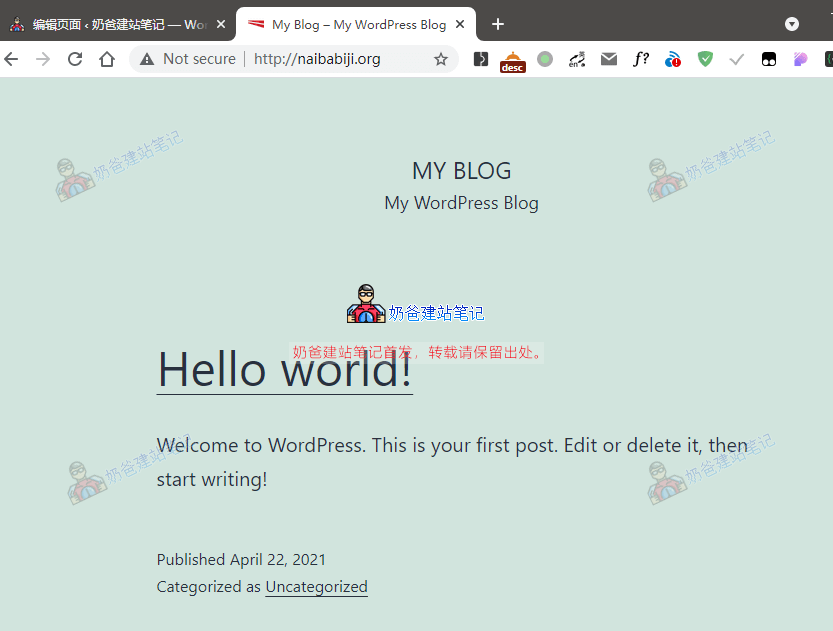
Using the login information from the „Welcome to InMotion Hosting!“ email, you can log in to the website backend, as shown in the figure below:
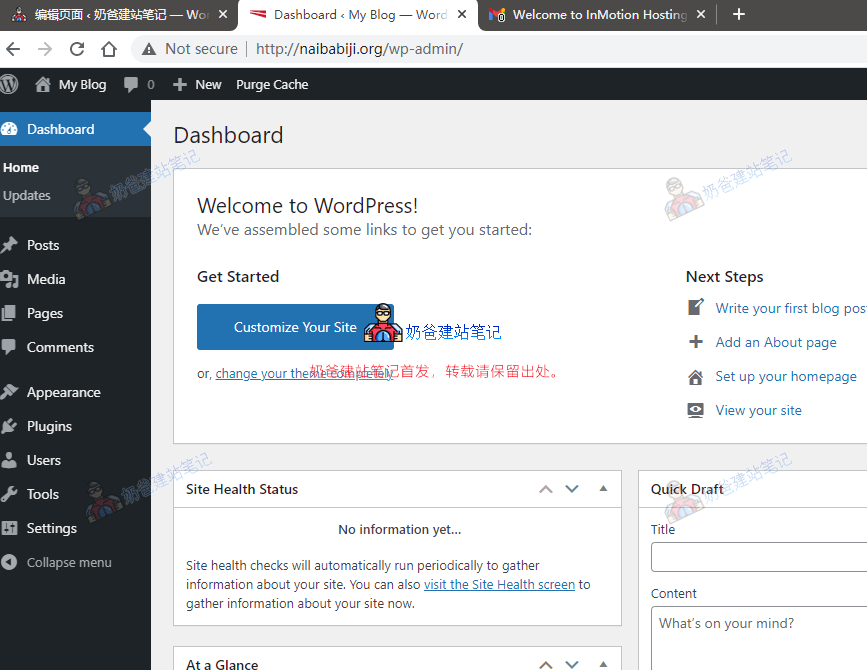
Next, you can perform some settings on WordPress, such as modifying website information, adding plugins, installing themes, etc. If you are new to WordPress, you can go toWordPress Tutorial Websiteto see some basic operation methods.
Hello, since there is no CDN, if my website contains images and text, will the loading speed be very slow for customers in Germany? Thank you for your reply.
If you choose a server in the United States, access from Germany should be acceptable. It's not like us in China accessing the US, which is too far away. Also, you can set up a CDN yourself.
Hello Naiba, may I ask how to consult with you? Can I add WeChat? Thank you.
What do you think? Can you or not?