
Which WordPress theme is good for a foreign trade website?Naibabiji shares the correct ideas and methods for selecting a WordPress foreign trade theme template, as well as some excellent WP foreign trade theme recommendations.

Preface:
WordPress theme templates are not equal to template-based website building
WordPress is the website building program chosen by many foreign trade independent websites. Using WordPress inevitably means coming into contact with WordPress themes (templates). Friends who haven't usedWordPress to build their own foreign trade websitefriends, when they hear the word 'template', they may easily equate the template-based website building in their understanding with WordPress website building.
In fact,WordPress theme templates cannot be equated with template-based website building。
Usually, what we call template-based website building is that the program dictates what content goes where, no more, no less. However, WordPress templates are just the appearance of the website; you can set and adjust the content and position of what is displayed.
You can also modify and change the theme template at any time without losing website content. With template-based website building, any modification requires a programmer, and if the program didn't consider future expansion from the start, modifying and implementing certain features can be cumbersome and less flexible than WordPress.
For commercial websites, don't waste time on free themes and cracked themes
WordPress has thousands of theme templates available for you to use, including free, paid, and cracked ones.
For commercial websites, Naiba does not recommend wasting time on free and cracked themes. Choosing a suitable paid theme can save you a lot of time and effort in launching and operating your website.
Free themes have limitations in some features. Unless your company has a programmer familiar with WordPress development, a paid theme can easily help you achieve specific features and requirements.
Cracked themes, on the one hand, have security risks; on the other hand, you cannot get technical support for the theme. If you are unfamiliar with some features or don't know how to use them, official technical support can help you avoid many detours.

How to correctly choose a WordPress theme template
Current state of WordPress themes
WordPress has an official theme repository (https://wordpress.org/themes/) themes can be installed and used for free, but many themes are only lite versions. To use the full version, you need to upgrade to the Pro version.
Paid WordPress themes have dedicated sales platforms and are sold on the theme's own website.
The more famous paid WP theme marketplaces areThemeforestandtemplatemonsterThemeforest is relatively cheaper, while Naiba hasn't used templatemonster; interested parties can check it out themselves.
Some excellent WordPress themes have started selling on their own official websites instead of sharing revenue with platforms, such as DIVI,Astrathese themes.
Nowadays, there are fewer authors making WordPress themes in China compared to a few years ago. Many have developed into small teams selling paid themes. However, for foreign trade websites, themes by Chinese authors are not very suitable. For domestic websites, choosing themes by Chinese authors is a good option.
How to choose a foreign trade theme?
When you open any WordPress theme website, you'll find, wow, so many themes, which one do I need? Below are Naiba's suggestions for everyone when choosing a WordPress theme template for a foreign trade website.
1. You can choose from popular theme lists
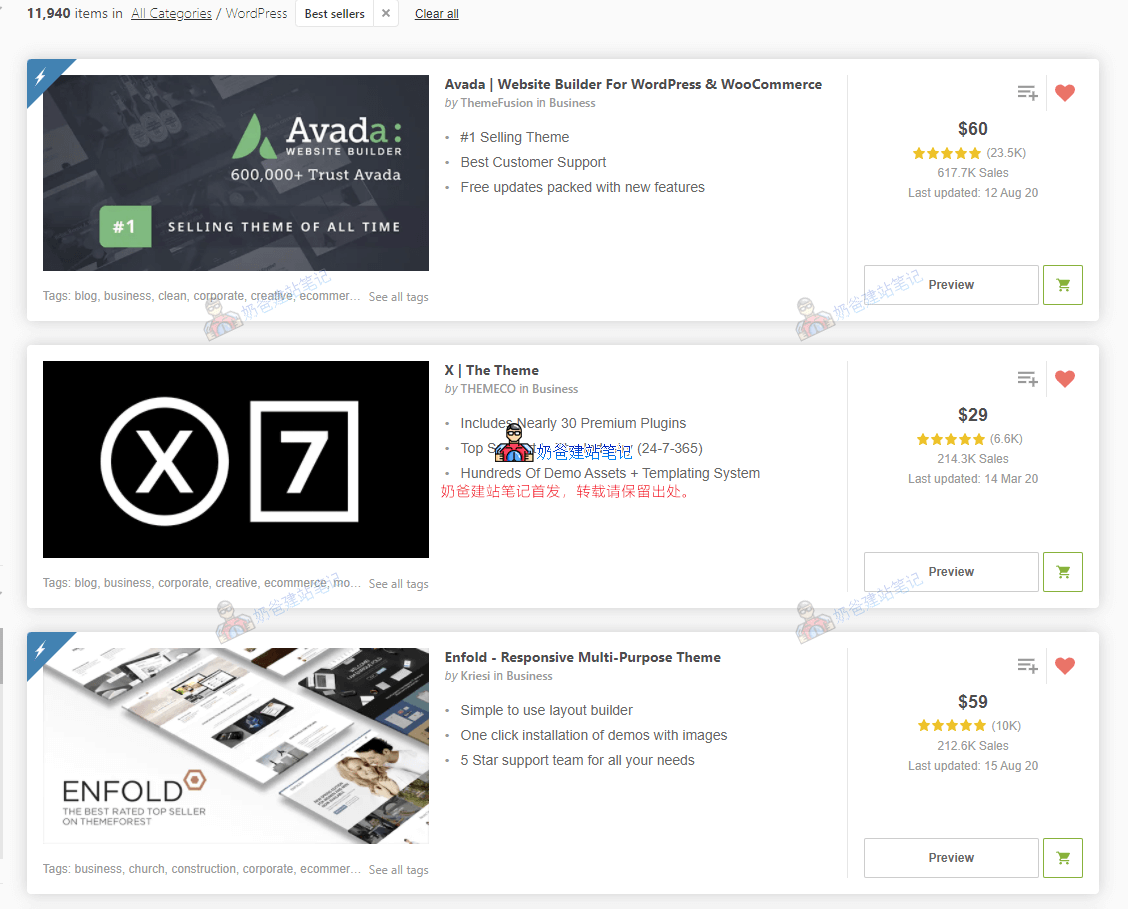
Taking Themeforest as an example, the most popular and best-selling theme is Avada (popular themes not sold on these platforms include Divi, Astra, Oceanwp, Generatepress).
You may have searched for reviews about Avada online, and many people say Avada is bloated, too old, etc.
But Avada's built-in features can easily help you achieve many functions you want. Moreover, when you don't know how to set up the theme, Avada has extensive help documentation. Among Chinese foreign trade users, this theme is the most popular.
Popular themes, compared to non-popular ones, have more comprehensive features, higher stability, and better technical documentation.
2. Do not choose themes that are too new
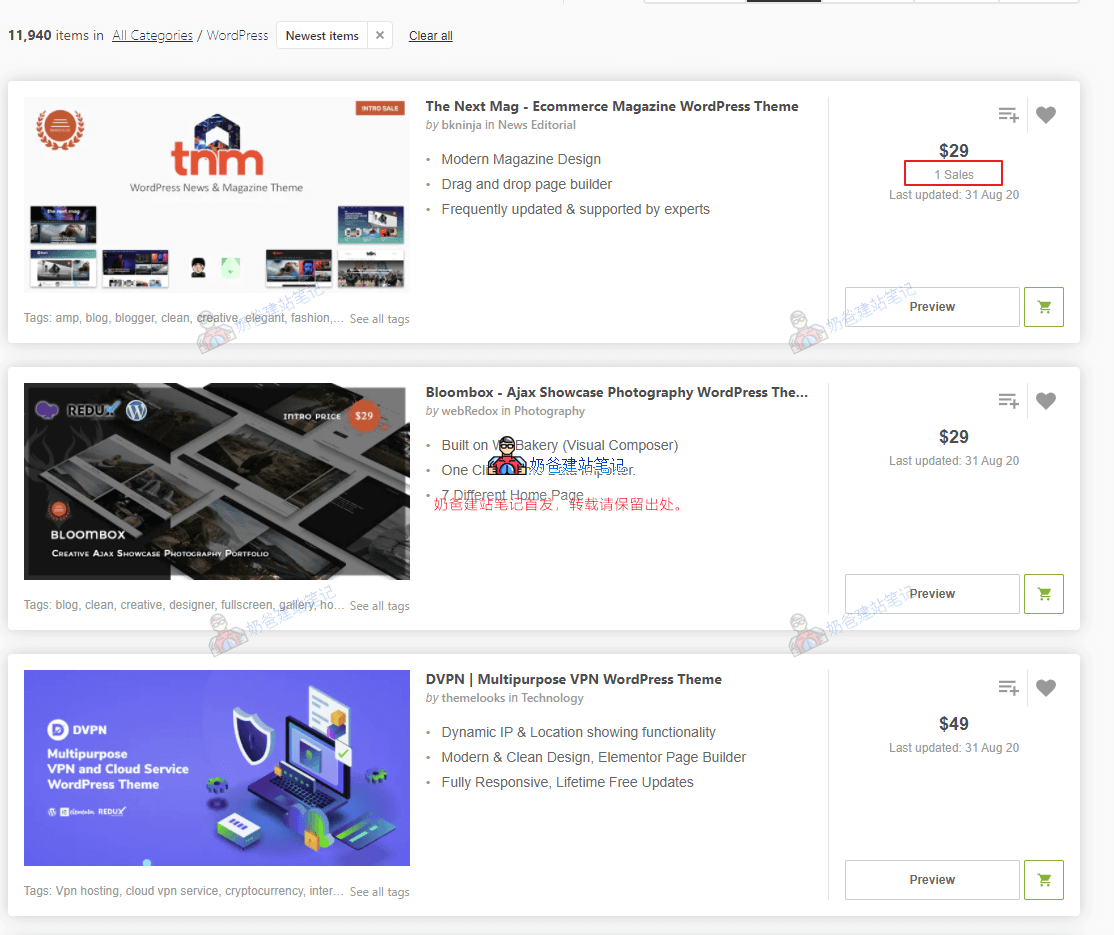
Some new paid themes are cheaper, and you might think that themes used by many people are all the same, so you want to be unique and choose a new theme with fewer users.
If you don't have some basic web design knowledge, it's best not to do this.
Because many new themes have relatively fewer features and may not be fully developed. Naiba has encountered severalless popular themes with incomplete features or bugssuch themes.
Beginners encountering such themes will face many troubles, so it is not recommended to choose them.
3. Choose themes with desired Demo sites
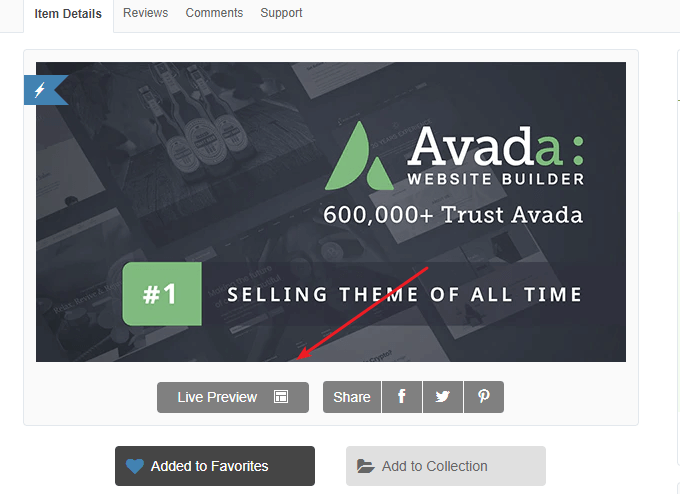
Almost every WordPress theme includes multiple demo websites. Themes like Avada and The 7 have dozens or even hundreds of demo websites.
If one of these demos happens to match the layout you need for your website, you can directly import the demo data with one click, then replace the text and images, and you'll have a foreign trade website ready.
You might say, 'Doesn't that mean others can import the same demo and have a website identical to mine?'
Don't worry at all. These themes allow you to design and modify page modules yourself. After running your website for a while and becoming familiar with WordPress, you can make changes to the pages based on your needs, and it will look different from the demo.
Moreover, the appearance of a website is just one part. The most important thing is the content itself. Just like how smartphones look similar on the outside but differ internally.
4. Prioritize themes that support the Elementor builder
Elementor is a Page Builder (page builder plugin). What is a page builder? Simply put, it's a tool that helps you design website pages. You don't need to know how to code; as long as you use the builder to create the framework, the builder will automatically generate the corresponding code for you, making it very suitable for novice users.
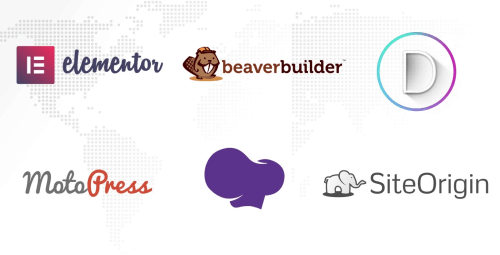
There are many page builders. Most themes that have been sold on Themeforest for a few years use WPBakery Page Builder (which can be difficult for beginners). More responsive themes now also offer Elementor versions.
Popular themes like Avada have their own page builders. Unless the theme has very high sales, avoid themes with built-in builders. (Divi also has its own builder.)
Normally, a theme should only use one page builder. After trying many builders, Naiba recommends Elementor. The free version is sufficient, and Elementor has a strong ecosystem with many extension plugins available.
WPBakery Page Builder is difficult for beginners to learn and has a high learning curve. Unless the theme is particularly appealing, it's not recommended. Also, this builder is paid (can be bundled with the theme for free use but cannot be upgraded).
5. Understand the level of after-sales support
Most themes only offer support via tickets and email. While they won't answer highly technical questions, they will carefully address any unclear settings in the theme.
Discussions about foreign trade website theme templates are relatively rare in China, so contacting support via email is the fastest way to solve problems.
Also, it's best if the theme offers lifetime updates after purchase. As WordPress versions update, early theme code may need updates. If the theme cannot be updated, you'll have to pay for a new license.
WordPress foreign trade theme template recommendations
Having said so much, which themes does Naiba recommend for foreign trade? Below is a list of themes worth purchasing.
Top 10 best-selling themes on Themeforest
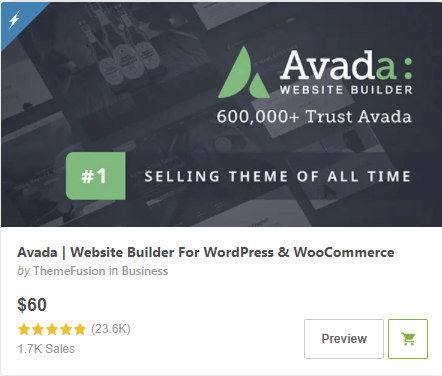
Avada
Advantages:
From 2012 to now, 8 years of technical accumulation, number one in sales on Themeforest, it's impossible to say it has no advantages. Large user base, so the theme's functions consider the needs of most users, with rich support documentation and videos.
Disadvantages:
Also, because it needs to cater to the needs of most users, you must accept some code generated by features you don't use, making the theme relatively complex and bloated.
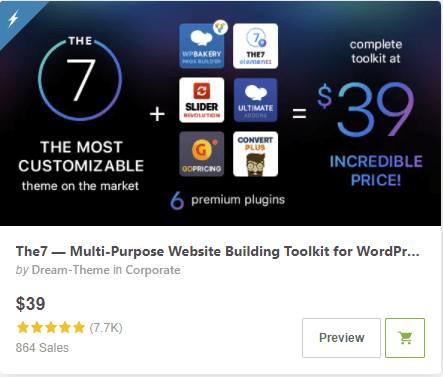
The7
The7 is a theme launched in 2011, earlier than Avada, but its sales are not as high as Avada's, and the price is relatively cheap, only $39.
Advantages:
Cheap price, high sales, many built-in Demos, and the new version of the theme also supports Elementor.
Disadvantages:
Many features lead to relatively complex settings.
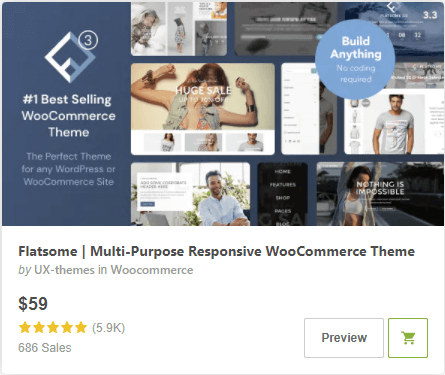
Flatsome
Advantages:
Number one in sales on Themeforest for WooCommerce e-commerce themes. As an e-commerce website, it can easily start business.
Disadvantages:
Uses the theme's built-in builder, with many settings, requiring time to become familiar.
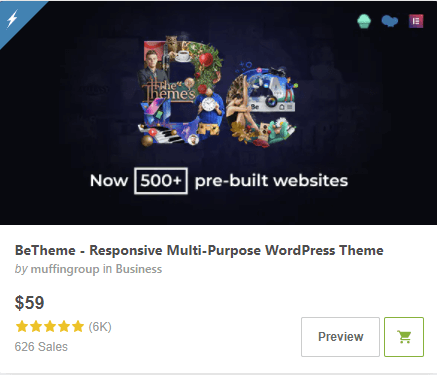
BeTheme
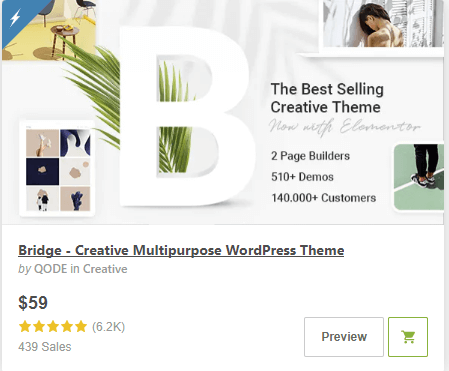
Comes with a huge number of Demos and modules. The new version supports Elementor and WPBakery Page Builder. The installation package for the new version has become smaller, more streamlined compared to the old version, but the theme settings are still relatively complex.
Bridge
Naiba hasn't had much contact with this Bridge theme. Looking at the introduction, it has many functions and Demos. Similarly, such themes have complex settings and require time to study.
Themeforest Top 6-10 Popular Themes
The Enfold theme also has many users in China. Its built-in demos have an older style, more suited to traditional businesses.
Porto is a WooCommerce theme, but the experience is not very good. ChooseWoodMartmight be a better option.
Popular self-operated WordPress themes
Selling themes on platforms like Themeforest requires paying platform fees, so some capable teams start selling themes on their own websites.
Naibabiji previously struggled between themes like Astra, Divi, OceanWP, and GeneratePress, and finally chose Astra.
Astra
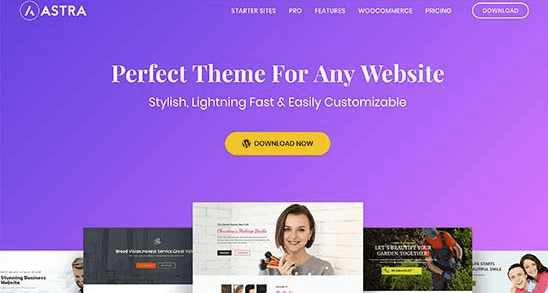
The theme currently used by Naibabiji, compatible with multiple different builders.
Advantages:
Compact, fast, not bloated. Built-in powerful yet not overly complex theme settings options, with well-prepared hooks, making it easy to insert content you want to display anywhere on the website.
Disadvantages:
The built-in demos have a relatively uniform style, and you may not find a demo that directly fits your industry.
Expensive: $47 per year, $249 lifetime, plus the cost of companion plugins. However, you can consider directlypurchasing a lifetime license from Naiba。
Divi
Divi is a strong competitor to Astra and is also a very popular theme.
The main reason Naiba didn't choose it is that Divi uses its own built-in page builder. Although powerful, considering long-term operation, using a public builder like Elementor may have a more complete ecosystem.
OceanWP
OceanWP, like Astra, has a free version. You can search and install it directly from the WordPress Admin Dashboard. It's also a relatively lightweight theme, with a premium version starting at $29. Looking at the official website introduction, it seems to have fewer features than Astra.
GeneratePress
Another lightweight WordPress Theme, $50 for one, unlimited website use.
WordPress foreign trade template installation method
After purchasing a desired WordPress Foreign Trade Independent Website theme, how do you install it on your website and import the desired demo data? The method is as follows:
1. Download the theme zip package from the website where you purchased the theme.
Here, it's necessary to distinguish. For themes purchased on Themeforest, there are choices when downloading; it's recommended to download all files.
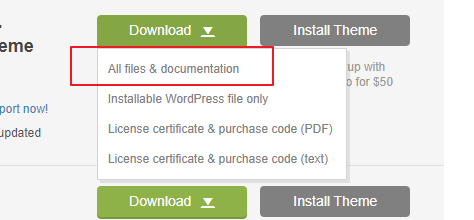
After downloading, unzip it. It contains the theme, plugins, documentation, etc.
If the theme needs activation, download the last License text file and enter the key to activate.Refer to the tutorial。
For themes like Astra, advanced features are usually implemented through plugins. So you can directly search for the free version of the theme in the WordPress backend, install it, and then upload the pro plugin to activate advanced features.
2. Upload and install the theme installation package from the WordPress Admin Dashboard.
3. Find the Demo area in the theme settings, then import the demo content.
4. Modify the demo data and fill in your own website content.