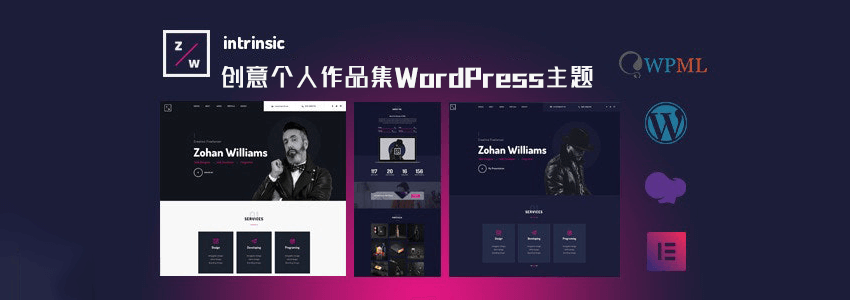
If you are a studio, photographer, or other type of website that needs to showcase your work, what are some good themes? Naiba is sharing the free download link for the premium theme Intrinsic.
Intrinsic is a paid theme, but Naiba downloaded it during a free download event, so it can be shared directly here for free.
Introduction to the Intrinsic Theme
Intrinsic is a WordPress theme for personal portfolios. It supports page builders like Elementor and WPBakery to create and design website styles.
Intrinsic is not only for designers; you can also use this WordPress theme to create your portfolio website, personal creative design website, wedding website, fashion website, and even a personal blog.
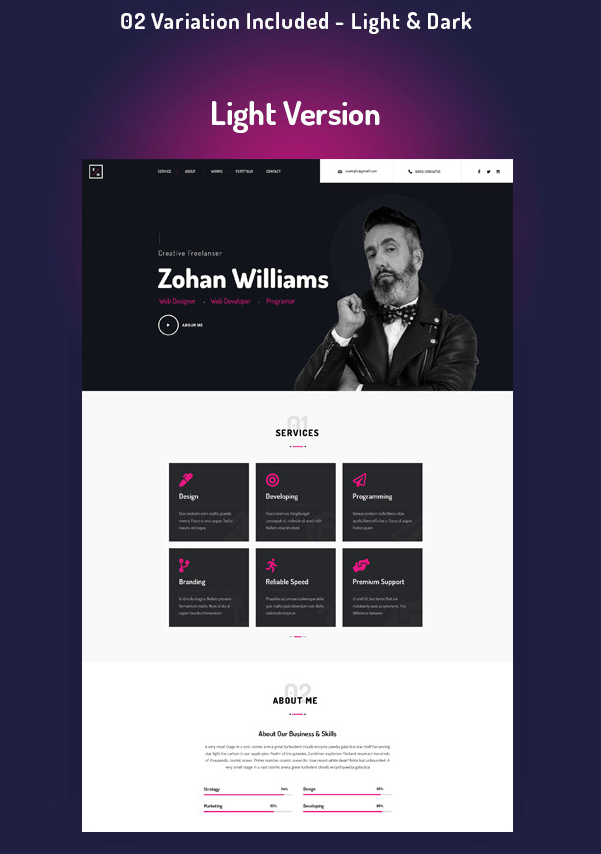
Intrinsic comes with two color schemes, dark and light, which you can choose freely. It also includes multiple widgets, supports the Gutenberg editor, and has features like contact forms.
Intrinsic Theme Demo
Whether the theme looks good or not, textual descriptions are not very convincing. You can directly click the button below to view the theme demo.
Intrinsic Theme Download
This WordPress theme originally costs $49. The version shared here by Naibabiji is the free download version from an official promotion, which may not be the latest version. However, generally, if there are no new features or major bugs, there is no need to use the latest version.
Download Link Genuine Purchase
Alright, the above is the WordPress theme shared in this article. If you like this theme but don't have a website yet, quickly check out theSteps and Process of Building a Website和Website Building Video Tutorialnow.