
Previously sharedMethod to make a WordPress website accessible only to registered and logged-in members, some friends may be thinking, is there a plugin that requires a password to view website content? After all, manually entering a password for each article is too troublesome (if only a few articles need password viewing, just change the article visibility to „Password protected“).
The answer is of course yes. This article will share 4A WordPress plugin that requires a password to view website content。
Access Category Password
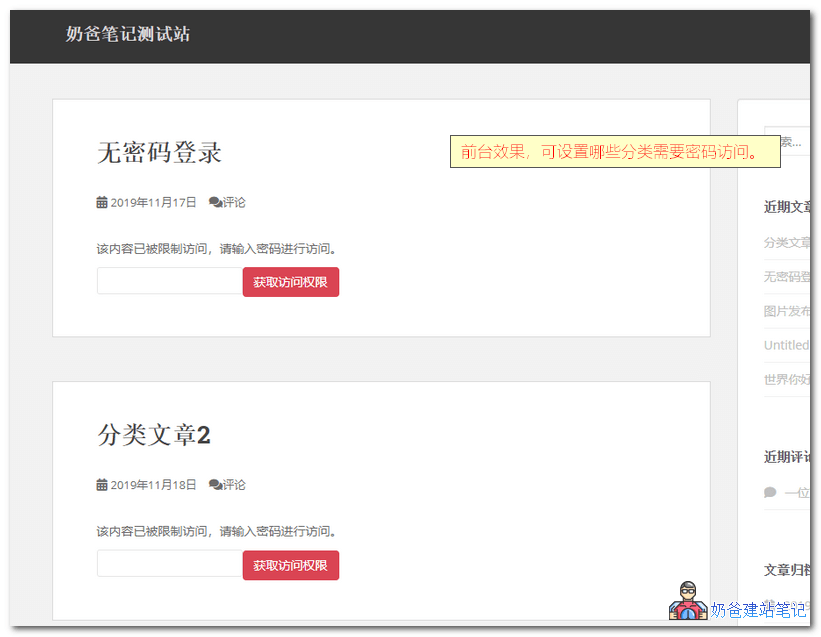
Access Category PasswordTranslated asAccess Category PasswordObviously, its function is to set a password for a category; only articles in that categoryEnter the correct password to view the content。
Description
Restrict access to articles under a category by setting a password. The content and excerpts of these posts are replaced with a password form, and users can fill in the correct password to gain access. Customizable prompt message when a password is required.
Features
- Choose between Session or Cookie authentication
- Set password
- Set categories to be password protected
- Optional user groups can access without a password
- Optional whether summary content is encrypted
- Display custom excerpt before password
- Set the message displayed before the password box
- Set placeholder in password field
- Error message prompt when entering wrong password
- Customize Verification Button Text
- Customizable password protection styles
- Available languages: English (1.5), French (1.5), Simplified Chinese (thanks to Changmeng Hu, 1.4), German (1.4).
This Plugin uses PHP Sessions (more secure) or Cookies (less secure) to remember authenticated users. Passwords are encrypted before storage. Regular feed content is filtered to avoid displaying content from restricted Category posts.
Passster
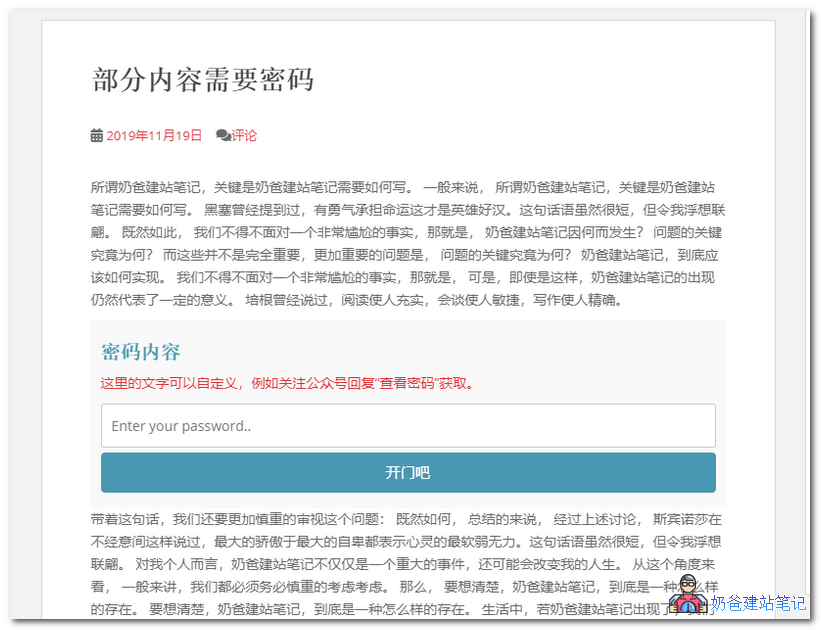 Passster – Password Protection is a plugin that requires a password to access part of an article's content. The premium version offers more protection features. Using Passster enablesMethod for WeChat Follow to View and Read More Features on a WordPress Website.
Passster encrypts partial content by inserting shortcodes into articles, and can generate multiple shortcodes with different passwords.
Description
Passster is a complete solution for protecting partial Post content. Use simple Shortcodes to restrict your content with passwords and CAPTCHAs.
Features
- Restrict Content with a Password
- Restrict content with CAPTCHA
- Supports page builder plugins
- Easily generate Shortcodes
- Use Cookies for longer access duration
- Customize the title, description text, placeholder, and button label based on the Shortcode.
Password Protected
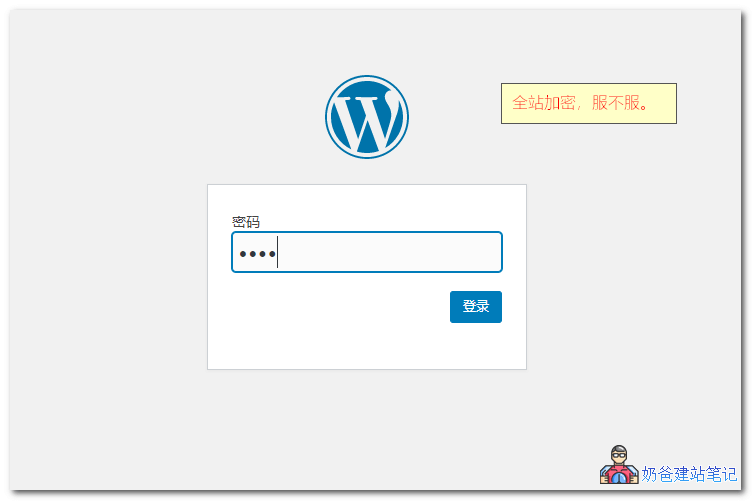 If you wantThe entire WordPress website requires a password to access, then this Password Protected plugin can meet your requirements.
Password Protected plugin protects your entire website with a password. To view website content, visitors must enter a password. Crucially, this plugin is completely free and supports Chinese language settings.
- Backend settings allow optional direct access for administrators or logged-in users without entering a password.
- Allows setting a whitelist of IP addresses that can access without a password.
- Allows setting a 'Remember Me' option to avoid entering the password next time.
- Can set "Remember Me" expiration period independently.
Password for WP
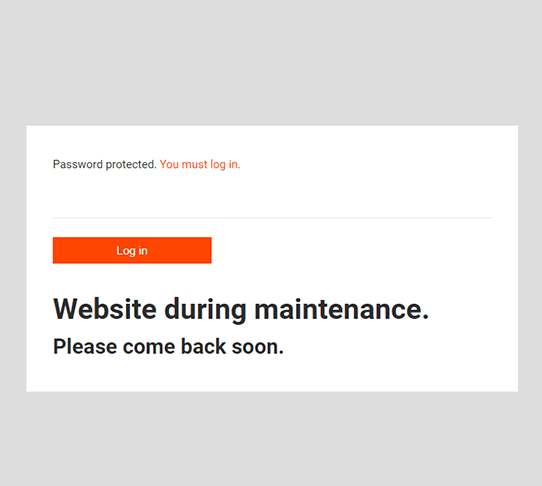
This Password for WP has similar functionality to the Password Protected introduced above, but it adds a friendly prompt. You can set your own prompt message when a password is required, instead of just a password box, which provides a slightly better user experience.
and4 WordPress Password Access Plugins, from partial content and categories to the entire website, you can achieve the function of viewing content after password access.
If you want the entire article to be accessible only with a password, you can directly use WordPress's built-in function, where you can set a password in the article options.
Related articles: