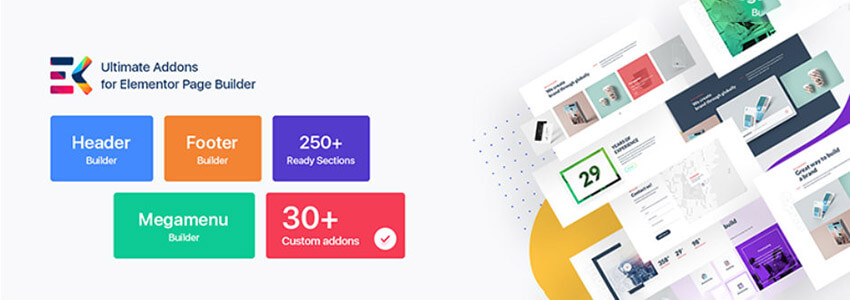
Friends who use WordPress for foreign trade website building will more or less come into contact with page builders. As the builder with the largest user base, Elementor is known to many. However, some features of Elementor requirepurchasing the PRO versionto use. For friends with a limited budget or those who just want to learn website building by themselves for practice, directly buying the paid plugin undoubtedly seems a bit „wasteful“. Therefore, here Naiba introduces a plugin called Elements Kit that can enhance Elementor„s functionality.
Elements Kit Introduction
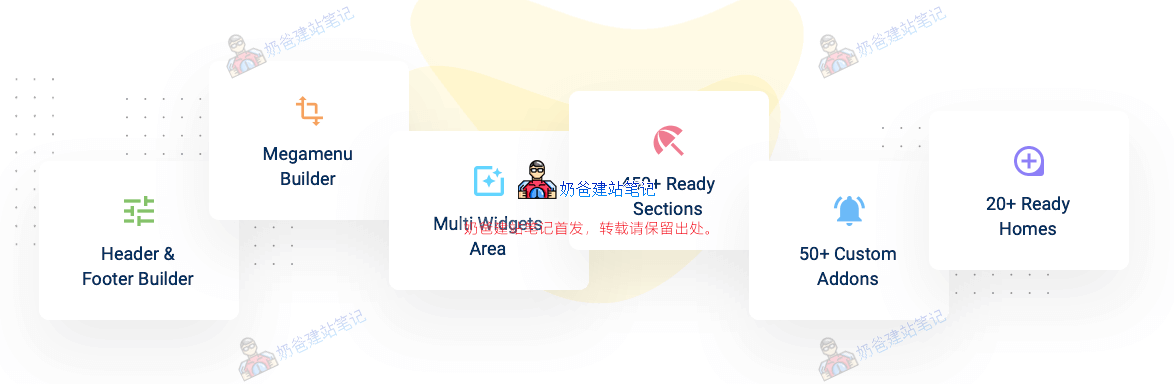
Elements Kit is an add-on for the Elementor Page Builder, through which many features not supported by the free version of Elementor can be achieved. It includes the most comprehensive modules, such as „Header & Footer Builder“, „Mega Menu“, etc. It has over 55 custom widgets to easily create any site. It provides some of the most unique and powerful custom controls for Elementor, such as Image Picker, Ajax Select2, Advanced Widget, etc.
Elements Kit Download Address
Elements Kit, like Elementor, has both free and premium versions. By combining the free version of Elementor with the free version of Elements Kit, you can achieve many common website building functional modules, so there is no need to worry about costs.
You can download it from the link below or search for and install the Elements Kit plugin from the WordPress backend.
Elements Kit Usage Tutorial
To use Elements Kit, you need to install and activate Elementor first. If it's not installed, please install it.
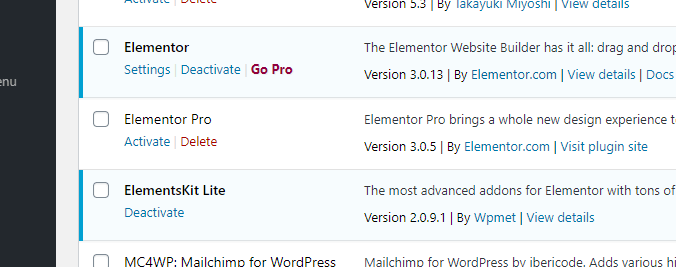
1. After activating Elementor and ElementsKit Lite, we create a new page.
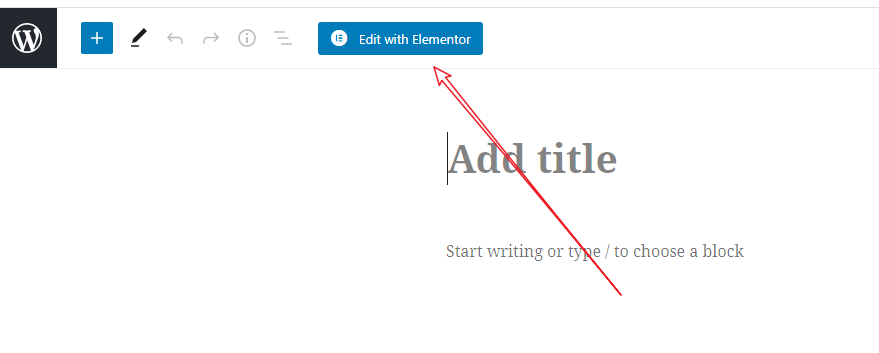
2. Choose to edit with Elementor.
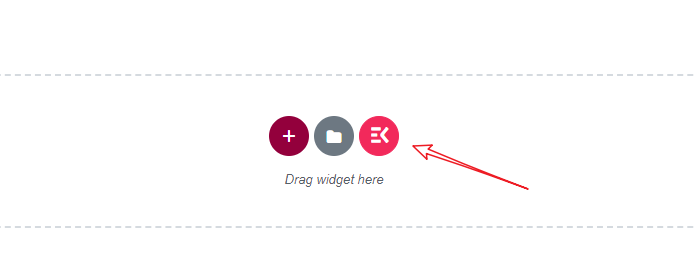
3. In the page editing area, click the icon in the image above to enter the ElementsKit material library.
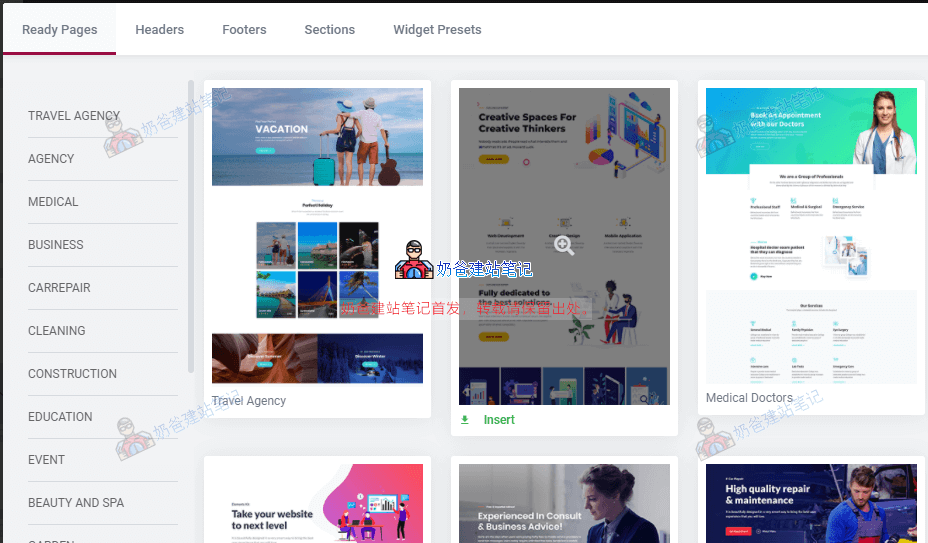
4. Select the pre-designed page or sections you like and import them.
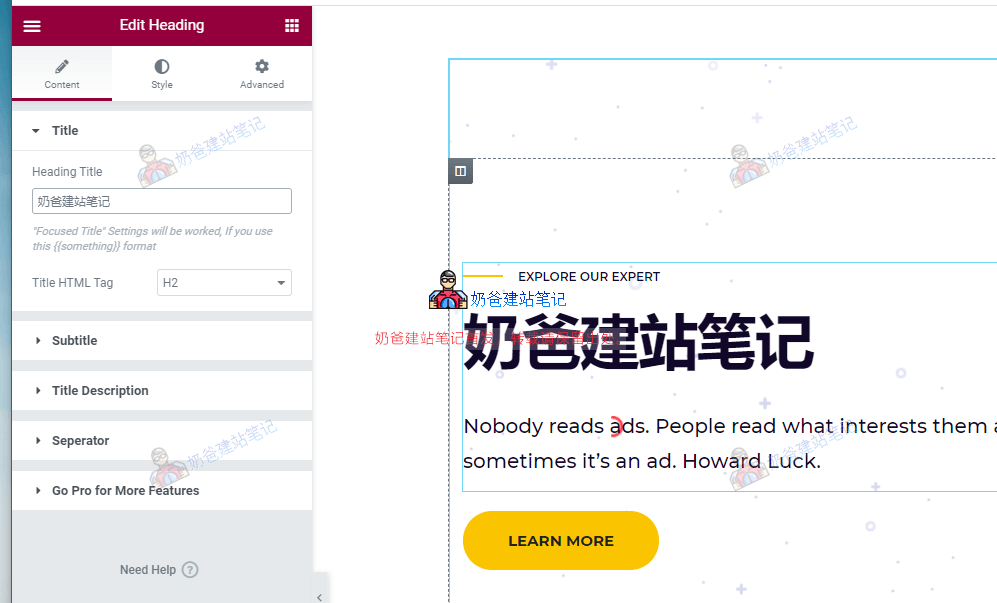
5. Modify the text and images of the imported page to match your own website content, then update to quickly create a webpage.
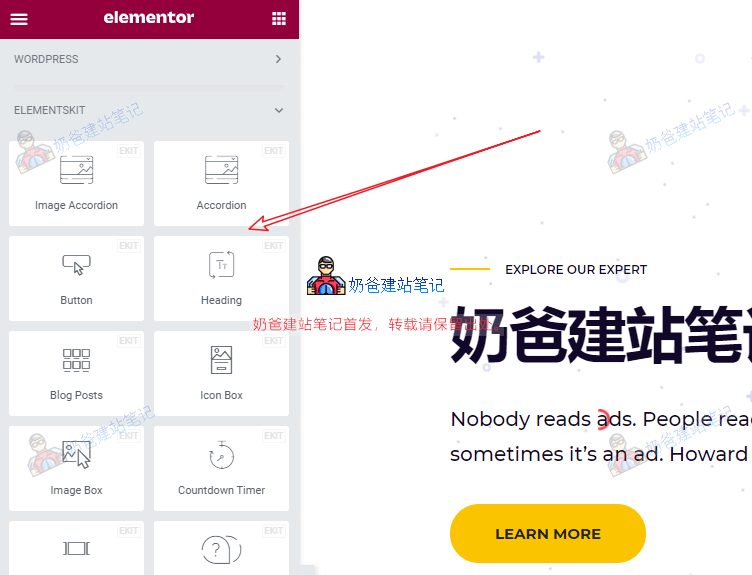
Of course, you can also create pages yourself. In the Elementor left-side element area, you can find the new element list added by ElementsKit, as shown below:
ElementsKit Optimization
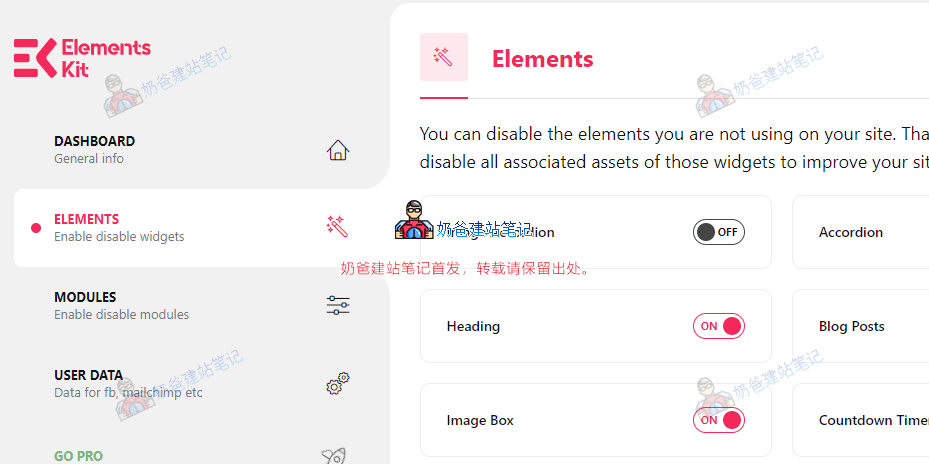
Generally speaking, the more plugins loaded, the more resources the webpage references. This is why many people say WordPress is slow. ElementsKit has been optimized in this regard, and we can tweak it in the settings.
The specific method is to go to the WordPress website backend, find the ElementsKit settings interface, and disable unnecessary element features. This includes features under Elements and Modules, keeping only those used in your web design.
Finally, some features of ElementsKit are paid. For example, if you want to design WooCommerce product pages yourself, you can only choose to purchase Elementor Pro or ElementsKit Pro.