WordPress 5.3.1 Update Log_Solutions for Automatic Update Failure
WordPress 5.3.1 has prompted an update in the website backend. This version mainly fixes 4 security issues. It is recommended that everyone update to the latest version [...]
Continue browsing earlier tutorials and website building experience.
Tutorials sorted in reverse chronological order, suitable for filling gaps.
WordPress 5.3.1 has prompted an update in the website backend. This version mainly fixes 4 security issues. It is recommended that everyone update to the latest version [...]
When building a website, foreign trade enterprises often consider multilingual websites. Most multilingual websites are created using translation plugins, such as WPML [...]
Hello everyone, I'm Brother Lei. Recently, Brother Lei helped someone build a website that required uploading large video files. However, WordPress's media file upload limit […]
Nowadays, setting up an SSL certificate for a website has become a standard. You followed online tutorials to apply for an SSL certificate and installed it, but using http [...]
If you build your own website, especially an English one, it is very susceptible to spam comments. You may receive dozens or even hundreds of English comments with links every day [...]
If you plan to create a fresh and artistic image website, then consider this WordPress image theme introduced in this article. Theme introduction [...]
Sometimes website redesign involves modifying a large number of articles, and manual operation is too time-consuming. Therefore, Naibabiji shares with you how to batch delete [...] in WordPress.
If your website database backup is too large when restoring, it usually fails to import, showing a 502 Bad Gateway error. The solution is to increase [...]
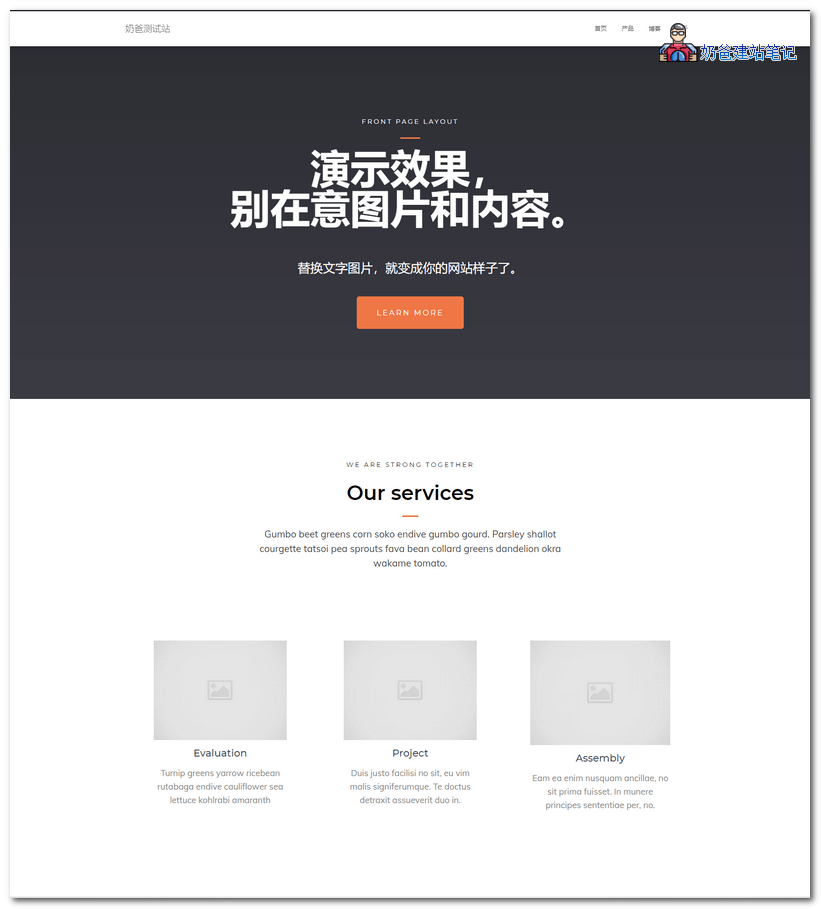
If you want to build a corporate website yourself and are looking for a WordPress theme template suitable for a company official website, then you can try Hestia [...]
If you get an error „Unable to create directory wp-content/uploads/2 [...]“ when uploading a theme or image in the WordPress backend,