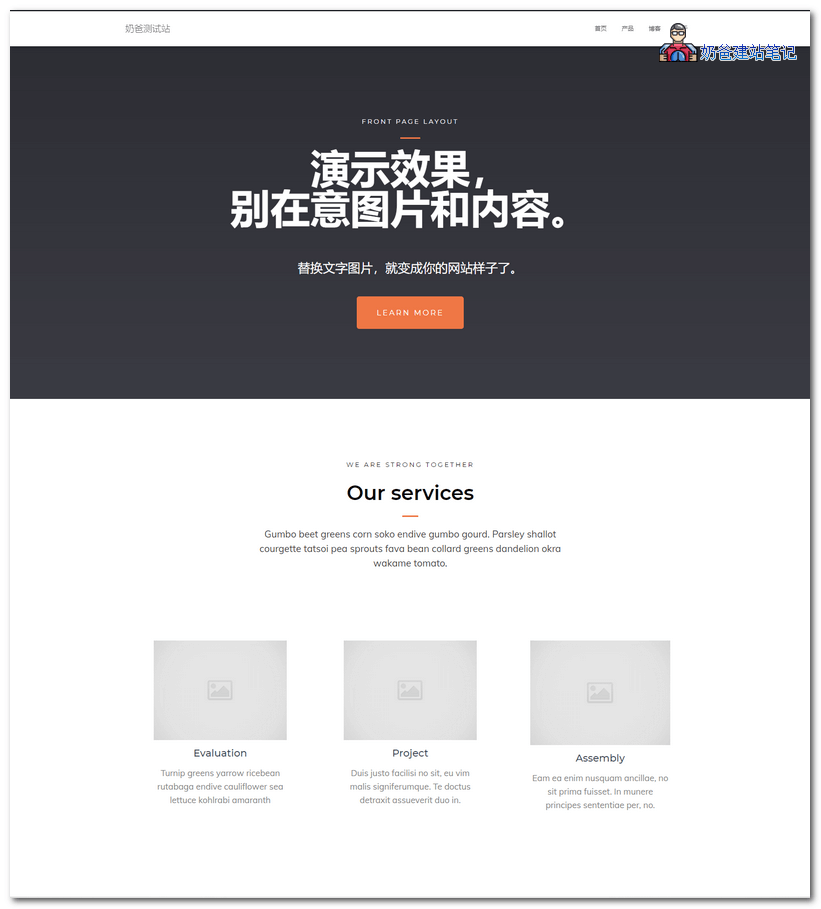
If you wantbuild a business website yourself, and are looking for a suitableWordPress theme templatefor your company's official website, then you can try this Hestia theme. It conforms to the standard business website layout.
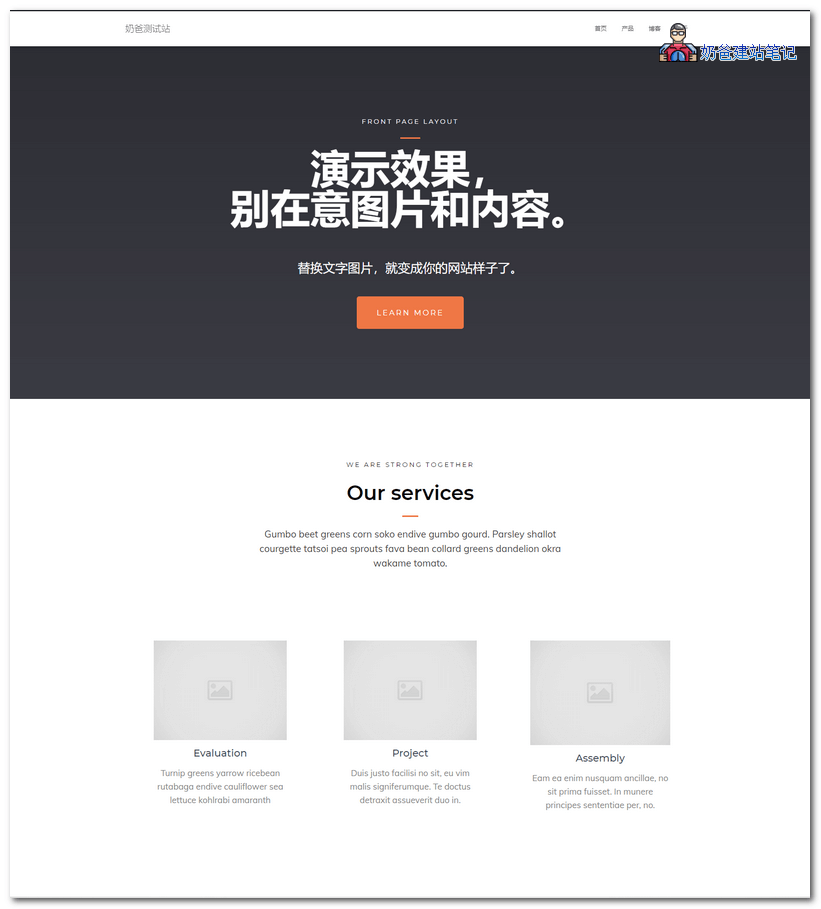
Business Theme Hestia Introduction
Hestia is a modern WordPress theme for professionals. This theme is suitable for creative businesses, small businesses (restaurants, wedding planners, sports/medical stores), startups, corporate businesses, online agencies and companies, portfolios, e-commerce (WooCommerce), and freelancers.
The theme features a multipurpose one-page design, footer widgets, blog/news page, and a clean look. It is compatible with various plugins: Flat Parallax Slider, Photo Gallery, Travel Map, and Elementor Page Builder. The theme is responsive, WPML and Retina compatible, SEO optimized, and designed using Material Kit.
Business Theme Hestia Demo and Download
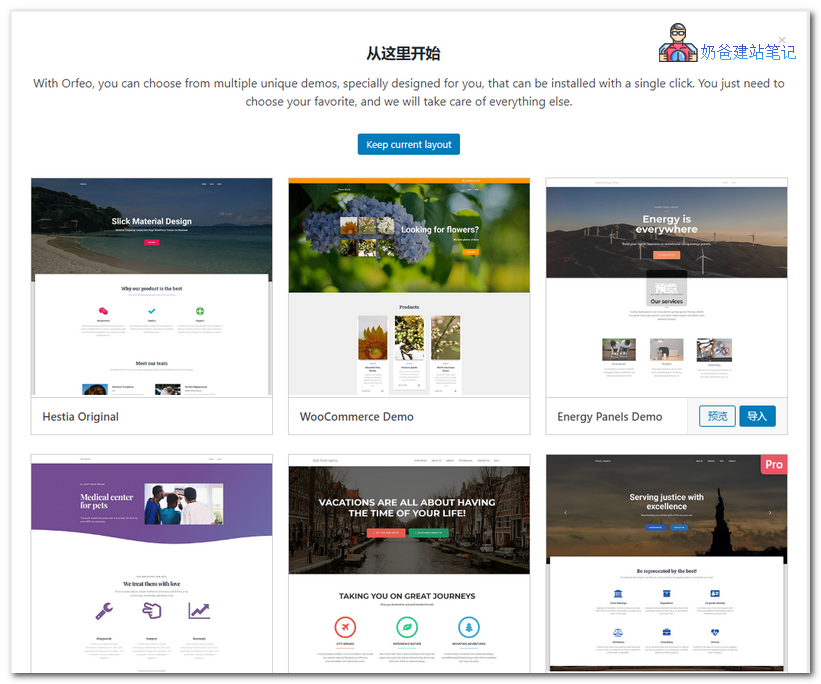
The Hestia theme comes with multiple demo data. You can import them with one click, then modify the text and images to create a simple corporate website.
You can import each demo to see which one best matches your desired website effect, then modify it based on that.
The demo shows the default appearance. On the right side of the demo page, you can also switch to other demos.
You can also directly search for Hestia in the WordPress backend themes section to install it online.