
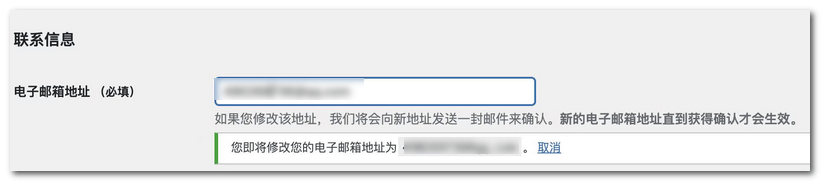
When installing WordPress, we need to fill in an email address. We might have accidentally entered it wrong at the beginning, or we might want to change to a different email. However, WordPress reminds us that it needs to send an email to the new address. The new email will only take effect after clicking the confirmation link in that email. But what if we don't receive the email? Naiba shares two solutions:
Method 1: Install a Plugin to Bypass Email Confirmation
The simplest method is to install the Change Admin Email plugin, which can directly help us bypass the email confirmation step. Just modify and submit directly.
Related:WordPress Plugin Installation Tutorial_Complete Guide to Popular Essential Plugins
Method 2: Fix WordPress Email Sending Function
The reason you can't receive the email is that the email sending function of the WordPress site is not working. Once you fix the sending function, you will be able to receive the confirmation email.
Refer to the following articles to solve the issue:
- WordPress Website Not Receiving Inquiry Emails? Post SMTP Plugin Setup Tutorial
- Tencent Enterprise Email Registration and SMTP Sending Setup Tutorial
- Method to Enable the fsockopen Function on Alibaba Cloud (Wanwang) Shared Hosting to Send Emails via SMTP
- Recommended WordPress SMTP Email Plugins I Have Used