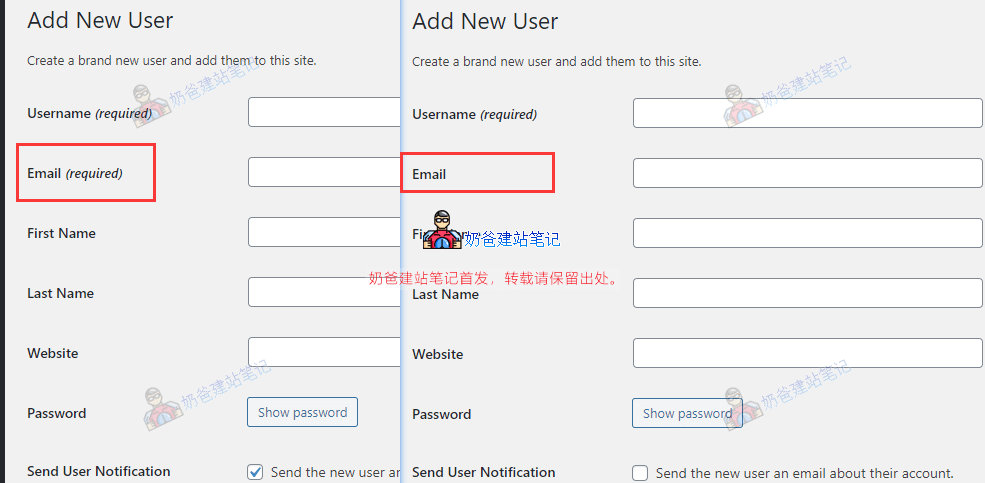
Websites built with WordPress support user registration for building online stores. By default, registration requires users to fill in an email address, and it is mandatory. However, some websites have special circumstances where forcing email input may not be necessary. Therefore, we can use the following code to change the mandatory email field to a required item. The specific method is as follows:
Recently, while building a foreign trade website for a clientForeign Trade Website BuildingI have become accustomed to usingCode SnippetsThis plugin is used to manage custom code, so this tutorial also uses this method.
1. InstallCode Snippets
2. Create a new Code, copy the following code, and then save it.
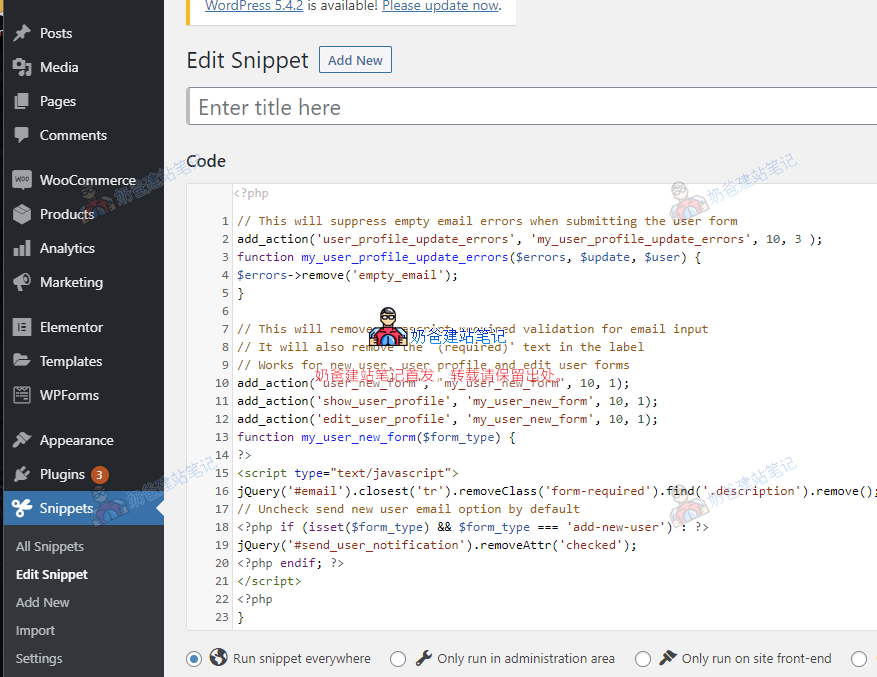
// 移除空邮件地址的提示
add_action('user_profile_update_errors', 'my_user_profile_update_errors', 10, 3 );
function my_user_profile_update_errors($errors, $update, $user) {
$errors->remove('empty_email');
}

// 这将删除电子邮件输入所需的javascript验证
// 还将删除标签中的(必填)提示
// https://blog.naibabiji.com/skill/users-without-email-in-wordpress.html
add_action('user_new_form', 'my_user_new_form', 10, 1);
add_action('show_user_profile', 'my_user_new_form', 10, 1);
add_action('edit_user_profile', 'my_user_new_form', 10, 1);
function my_user_new_form($form_type) {
?>
<script type="text/javascript">
jQuery('#email').closest('tr').removeClass('form-required').find('.description').remove();
// Uncheck send new user email option by default
<?php if (isset($form_type) && $form_type === 'add-new-user') : ?>
jQuery('#send_user_notification').removeAttr('checked');
<?php endif; ?>
</script>
<?php
}
3. After saving, the email field will no longer be mandatory when users register on the frontend or when adding users in the backend.