
Today, Naiba shares a plugin that can package and compress all files and folders under the WordPress upload folder and provide download: ZIP from Media.
The upload folder is the default upload directory of WordPress. The website's media library, images, videos, and files uploaded by some plugins are all stored in this directory.
We can directly back up the contents of this folder to avoid data loss. Or in some special cases, you need to manually save the files uploaded on the website.
Then you can use the ZIP from Media plugin introduced in this article to help.
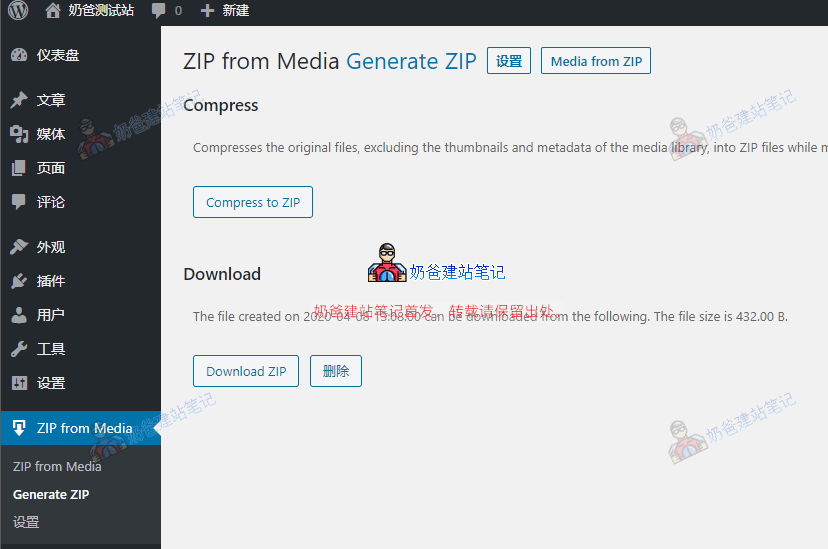
After installing the plugin, select Generate ZIP in the admin menu, then Compress to ZIP, wait for the compression to complete, and use the Download ZIP button to download the backup data.
The backup only retains the original files of images, not thumbnails.
However, if your website's upload folder is very large, the compression may time out. In that case, you can try increasing the server timeout or use other methods to back up.
Of course, this method is only suitable when you need to download the original upload folder data. If you want to perform a complete website backup, you also need a database backup.