
Flatsome is the top-selling WooCommerce Themeon the Themeforest website. In this article, Naiba teaches you how to use Flatsome tobuild your own website.。
Prerequisites for Building a Website with Flatsome
To use Flatsome as your WordPress Theme, the primary prerequisite is that you must have your own WordPress website. Naibabiji shares many related tutorials, which won't be repeated here.
- Steps to Build a Website
- SiteGround Hosting Tutorial for Installing WordPress Recommended for Foreign Trade Users
After installing the WordPress website, we can use Flatsome to build our own foreign trade website.
Flatsome Usage Tutorial
1. Installing the Flatsome Theme
1. Download the theme file after purchasing from Themeforest
2. Extract the downloaded compressed package, then upload the theme installation package to the WordPress backend for installation.
3. Activate the theme and enter the wizard interface, as shown below:
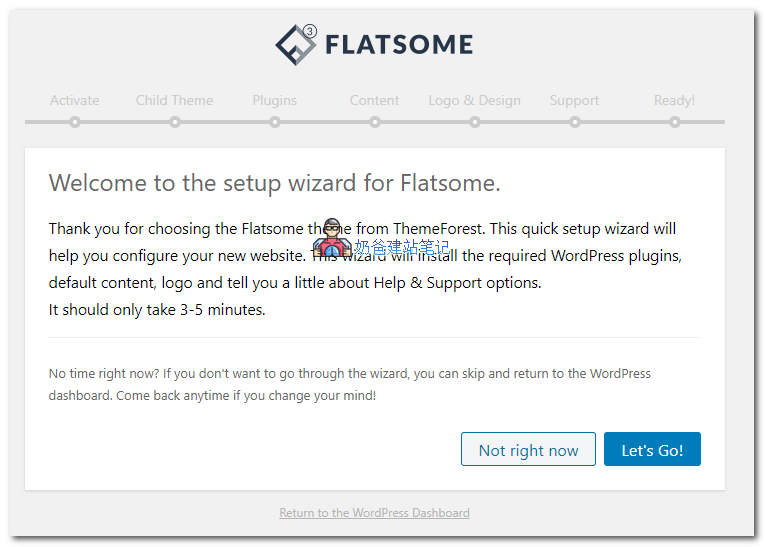
4. Follow the wizard. During the process, you will be prompted to enter a key, activate the child theme, install plugins, import content, etc.
If you don't know where to retrieve the key,click here。
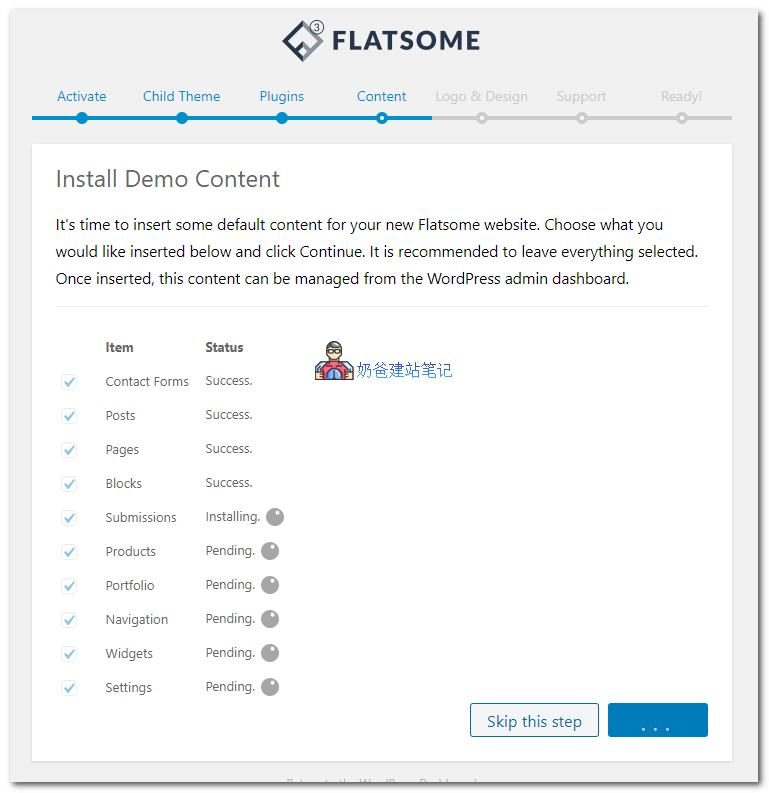
After the content import is complete, you will be prompted to upload a logo and select a preset template. Choose the demo style you like. The logo image can also be changed later.
5. Import complete
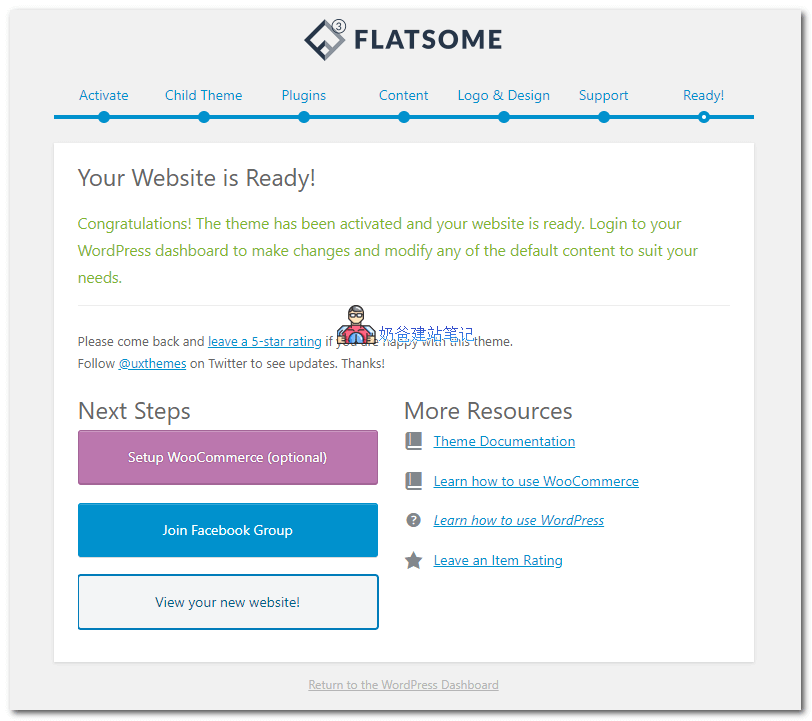
After the import is complete, you can choose 'Setup WooCommerce' to configure the e-commerce Plugin, or click 'View your new website' to browse the site.
2. Customizing the Flatsome Theme
Click the customize button on the website homepage to make a series of custom modifications to the Theme.
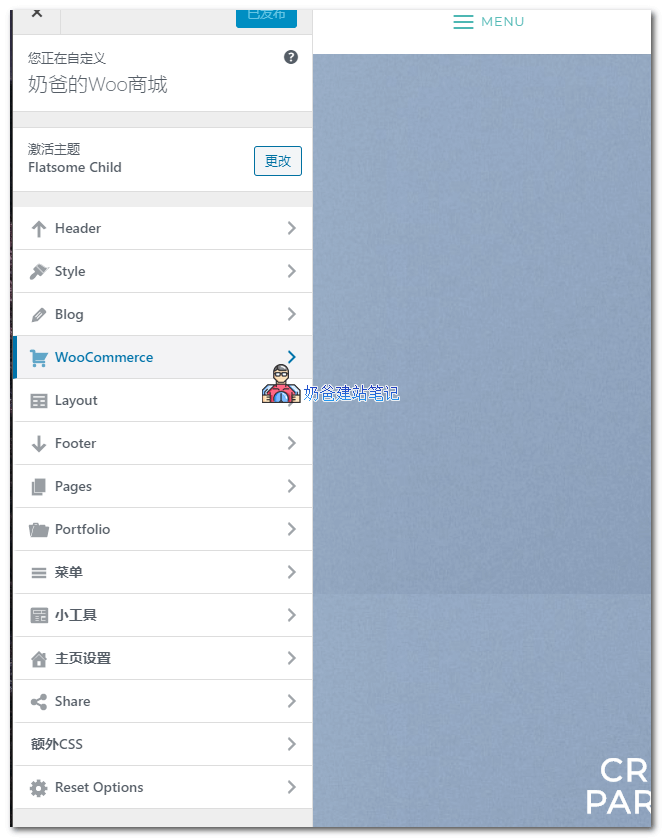
Here you can modify and set many aspects of the theme. Adjust the parameters according to your actual situation.
For example, in Header's Presets, you can select the website navigation bar style, and in the Header Builder interface, you can drag and drop to choose the content displayed in the header.
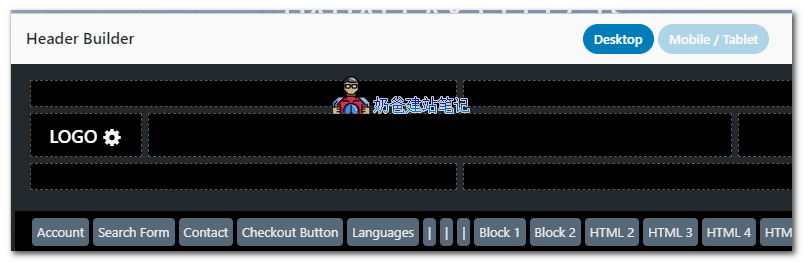
If your website has domestic users, it is recommended to disable Google Fonts in Style's Typography. For foreign trade websites, you don't need to do this because Google Fonts are relatively richer and more beautiful.
After customizing the content, click the Publish button.
3. Modifying Flatsome Page Layout
For example, if you want to modify the layout of the homepage, click the Edit button at the top of the homepage, or go to the WP backend, find the homepage page, and edit it.
Select Edit with UX Builder to enter the page builder editing page. As shown below:
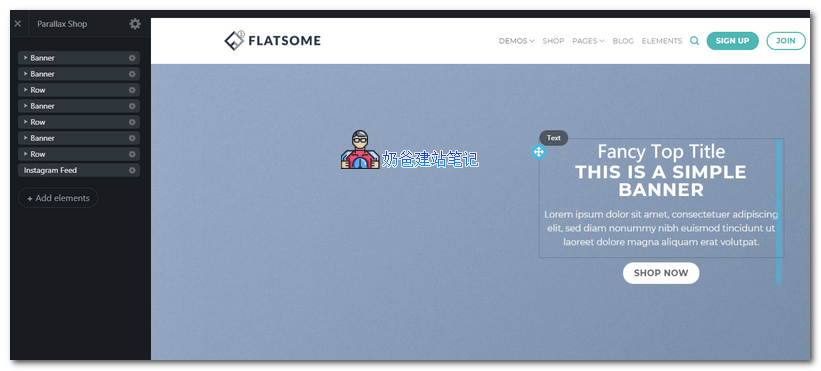
In the image above, the left navigation shows the layout of your current page. We can see two banners at the top. Click on the content of the first banner to directly edit the text.
Click on the Banner's settings options to enter the specific settings of the banner, where you can modify the background image and layout.
Between sections, you can click the plus sign (+) to add a new section.
 The content that can be added is shown in the figure below:
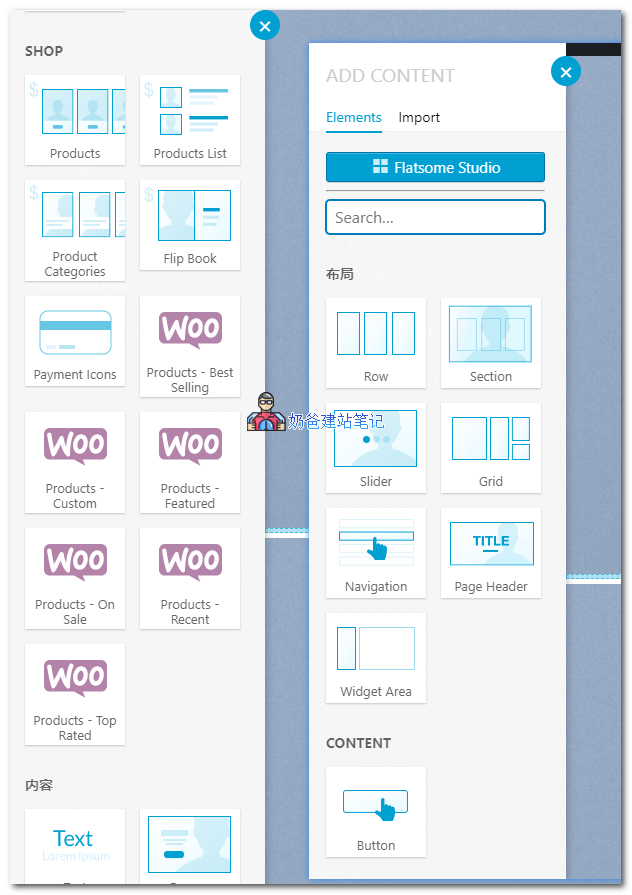
You can customize the page layout and content using these functional modules.
After debugging all content, click Update to publish the new page.
Once everything is set up, you can upload products and launch the website.
The above content is what Naiba has introduced to you.How to Use the Flatsome Theme to Build Your Own Website Tutorial.