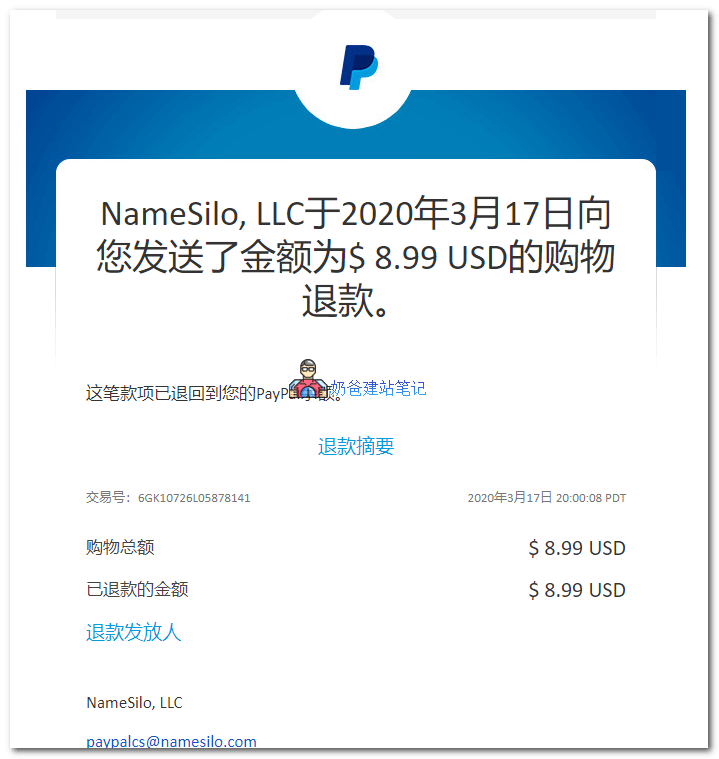
NameSilo is a foreign domain registrar. Naiba also recommends purchasing domains from them. Refer to the tutorial:Tutorial on Registering a Domain with the Foreign Domain Registrar NamesiloToday, Naiba discovered a mistake while registering a domain, so a refund was needed to re-register. This is documented here.NameSilo Domain Refund Method。
Reminder:
The specific refund policy hasn't been studied in detail, but Naiba just registered and then applied for a refund, which was processed instantly. Therefore, do not wait too long after registration to request a refund, as it may exceed the refund period.
NameSilo Domain Refund Method
1.Log in to the NameSilo official website
2. After entering 'my account', there is an 'order history' at the very bottom on the right.Click to enter
3. Click the bill you want to refund (that is the string of numbers).
4. Click the × under CANCEL to request cancellation.
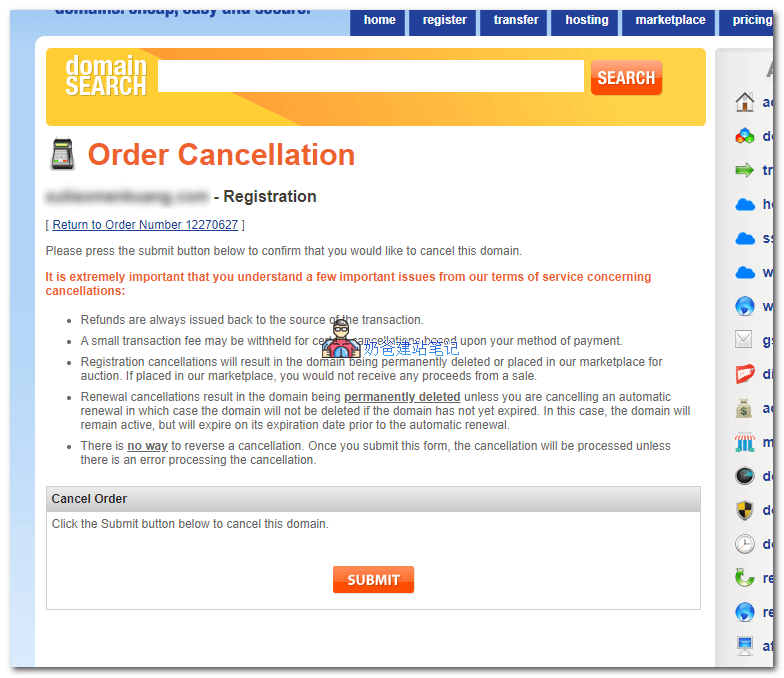
5. Click SUBMIT to submit the request.
6. Receive the refund.