
After users visit your self-built foreign trade enterprise website, they quickly bounce, failing to capture their attention. What to do? Usually, the first thing seen on an enterprise website is the slideshow, so a beautiful, attractive slideshow effect is very important. We can use the LayerSlider slideshow plugin to create beautiful slideshows, sliders, animations, and even complete landing pages.

A slideshow effect like the one above is much more eye-catching than traditional transition slideshows, right?
But to attract attention, you can also switch different colors directly on the slideshow. Would the conversion rate be much higher?
If you are still using the one-click templates from website building companies with simple image transitions to showcase products, it's time to change. That's outdated.
Try the LayerSlider plugin recommended by Naiba Web Development.
LayerSlider is an advanced, multifunctional animation platform.。You can use LayerSlider 6 to create sliders, image galleries, slideshows with incredible effects, landing pages, animated page blocks, and even complete websites.
LayerSlider uses a visual drag-and-drop operation, soyou can create beautiful animated slideshows without coding or technical skills.The growing selection of importable templates is an ideal starting point for new projects, covering every common use case from personal to corporate business.They are meticulously crafted, aesthetically pleasing, and can be easily customized to fit any need.
Using LayerSlider is also simple. After installing LayerSlider, you can choose an effect from the demo library, import it, modify images and text, and then publish and call it.
Besides modifying demos from the template library, you can also create your own slideshow, which is also simple.
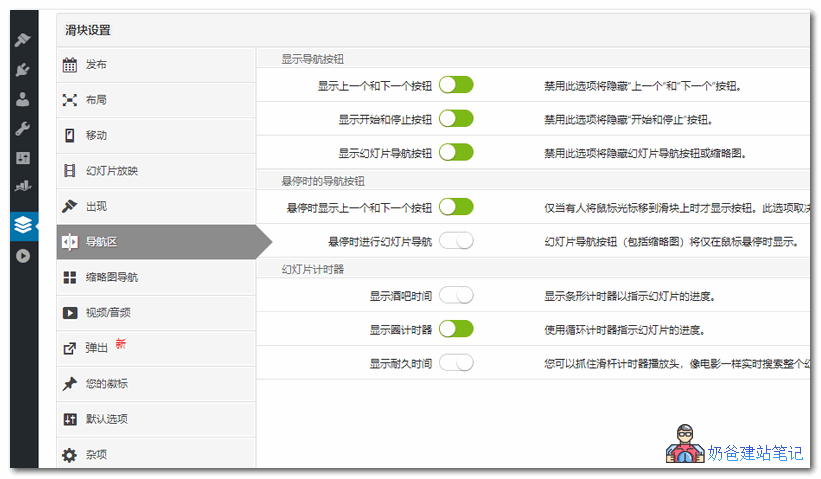
First, create a new slider, then proceed with the basic settings.
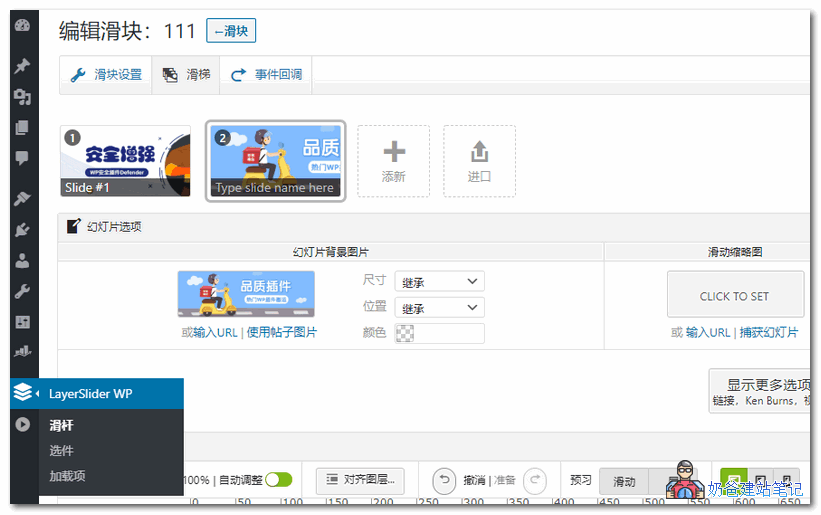
Then, go to the slider page, where you can add one or more images.
If you want to create a beautiful animated slideshow like the demo in this article, just add one background image, then add text and animations below.
After setting it up, preview the effect. If satisfied, save it, and then call it on the front end of your website.
If you don't know how to call it on the front end, we recommend usingElementorto help you design the webpage.
Group 774633089 Shared > WordPress Plugins > CJ12.layerslider6100n