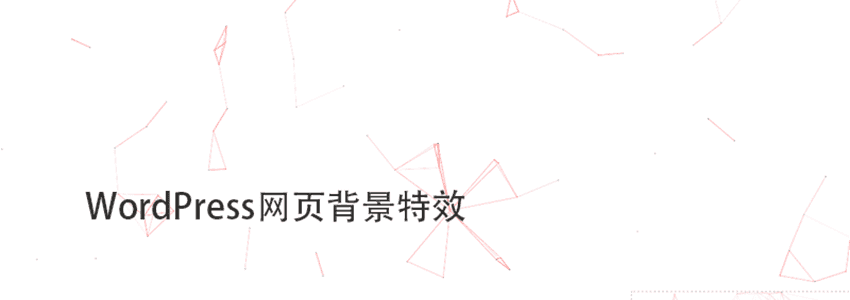
If you often browse the blogosphere, you must have seen that some blogs have many lines in the background that follow your mouse pointer and attract. How is this effect achieved? It's very simple: just call a js file. This js file is very small, so there is no need to worry about performance impact.
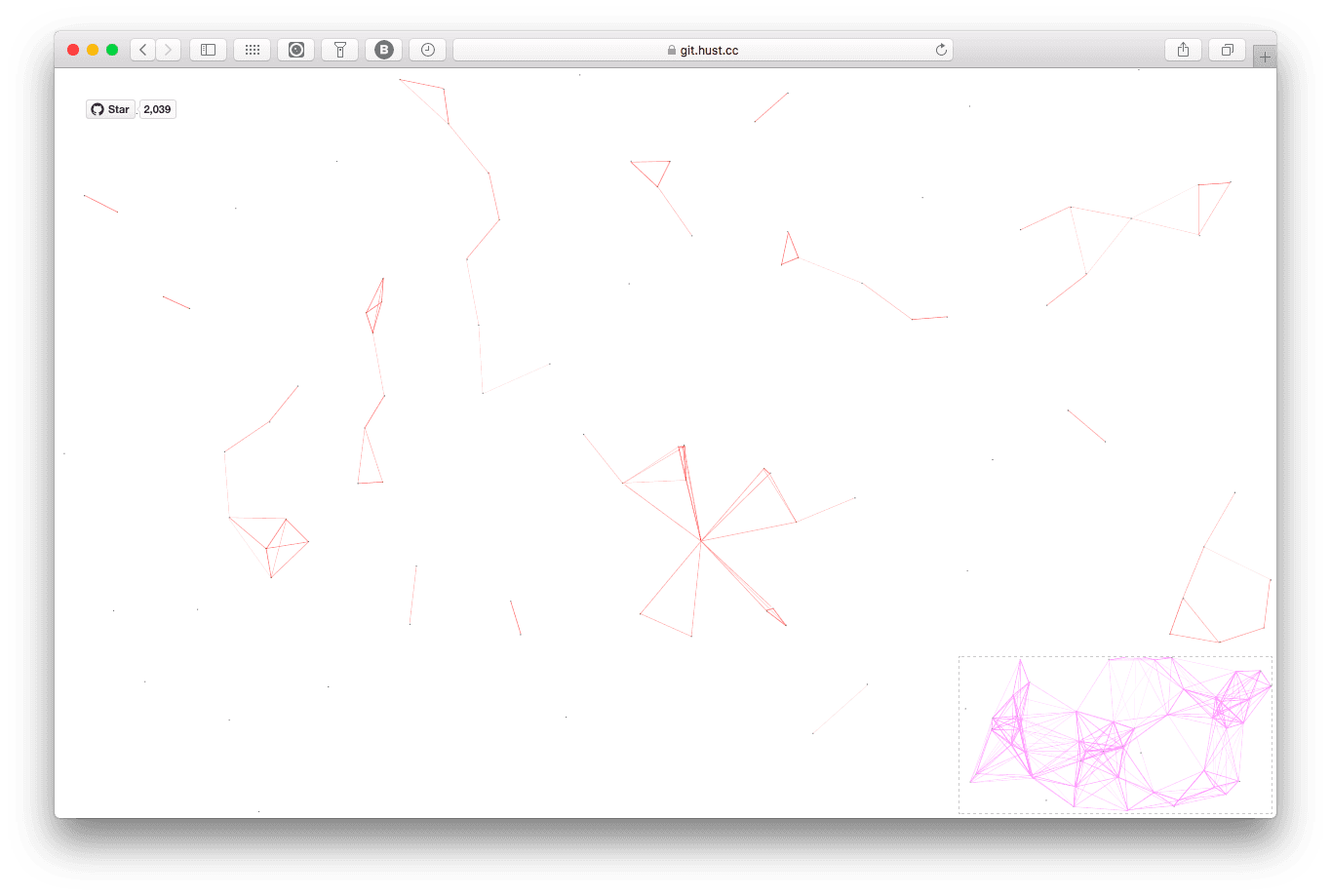
The effect is as follows:
 Code Version Usage Method
Copy the following code and save it as a js file. You can also directlygo to Github to download
Note: This code can be used on all websites, not just WordPress.
!function(){"use strict";function e(e){return e&&e.__esModule&&Object.prototype.hasOwnProperty.call(e,"default")?e.default:e}function t(e,t){return e(t={exports:{}},t.exports),t.exports}var n=t(function(e,t){Object.defineProperty(t,"__esModule",{value:!0});var n=1;t.default=function(){return""+n++},e.exports=t.default});e(n);var o=t(function(e,t){Object.defineProperty(t,"__esModule",{value:!0}),t.default=function(e){var t=arguments.length>1&&void 0!==arguments[1]?arguments[1]:30,n=null;return function(){for(var o=this,i=arguments.length,r=Array(i),a=0;a<i;a++)r[a]=arguments[a];clearTimeout(n),n=setTimeout(function(){e.apply(o,r)},t)}},e.exports=t.default});e(o);var i=t(function(e,t){Object.defineProperty(t,"__esModule",{value:!0});t.SizeSensorId="size-sensor-id",t.SensorStyle="display:block;position:absolute;top:0;left:0;height:100%;width:100%;overflow:hidden;pointer-events:none;z-index:-1;opacity:0",t.SensorClassName="size-sensor-object"});e(i);i.SizeSensorId,i.SensorStyle,i.SensorClassName;var r=t(function(e,t){Object.defineProperty(t,"__esModule",{value:!0}),t.createSensor=void 0;var n,r=(n=o)&&n.__esModule?n:{default:n};t.createSensor=function(e){var t=void 0,n=[],o=(0,r.default)(function(){n.forEach(function(t){t(e)})}),a=function(){t&&t.parentNode&&(t.contentDocument.defaultView.removeEventListener("resize",o),t.parentNode.removeChild(t),t=void 0,n=[])};return{element:e,bind:function(r){t||(t=function(){"static"===getComputedStyle(e).position&&(e.style.position="relative");var t=document.createElement("object");return t.onload=function(){t.contentDocument.defaultView.addEventListener("resize",o),o()},t.setAttribute("style",i.SensorStyle),t.setAttribute("class",i.SensorClassName),t.type="text/html",e.appendChild(t),t.data="about:blank",t}()),-1===n.indexOf(r)&&n.push(r)},destroy:a,unbind:function(e){var o=n.indexOf(e);-1!==o&&n.splice(o,1),0===n.length&&t&&a()}}}});e(r);r.createSensor;var a=t(function(e,t){Object.defineProperty(t,"__esModule",{value:!0}),t.createSensor=void 0;var n,i=(n=o)&&n.__esModule?n:{default:n};t.createSensor=function(e){var t=void 0,n=[],o=(0,i.default)(function(){n.forEach(function(t){t(e)})}),r=function(){t.disconnect(),n=[],t=void 0};return{element:e,bind:function(i){t||(t=function(){var t=new ResizeObserver(o);return t.observe(e),o(),t}()),-1===n.indexOf(i)&&n.push(i)},destroy:r,unbind:function(e){var o=n.indexOf(e);-1!==o&&n.splice(o,1),0===n.length&&t&&r()}}}});e(a);a.createSensor;var s=t(function(e,t){Object.defineProperty(t,"__esModule",{value:!0}),t.createSensor=void 0;t.createSensor="undefined"!=typeof ResizeObserver?a.createSensor:r.createSensor});e(s);s.createSensor;var u=t(function(e,t){Object.defineProperty(t,"__esModule",{value:!0}),t.removeSensor=t.getSensor=void 0;var o,r=(o=n)&&o.__esModule?o:{default:o};var a={};t.getSensor=function(e){var t=e.getAttribute(i.SizeSensorId);if(t&&a[t])return a[t];var n=(0,r.default)();e.setAttribute(i.SizeSensorId,n);var o=(0,s.createSensor)(e);return a[n]=o,o},t.removeSensor=function(e){var t=e.element.getAttribute(i.SizeSensorId);e.element.removeAttribute(i.SizeSensorId),e.destroy(),t&&a[t]&&delete a[t]}});e(u);u.removeSensor,u.getSensor;var c=t(function(e,t){Object.defineProperty(t,"__esModule",{value:!0}),t.clear=t.bind=void 0;t.bind=function(e,t){var n=(0,u.getSensor)(e);return n.bind(t),function(){n.unbind(t)}},t.clear=function(e){var t=(0,u.getSensor)(e);(0,u.removeSensor)(t)}});e(c);var l=c.clear,d=c.bind,v=window.requestAnimationFrame||window.webkitRequestAnimationFrame||window.mozRequestAnimationFrame||window.msRequestAnimationFrame||window.oRequestAnimationFrame||function(e){return window.setTimeout(e,1e3/60)},f=window.cancelAnimationFrame||window.webkitCancelAnimationFrame||window.mozCancelAnimationFrame||window.msCancelAnimationFrame||window.oCancelAnimationFrame||window.clearTimeout,m=function(e){return new Array(e).fill(0).map(function(e,t){return t})},h=Object.assign||function(e){for(var t=1;t<arguments.length;t++){var n=arguments[t];for(var o in n)Object.prototype.hasOwnProperty.call(n,o)&&(e[o]=n[o])}return e},p=function(){function e(e,t){for(var n=0;n<t.length;n++){var o=t[n];o.enumerable=o.enumerable||!1,o.configurable=!0,"value"in o&&(o.writable=!0),Object.defineProperty(e,o.key,o)}}return function(t,n,o){return n&&e(t.prototype,n),o&&e(t,o),t}}();var y=function(){function e(t,n){var o=this;!function(e,t){if(!(e instanceof t))throw new TypeError("Cannot call a class as a function")}(this,e),this.randomPoints=function(){return m(o.c.count).map(function(){return{x:Math.random()*o.canvas.width,y:Math.random()*o.canvas.height,xa:2*Math.random()-1,ya:2*Math.random()-1,max:6e3}})},this.el=t,this.c=h({zIndex:-1,opacity:.5,color:"0,0,0",pointColor:"0,0,0",count:99},n),this.canvas=this.newCanvas(),this.context=this.canvas.getContext("2d"),this.points=this.randomPoints(),this.current={x:null,y:null,max:2e4},this.all=this.points.concat([this.current]),this.bindEvent(),this.requestFrame(this.drawCanvas)}return p(e,[{key:"bindEvent",value:function(){var e=this;d(this.el,function(){e.canvas.width=e.el.clientWidth,e.canvas.height=e.el.clientHeight}),this.onmousemove=window.onmousemove,window.onmousemove=function(t){e.current.x=t.clientX-e.el.offsetLeft+document.scrollingElement.scrollLeft,e.current.y=t.clientY-e.el.offsetTop+document.scrollingElement.scrollTop,e.onmousemove&&e.onmousemove(t)},this.onmouseout=window.onmouseout,window.onmouseout=function(){e.current.x=null,e.current.y=null,e.onmouseout&&e.onmouseout()}}},{key:"newCanvas",value:function(){"static"===getComputedStyle(this.el).position&&(this.el.style.position="relative");var e,t=document.createElement("canvas");return t.style.cssText="display:block;position:absolute;top:0;left:0;height:100%;width:100%;overflow:hidden;pointer-events:none;z-index:"+(e=this.c).zIndex+";opacity:"+e.opacity,t.width=this.el.clientWidth,t.height=this.el.clientHeight,this.el.appendChild(t),t}},{key:"requestFrame",value:function(e){var t=this;this.tid=v(function(){return e.call(t)})}},{key:"drawCanvas",value:function(){var e=this,t=this.context,n=this.canvas.width,o=this.canvas.height,i=this.current,r=this.points,a=this.all;t.clearRect(0,0,n,o);var s=void 0,u=void 0,c=void 0,l=void 0,d=void 0,v=void 0;r.forEach(function(r,f){for(r.x+=r.xa,r.y+=r.ya,r.xa*=r.x>n||r.x<0?-1:1,r.ya*=r.y>o||r.y<0?-1:1,t.fillStyle="rgba("+e.c.pointColor+")",t.fillRect(r.x-.5,r.y-.5,1,1),u=f+1;u<a.length;u++)null!==(s=a[u]).x&&null!==s.y&&(l=r.x-s.x,d=r.y-s.y,(v=l*l+d*d)<s.max&&(s===i&&v>=s.max/2&&(r.x-=.03*l,r.y-=.03*d),c=(s.max-v)/s.max,t.beginPath(),t.lineWidth=c/2,t.strokeStyle="rgba("+e.c.color+","+(c+.2)+")",t.moveTo(r.x,r.y),t.lineTo(s.x,s.y),t.stroke()))}),this.requestFrame(this.drawCanvas)}},{key:"destroy",value:function(){l(this.el),window.onmousemove=this.onmousemove,window.onmouseout=this.onmouseout,f(this.tid),this.canvas.parentNode.removeChild(this.canvas)}}]),e}();y.version="2.0.4";var w,b;new y(document.body,(w=document.getElementsByTagName("script"),{zIndex:(b=w[w.length-1]).getAttribute("zIndex"),opacity:b.getAttribute("opacity"),color:b.getAttribute("color"),pointColor:b.getAttribute("pointColor"),count:Number(b.getAttribute("count"))||99}))}();Assuming you saved the file as canvas-nest.js, upload it to the dist folder on the server.
Then add the following code before the </body> tag in the footer.php file of your WordPress website.
<script type="text/javascript" src="dist/canvas-nest.js"></script>
Custom Display Effect
color: line color, default: ‚0,0,0‘; three numbers are (R,G,B), note separated by commas
pointColor: intersection color, default: ‚0,0,0‘; three numbers are (R,G,B), note separated by commas
opacity: line opacity (0~1), default: 0.5
count: total number of lines, default: 150
zIndex: background z-index attribute, CSS property used to control the layer position, default: -1
For example, like this
<script type="text/javascript" color="0,0,255" opacity='0.7' zIndex="-2" count="99" src="dist/canvas-nest.js"></script>
Note: All configuration items have default values. If you don't know how to set them, you can leave them unset and use the default values to see the effect.
If you think the code version is difficult, you can also use the plugin version
WordPress Canvas Plugin Download
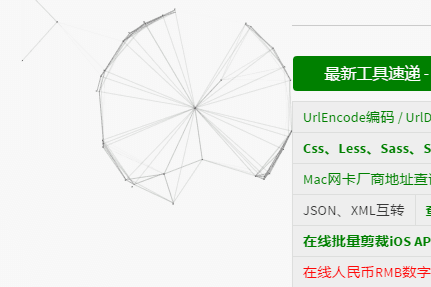
canvas-nest.js is a very cool open-source project on GitHub. The project uses less than 2KB of JavaScript code to create a very cool webpage background effect. The project address is: https://github.com/aTool-org/canvas-nest.js
This WordPress plugin is another open-source project (https://github.com/aTool-org/canvas-nest-for-wp) built using the above project. This project is a WordPress plugin and has been published on the wordpress.org official website.
Extension Download Address:https://wordpress.org/plugins/canvas-nestjs/
Adding Typing Fireworks Effect to Comment Section
In addition to the webpage background effect, you may also notice that typing in the comments on this blog has a fireworks effect. If you haven't noticed, you can try commenting to see.
The implementation method is very simple, see:Adding Fireworks ???? Effect to WordPress Comment Interface