Recommend a website SEO plugin that Naiba has been using for a while: SEO Minion
SEO Minion installation address:Chrome、Firefox
SEO Minion features introduction and demonstration
SEO Minion mainly has 6 functions, completely free to use. The functions are: view page SEO information, highlight page links, check broken links, hreflang tags check, spider crawl simulation, Google search location simulator.
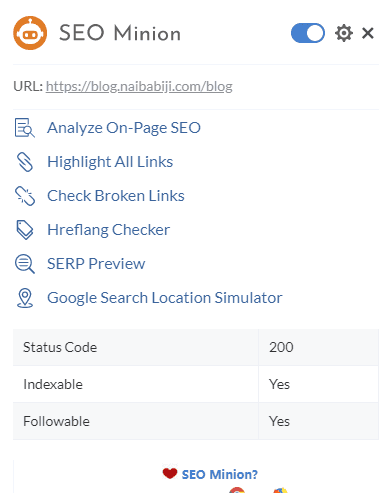
The functions Naiba most commonly uses are page SEO check, link highlighting, and broken link check, these 3 items.
Analyze On-Page SEO
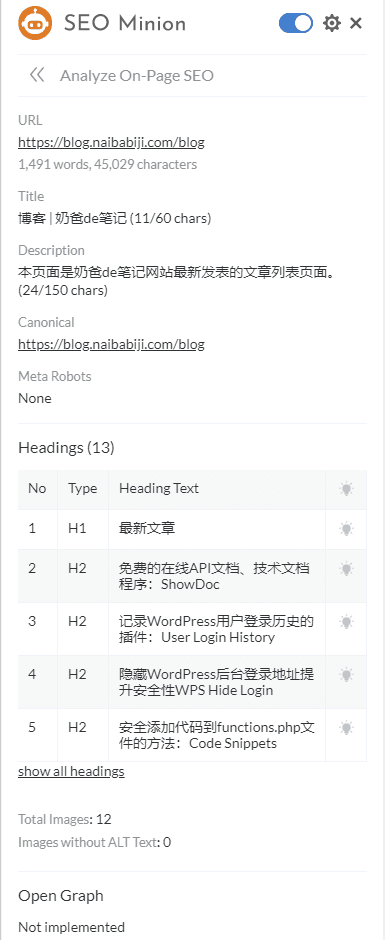
Mainly to quickly view the page's title, description, H tags, and other information. When Naiba was changing the website theme, it was through this function that he discovered the new theme settings were unreasonable, causing the issue of two H1 tags.
Check Broken Links
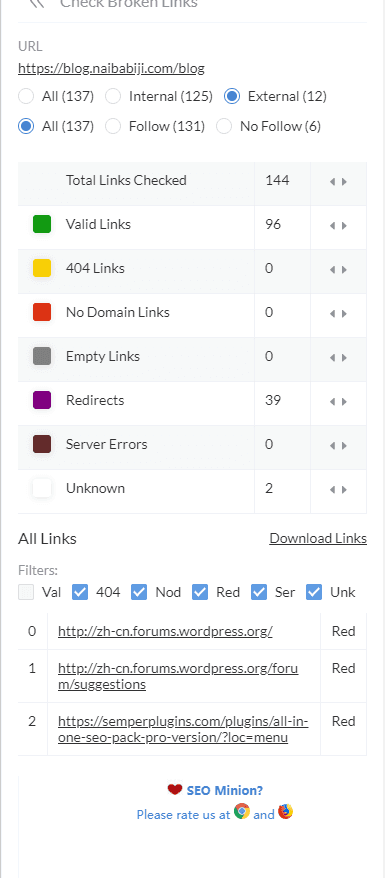
The broken link detection and link highlighting functions work together. Of course, this function doesn't need to be used frequently; sometimes using it on specific web pages is enough. If you need to check frequently, you can installWordPress Pluginto function.
The other features are rarely used or not needed.
The Hreflang Checker tag is basically not used on domestic websites, so no need to check.
Search engine crawl preview shows how your site will appear if Google indexes it.
Geographic location info can be ignored.