
WordPress security is very important. Besides the recommendedHide WordPress Admin Login Address to Enhance Security: WPS Hide LoginAdditionally, you can install a User Login History plugin to record login history of WordPress users. If you find login records from unusual locations, it is likely that someone has hacked into your website.
User Login History helps you track login details of any visitor using the following attributes:
- Login – Login date – Time
- Logout – Logout date – Time
- Last Seen – Last seen date and time
- Login Status – Logged In / Logged Out / Failed / Blocked
- Online Status – Online / Offline / Idle
- Session Duration – How long a user stays on your site per session.
- User Identity
- Username
- Current Role
- Old Role – The role of the user when they logged into your site.
- Browser
- Operating System
- IP Address
- Country Name and Country Code (based on IP address)
- Timezone (based on IP address)
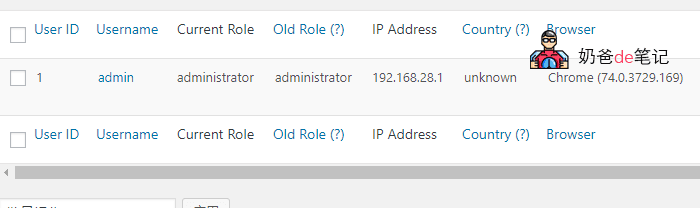
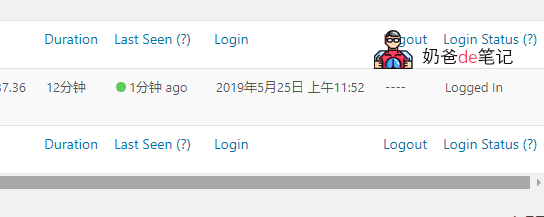
Once User Login History is installed, it will start recording user login history, which can serve as an auxiliary security feature for your website. If your site is managed by someone else, they should log into the admin panel frequently. If they haven't logged in all day, they might be slacking off.
Extension Download Address:https://wordpress.org/plugins/user-login-history/