It is often said that one-third of websites on the internet use WordPress, so what types of websites can we actually build with WordPress? Today, Naiba will introduce the types of websites you can install using WordPress.
What types of websites can WordPress install?
The essence of WordPress is a CMS system with a database; you can modify the interface and install plugins to create any type of website. The following are some of the more commonly used WordPress website types.
Blog

Many people who build their own websites think WordPress is a blogging system, so there are also many people using WordPress to build blogs.
But in fact, as you get deeper into WordPress, you will find that besides blogs, WordPress can also build many other types of websites.
Magazine/News Website

The Microsoft News Center is a news website built with WordPress. The difference between news, magazine sites, and blog sites is just a theme.
WordPress allows you to freely design page layouts, so with a suitable magazine theme, you can quickly create a news website.
Business Website

More and more commercial companies are choosing to use WordPress to build their official websites, because there are many commercial WordPress themes and various marketing plugins that help companies develop and engage new users through their websites.
For example, email marketing plugins, contact form plugins, pricing table plugins, etc.
Online Store

E-commerce has been a hot topic in recent years, and using WordPress you can quickly implement your e-commerce website.
WooCommerce is the most famous e-commerce plugin for WordPress, with a complete ecosystem and a large number of supporting plugins.
Building an e-commerce website with WordPress and WooCommerce is very easy.
Of course, you also need aWordPress theme suitable for WooCommerce。
Portfolio/Case Study Showcase Website

If you have a skill and want to let more people know about it through the internet, building a portfolio website is very useful.
WordPress has many portfolio themes and supporting plugins, such asAstra ThemesupportingWP Portfoliois a very good portfolio showcase plugin.
Photography/Image Gallery Website
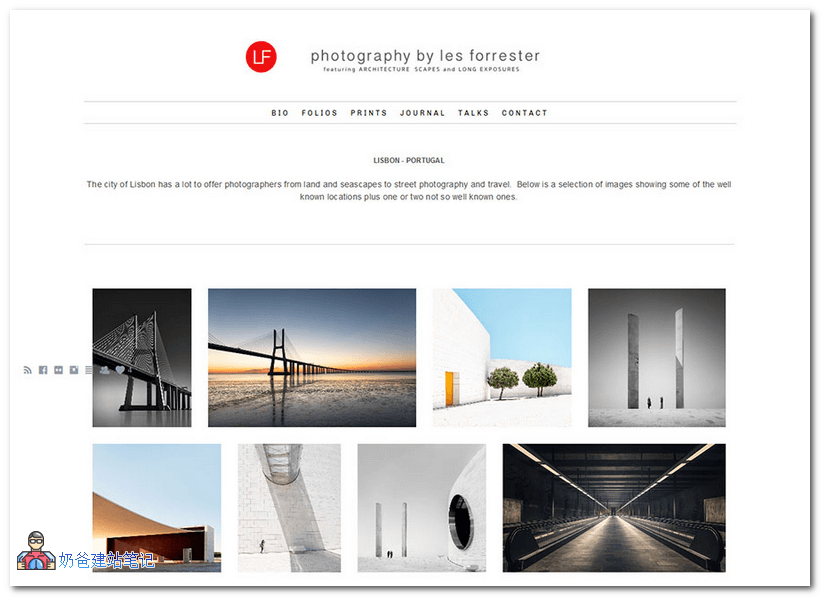
If you are a photo enthusiast or a photography master, building a photography website with WordPress is very easy.
WordPress has many image website themes and powerful gallery plugins, which can make your website look much more professional than those built with other website builders.
The latest version of WordPress also comes with lazy loading for images, so you don't need to worry about website speed.
Directory/Navigation Website
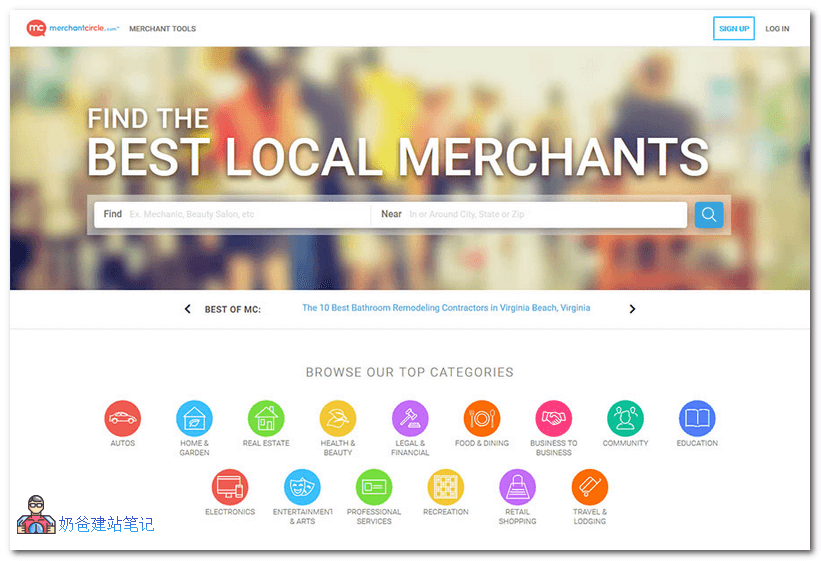
If you want to create a business directory website or a URL navigation website, WordPress can also easily achieve this. TheWebStack和VIKare two good navigation themes.
WordPress also has dedicated business directory plugins, such asGeoDirectory
Community Forum
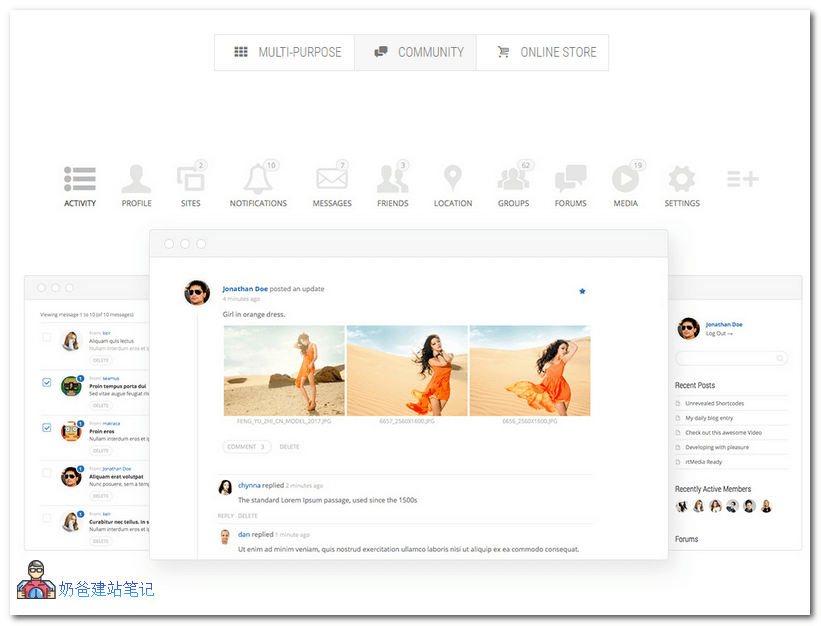
Although using WordPress to build a forum community is not the simplest system (Naiba personally recommends Discuz), WordPress can meet your needs if you want a personalized community.
BuddyPress is a forum plugin for WordPress, with a rich set of add-ons. You can combine it with WordPress BuddyPress themes to create various personalized forum community websites, even a microblogging site like Weibo.
These are the types of websites Naiba has summarized that you can build with WordPress. Of course, there are many more types Naiba hasn't listed. Just don't think of WordPress as just a blogging system.
How to build a WordPress website yourself
After introducing so many use cases for WordPress, is there one that suits you?
Then you can refer toWordPress Installation Tutorialto build your own website.
Simply put, to build a website of the types introduced in this article, the steps you need to follow are:
- ReferenceWordPress Installation TutorialBuild your own website;
- 到ThemeforestChoose a premium WordPress Theme you like;
- Install the Theme and necessary Plugins, import demo data for modification;
- Launch and operate the website.
Isn't it simple.