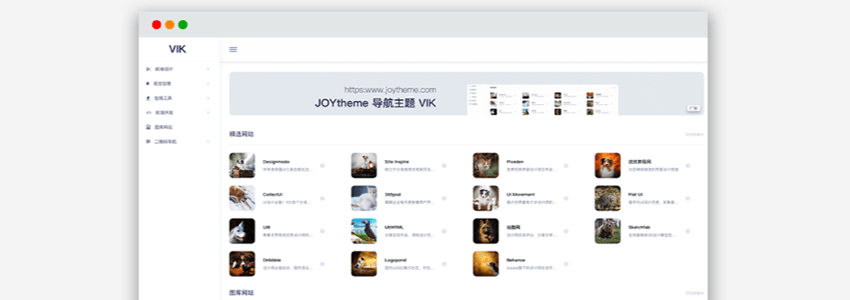
Naibabiji shares another freeWordPress directory website theme: VIK. Responsive layout design, beautiful icons, supports QR code navigation, module customization, a very powerfulURL directory WP theme。
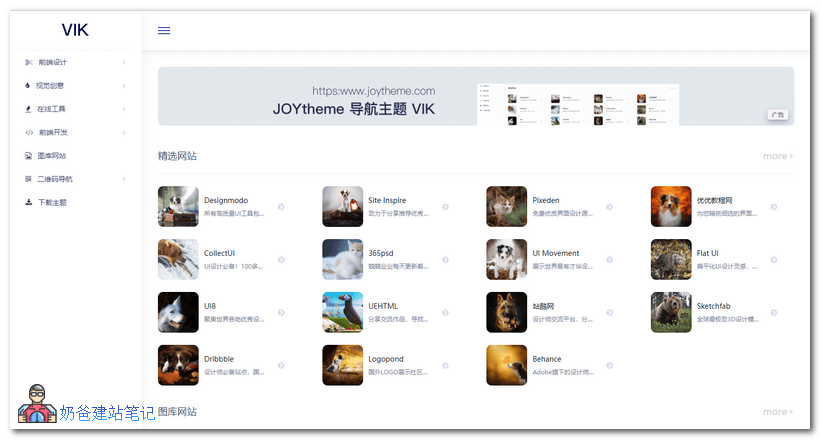
VIK is a free navigation URL theme launched by joytheme, supporting separate SEO settings.
Site navigation is a separate post type and will not conflict with existing posts, supporting site categories.
Supports QR code navigation, for example, you can create navigation for official accounts and mini programs, click to pop up a QR code.
Demo Address
VIK current version: 0.0.3, update time: 2019/11/30
How to use the VIK theme to build a WordPress URL directory site?
First, you need to install a WordPress website. If you haven't installed it yet, you can refer to Naibabiji's previous tutorial:
After installing WordPress, log in to the website backend, select Appearance, Themes, upload the downloaded theme file package and install it.
After installing the theme, also install the theme's companion plugin, which can perform SEO settings, speed optimization, etc.
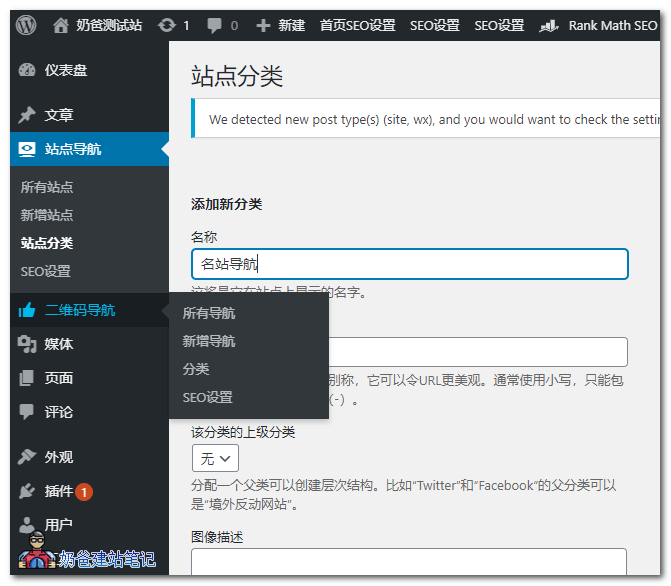
Go to the backend URL navigation category management to add URL categories.
After adding URL categories, you can add corresponding website information. When adding a URL, you can upload a LOGO image, set the link, and fill in a description.
After adding URLs, you can go to the menu settings to set the front-end menu, homepage, etc.
Finally, aWordPressbuiltURL directory websiteis done.