
Some friends purchased a domain along with their SiteGround hosting. If they don't plan to continue hosting with SiteGround the next year and also want to transfer the domain to another registrar, what should they do? This article by Naiba introduces how to transfer a domain registered with SiteGround to Namesilo.
SiteGround Domain Transfer Out Tutorial
1. Log in to your SiteGround Admin Dashboard and find SERVICES.
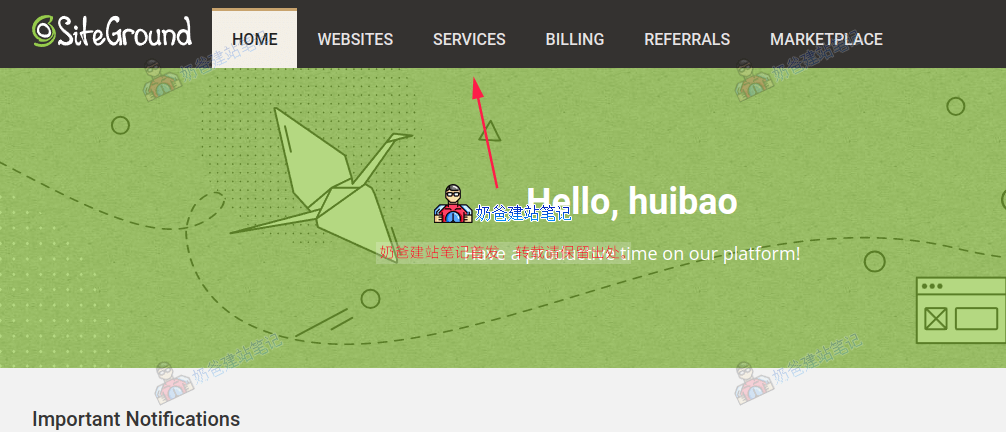
2. Click to switch to DOMAINS.

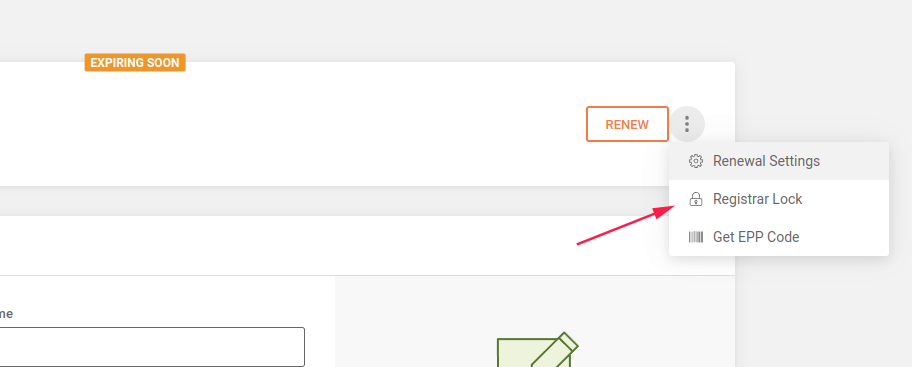
3. Click MANAGE for the domain you want to transfer out, then click Registrar Lock under the three dots next to the domain.
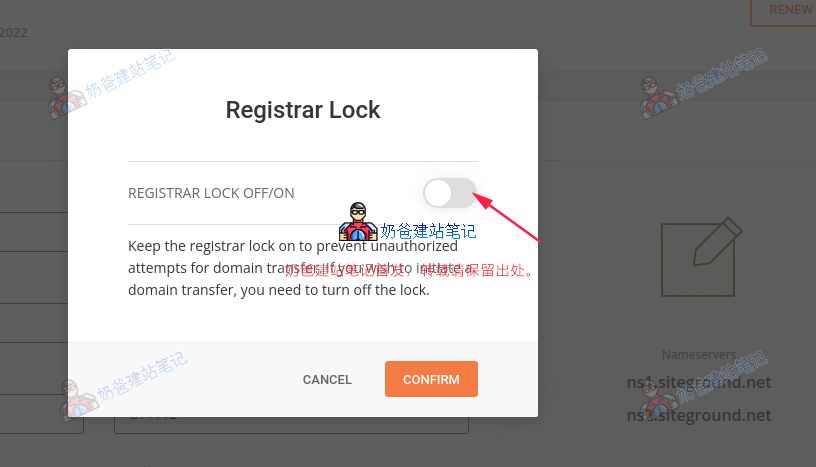
4. Turn off Registrar Lock.
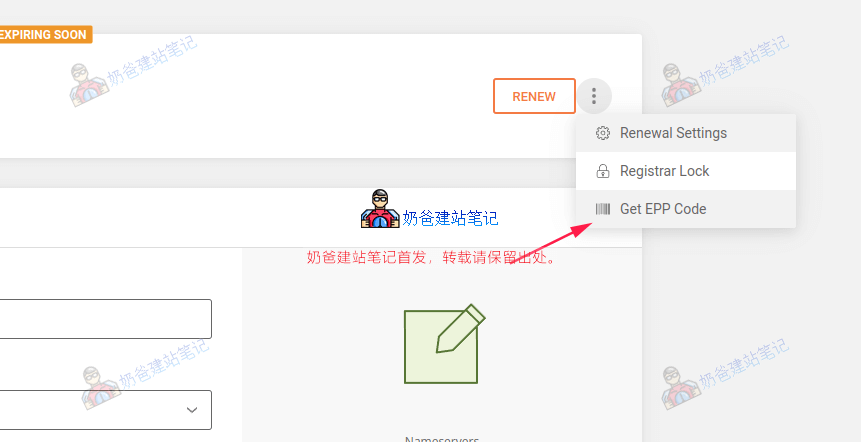
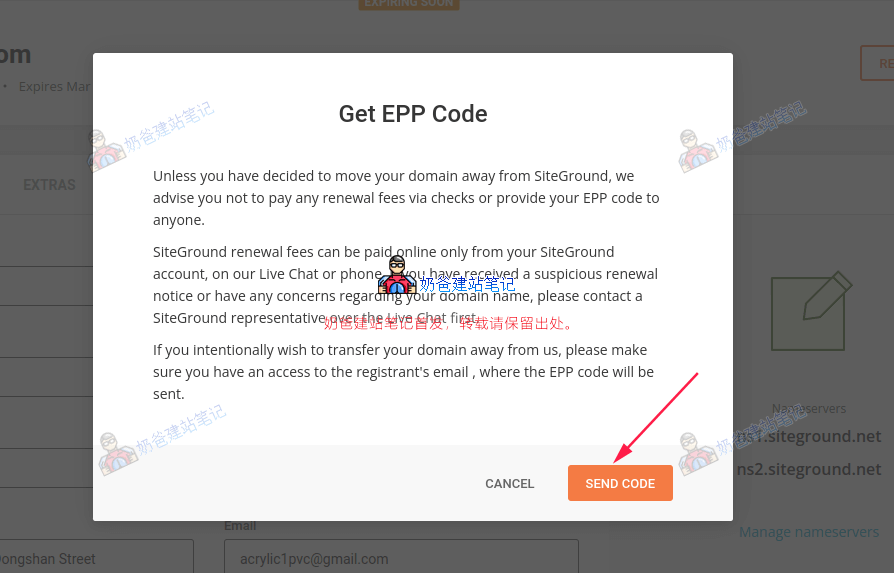
5. Continue by clicking Get EPP Code.
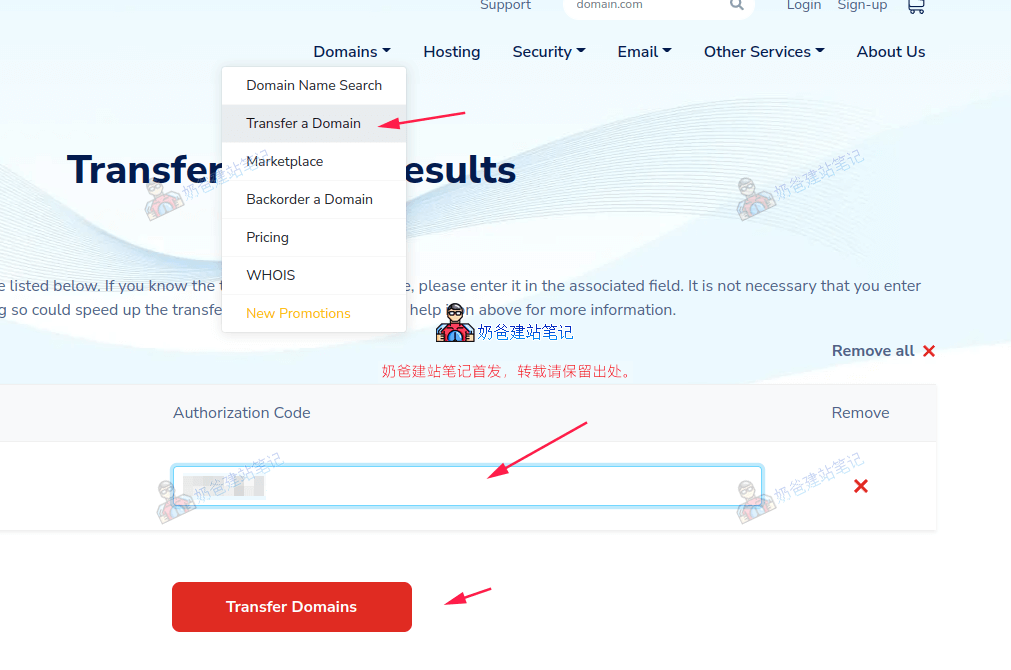
6. Visit theNamesilo official website, and click the 'Transfer a Domain' button in the navigation menu.
Then, in the search box on the page that appears, enter the domain you want to transfer in, and click the 'Transfer Domains' button.
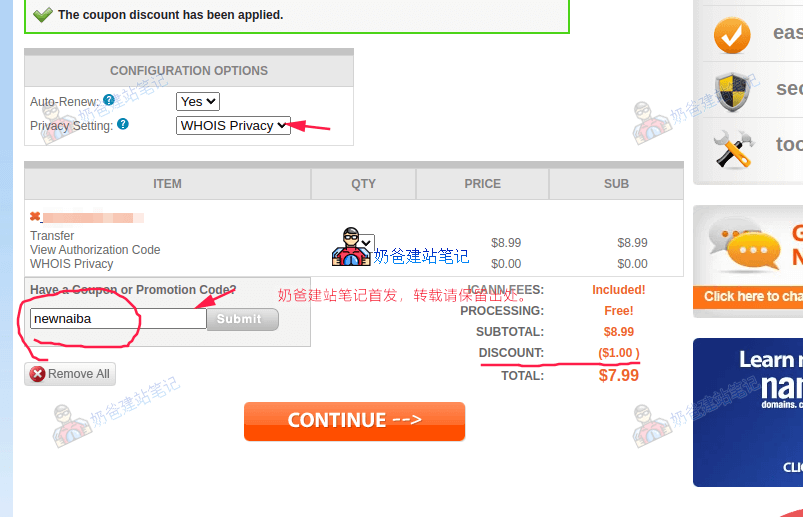
7. Enter the transfer promo code 'newnaiba' to get a $1 discount.
After entering the promo code, click the CONTINUE button to proceed.
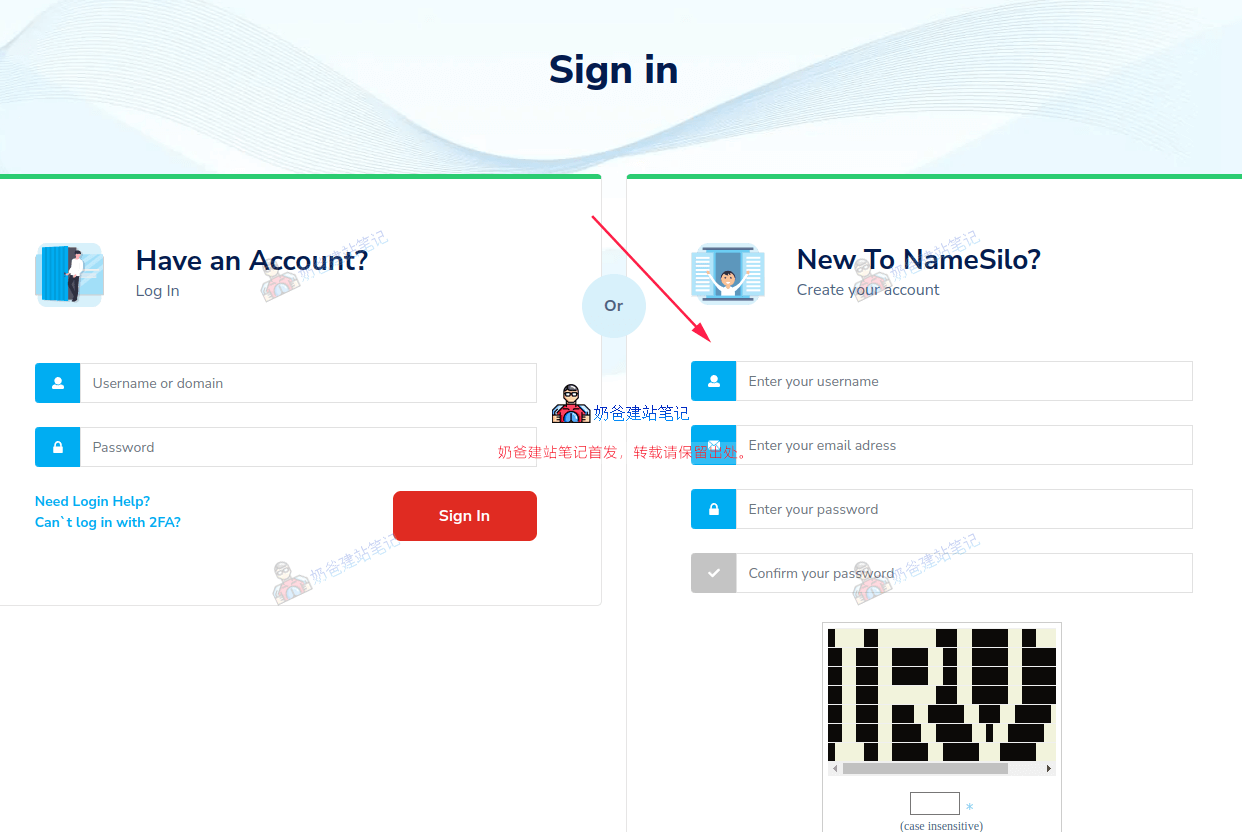
8. Next, register a new account or log in to an existing one.
9. Choose a payment method and complete the payment.
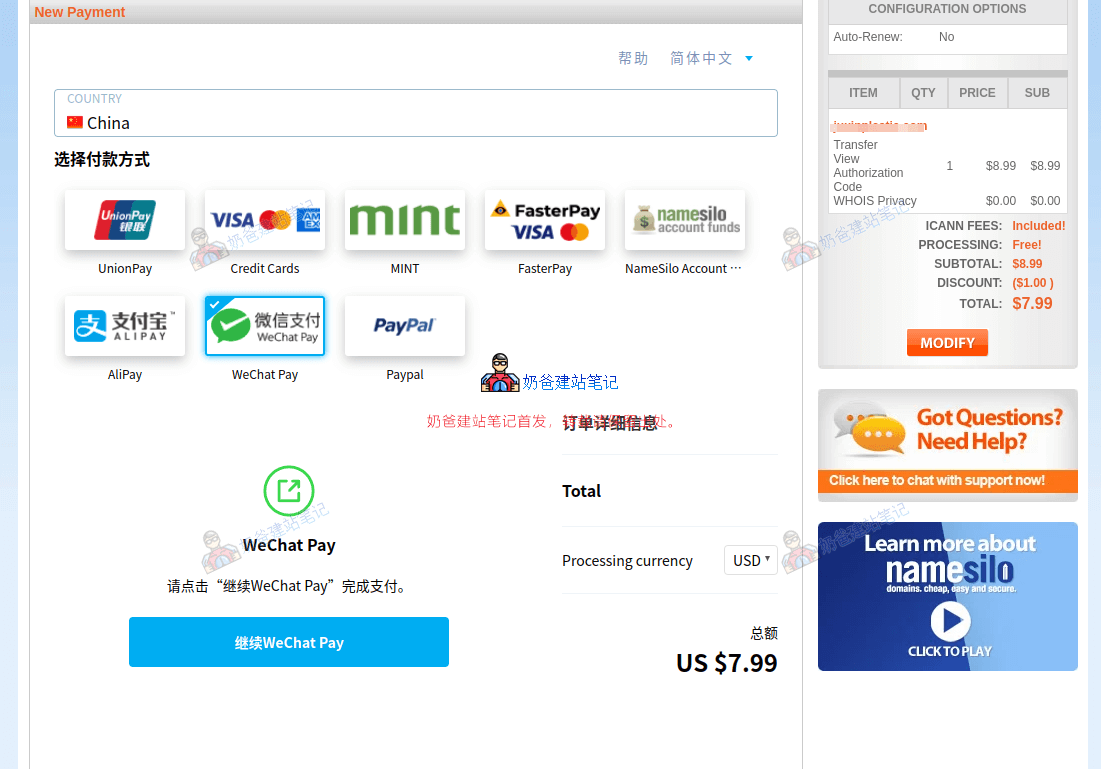
Tested on March 4, 2022: WeChat Pay is unavailable, recommend using PayPal or Alipay.
10. After payment is complete, wait 5-10 days for the domain transfer to finish.
After submitting the domain transfer request, there is a waiting period of a few days to complete the transfer. If you change your mind during this period, you can cancel the transfer at the original domain registrar.
Just pay attention to the email notifications. If no cancellation request is made after the waiting period, the domain will be transferred to Namesilo normally, and you will see your domain in the Namesilo domain list.