
When building a website on your own Alibaba Cloud server, Naiba's tutorial recommends installing the Baota Panel first and then installing WordPress. However, some friends found that when installing a server image, there are images with WordPress pre-installed, which can be used directly.
However, Naiba strongly advises against choosing this type of image, as shown in the figure below:
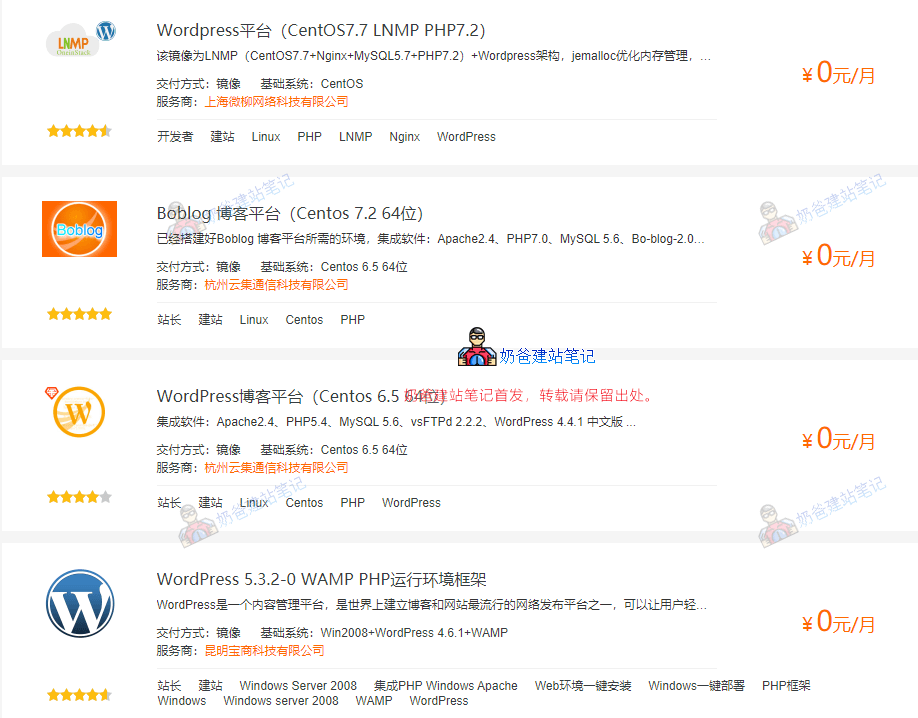
The Alibaba Cloud Marketplace has many images pre-installed with WordPress or Baota Panel, and they are free, so they are popular among beginners.
However, when you need to optimize your website's speed, you will find that you cannot follow online tutorials for system-level optimization. It's like buying a VPS but getting a virtual host.
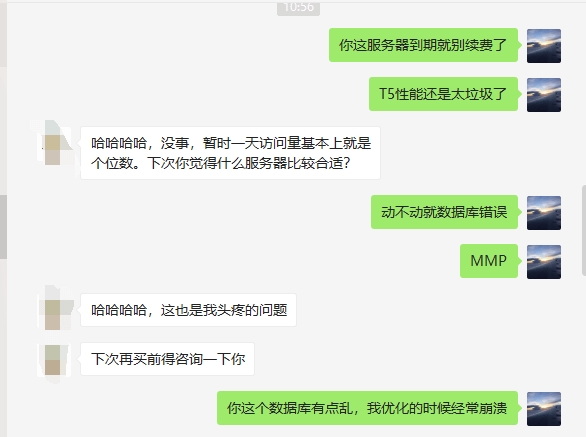
When Naiba was optimizing a friend's server, he found that the friend was using an image with WordPress pre-installed. He said he would back up the database first and then proceed with optimization.
As a result, the database kept throwing connection errors and crashed directly.
These images also do not provide a detailed help document, such as the default website location, installed program location, version, etc.
Although if you are familiar with Linux, you can find out via commands, but for beginners, most tutorials you find online are for the LNMP one-click package or Baota Panel.
Then you will find, oh my god, why is the tutorial different from mine?
So, would you still choose a pre-installed WordPress image?
Saving trouble at the beginning leads to trouble later. Taking a little trouble at the beginning saves trouble later. The more data your website accumulates, the more troublesome it is to make changes.
Summary:
This article does not have substantive data comparisons, which may not be convincing enough. In short, Naiba's suggestion is not to be lazy and directly install an image with pre-installed WordPress (pre-installed Baota is also not recommended).
Instead, choose to install the CentOS system yourself and follow the tutorial to install it yourself. It may be troublesome at the beginning, but it will be convenient for optimization when the website traffic increases later. After all, the reason for buying a VPS is to have autonomous management. If someone else pre-installs the system and only tells you what was installed, how it was installed, where it was installed, and how it was configured, without telling you anything, you won't even know where to start looking for information.
If you purchased the lowest configuration of Alibaba Cloud T5 server, it is recommendedinstall the LNMP one-click package, relativelyBaota Panelcan save tens of megabytes of memory consumption.