This year, AI has been a major hotspot. Many people use AI to build websites, do SEO, or GEO. For ordinary people in China, using some excellent AI tools can be quite troublesome. Recently, SiteGround made a major move by opening up theSiteGround AI Studiofeature to all customers.
Introduction to SiteGround AI Studio
SiteGround AI Studio enables small and micro business owners to use comprehensive AI features, intelligently enhanced to tackle various challenges within a convenient AI workspace. It integrates multiple services into one platform, giving you access to:
- Gathering Top AI Models: Access leading AI models in one workspace without switching platforms or paying for multiple subscriptions. Want to try Imagen, ChatGPT, Claude, Nano Banana, or Gemini? We've got them all covered! Enter SiteGround AI Studio and choose the model you want to converse with. You can even compare how different models handle the same task. Does Claude Sonnet 4.5 or GPT 5.1 write better marketing copy? Is Gemini Pro or Claude superior for technical documentation? Does Imagen generate images more aligned with your needs compared to Nano Banana? In AI Studio, you can verify it all on the same interface.
- Multiple AI Assistants, Trained for Real Business Tasks: Access over 15 powerful assistants, meticulously trained by our AI engineers to help you maintain WordPress, conduct marketing, create beautiful images, and more. Think of them as your new team members, helping you scale your work with high quality and efficiency.
- WordPress AI Assistant: Handle WordPress maintenance, content creation, troubleshooting, WooCommerce product updates, Plugin and Theme updates (can handle single or multiple sites simultaneously!), user management, and more through simple chat commands. When Power Mode is enabled, it can also manage core settings and critical operations.
- Email Marketing Assistant: Build complete email marketing campaigns based on simple instructions, including subject lines, body content, and relevant images. You can export the prepared HTML or import it into SiteGround Email Marketing with one click, ready to send.
- Google and Meta Ad Experts: The Meta Ad Expert and Google Ad Expert generate multiple ad variations around the same product/service, following each platform's ad structure guidelines, providing you with different hooks and messages to test, without manually writing each one.
- Facebook, LinkedIn, and Instagram Social Media Managers: These social media managers transform your key messages into posts suitable for each channel's publication and post them directly to your connected pages.
- SEO Expert, Copywriter, Reputation Manager, Image Designer, Logo Designer, Signature Creator, Web Researcher, Translator— these professional assistants can support various business needs that small and micro business owners and individuals might encounter, with more assistants coming soon!
- Ready-made Prompts for Easier and More Efficient AI Use: SiteGround AI Studio also includes an intelligent prompt library that can save you time, tokens, and mental energy, and most importantly—deliver outstanding results. The key to successfully using AI lies in prompts. The more specific and detailed your prompts are, the better the AI's response. Use our ready-made prompts to instantly elevate your usage.
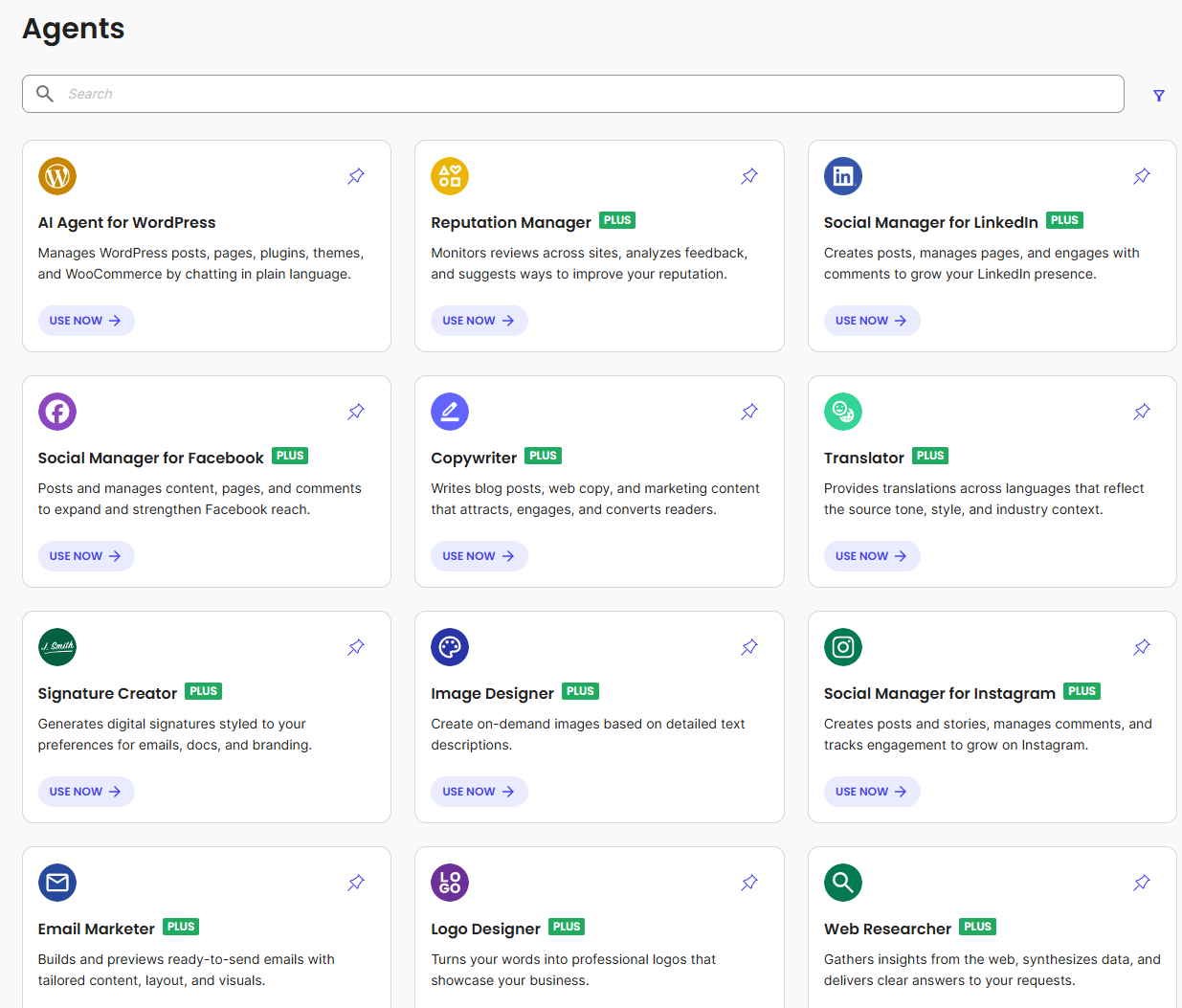
The above is SiteGround's official introduction to AI Studio. For us ordinary users, you just need to know that SiteGround AI Studio allows you to quickly use multiple excellent foreign AI models for AI conversations. Furthermore, they have officially trained the AI, so you can quickly use their trained AI and prompts to complete some work or tasks on your website (requires a $10 upgrade to Pro to use; free users can only use AI conversations).
Contents Included in the Free Plan
To be honest, paying $10 is quite cheap compared to current AI membership prices. Friends in need can go for it.
If you don't want to pay extra, we can just use the free version.
The free version includes:
- A certain number of uses per month (20,000 tokens, which you can think of as 20,000 basic conversation opportunities, definitely enough for regular users).
- You can use all mainstream AI models for chatting, Q&A, and writing.
- You can use„AI Agent for WordPress”。
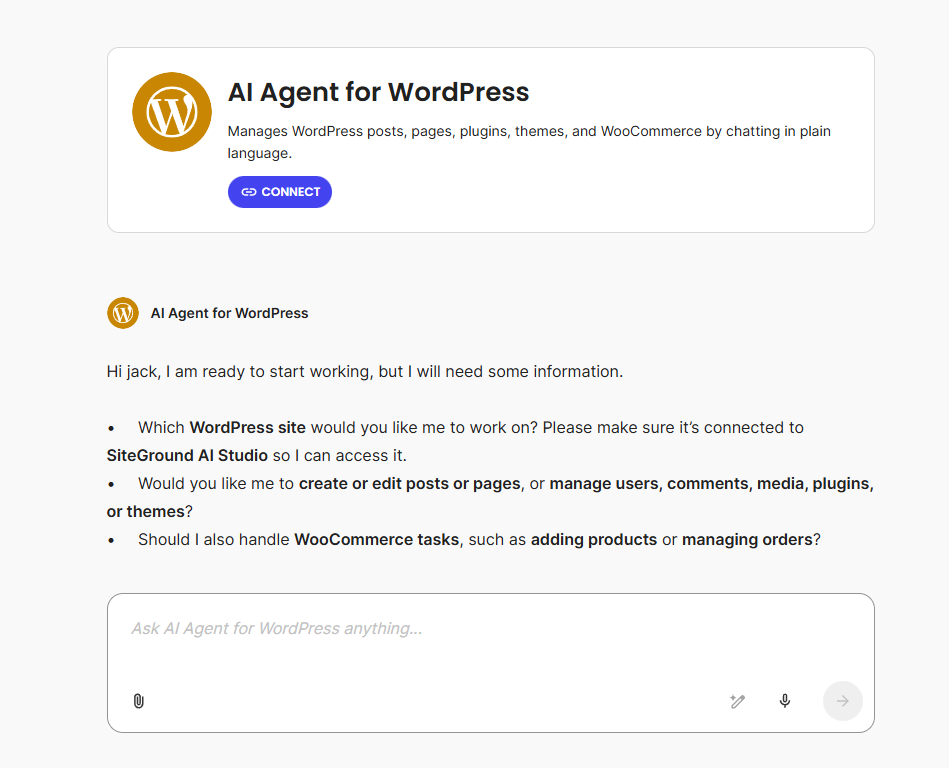
thisAI Agent for WordPressAs mentioned in the introduction earlier, it can help you handle some tasks on your website, but Naiba hasn't specifically tested it (borrowed account, not convenient to modify website data). Friends who have SiteGround services can go try it.
How to Get Started?
Using this AI is very simple. Just log into your SiteGround Admin Dashboard, and you'll see the AI entry point on the homepage. Click START CHAT to chat directly with the AI.
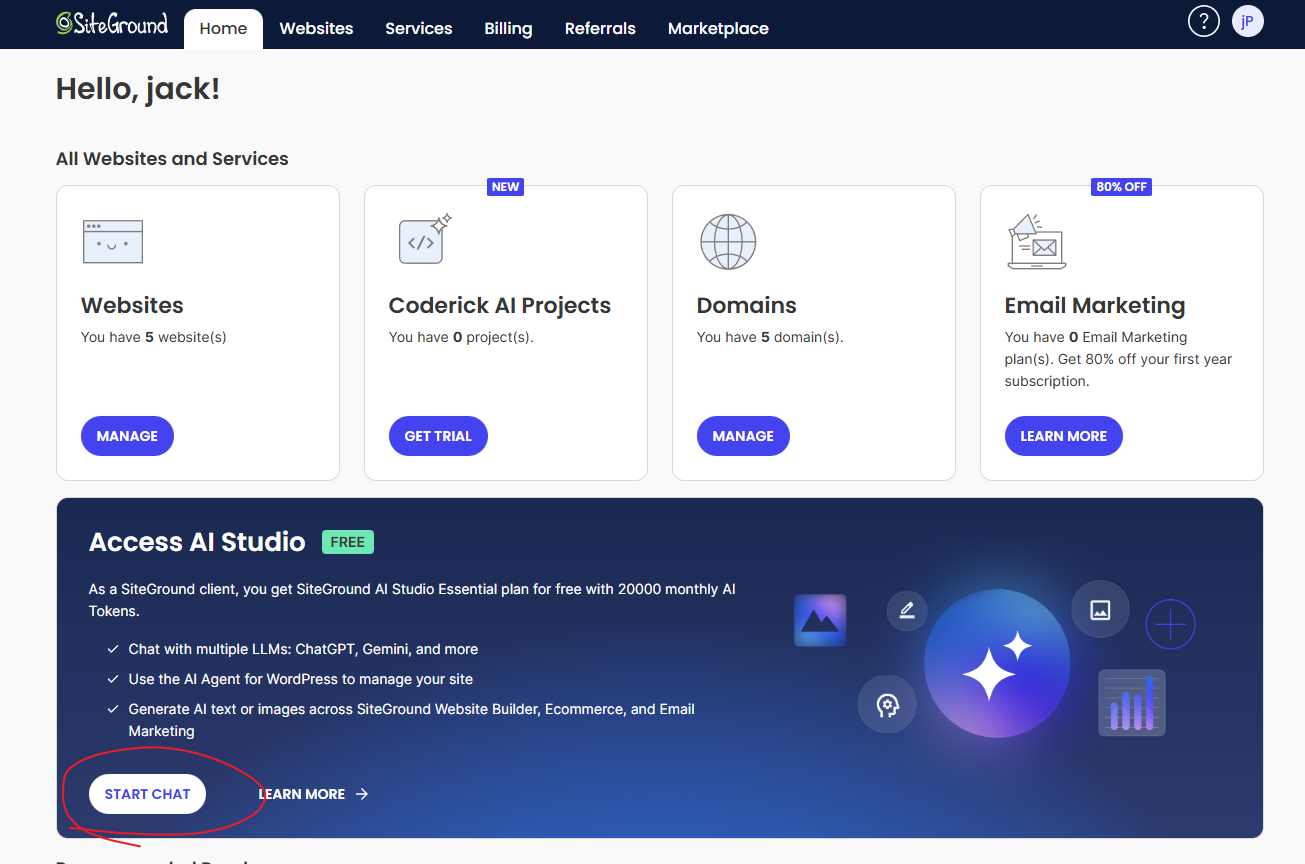
Once inside, just chat with the AI.
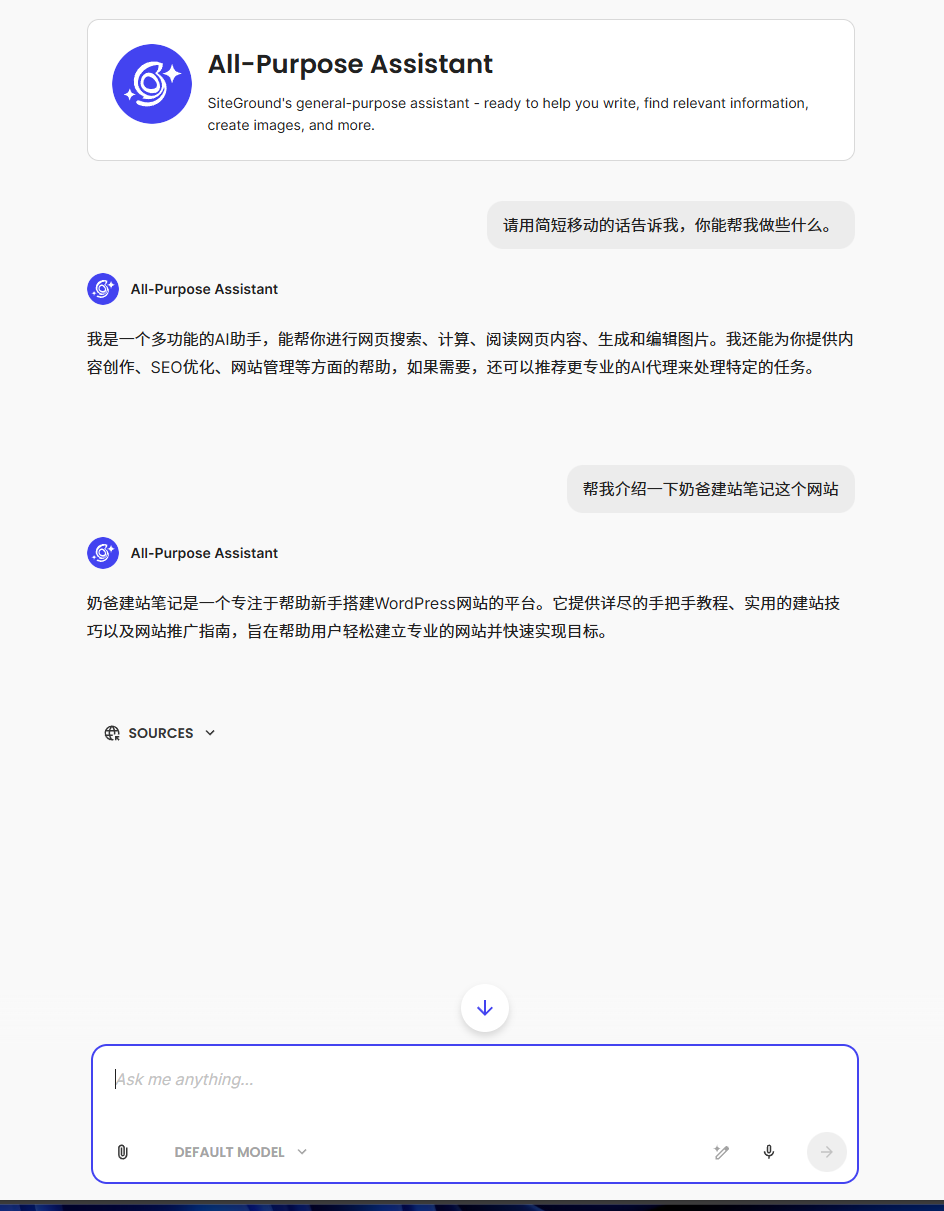
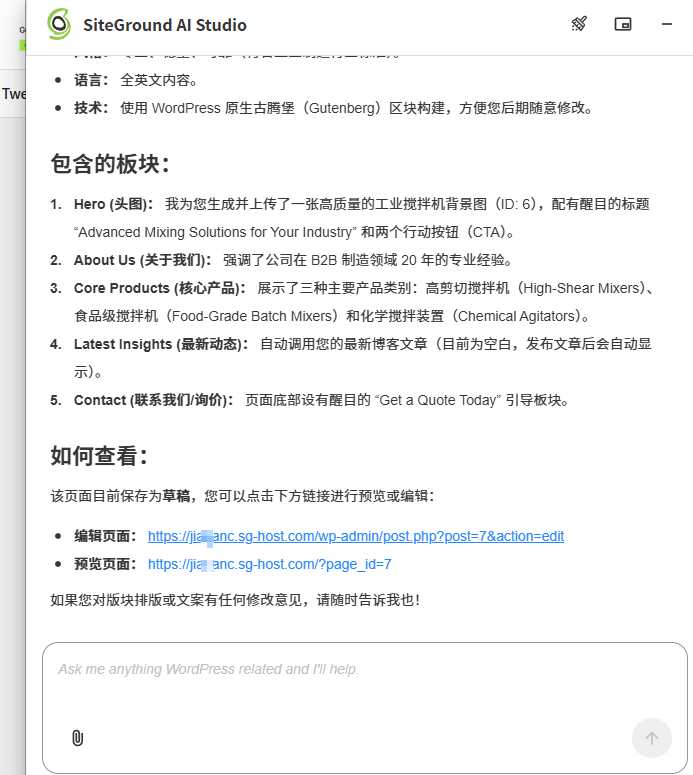
Additionally,After one-click installing a WordPress website on SiteGround, the AI Studio plugin is installed by default. You can directly chat with the AI and assign tasks through this plugin in the Admin Dashboard, such as having it design web pages (though detailed debugging is too troublesome), analyze blogs, or plan Posts, etc. All are possible.
Haven't used SiteGround hosting yet? Now might be a good time to get started!
If you happen to need a host to build a website and also need to use AI, now is a good time to purchase SiteGround. Naiba estimates they will definitely limit the usage of this free AI later, as costs become uncontrollable with many users. So buying early lets you use the AI quota for free sooner.