
If you frequently use Google Search, you should have noticed that Google's latest search page now prioritizes displaying site icons and URLs. So, how can you make your website also have an icon in Google Search results? Just like the effect shown in the image below.
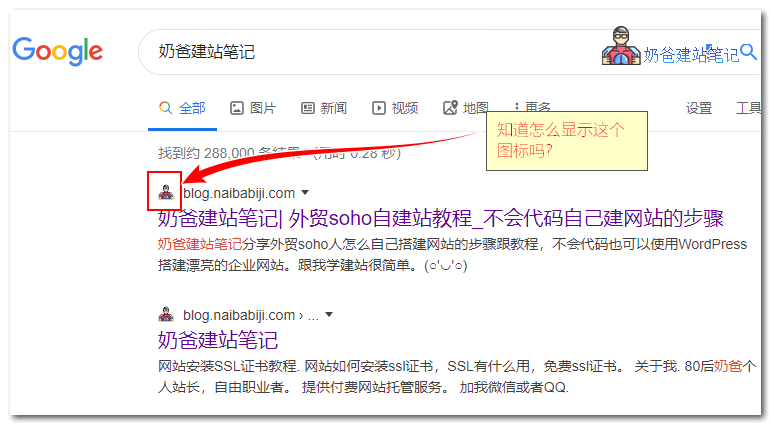
To display a site logo icon in Google search results is very simple. Most foreign trade independent website users build their sites with WordPress, and we can directly use WP's built-in theme customization feature to achieve this.
The specific method is: Log in to the WordPress backend, select Theme Customization, then find the Site Icon setting, and upload an image.
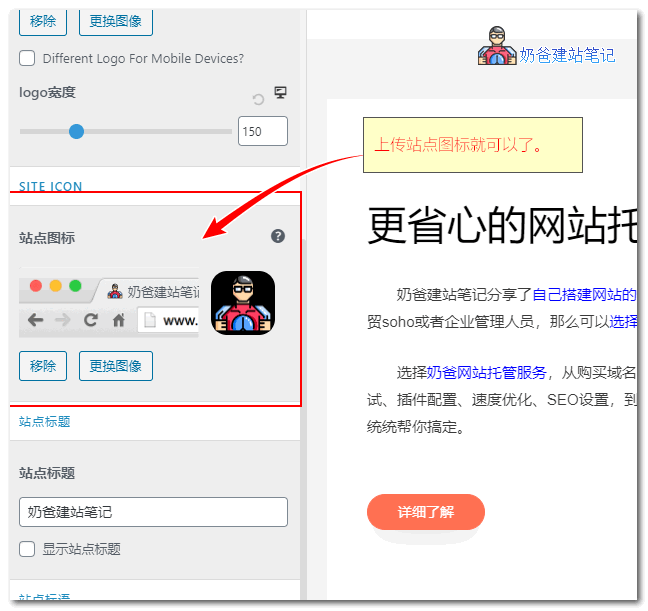
If you are not using WordPress, how do you display it?
You can achieve this by manually adding a favicon to the webpage code.
Method 1: Upload a favicon.ico file to the root directory of your website via FTP. Most browsers will automatically read this file.
Method 2: Add the following content to the head section of your webpage.
<link rel="shortcut icon" href="wikipedia.ico"/>
Replace wikipedia.ico with the URL of your own icon.
With this Google search results redesign, besides displaying site icons, a website's domain name seems to become more important. So, choose a memorableDomaincan also enhance the website's brand image.
Additional Update:
I just checked a client's website and found that even though the icon was set in WordPress, it wasn't displayed. Not sure if it's because it's a new site. I recommend manually uploading a favicon.ico to the website root directory as well.
Update 2: On January 28, it seems Google removed the site icon feature from search results again.