
Often, when we use a page builder, for example,Elementorto create a page, or when we create a new product, that page or product data contains a lot of reusable content. In such cases, being able to duplicate a WordPress page and re-edit it can greatly improve efficiency. Here, Naiba recommends the Yoast Duplicate Post plugin.
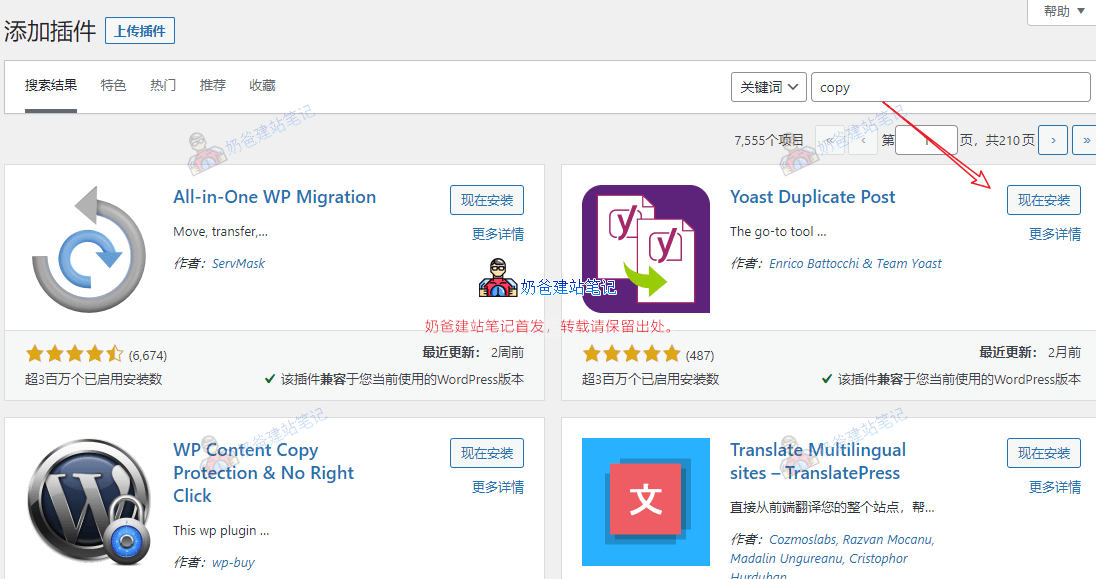
1. Search for 'Yoast Duplicate Post' in the website's Admin Dashboard plugins section to install it.
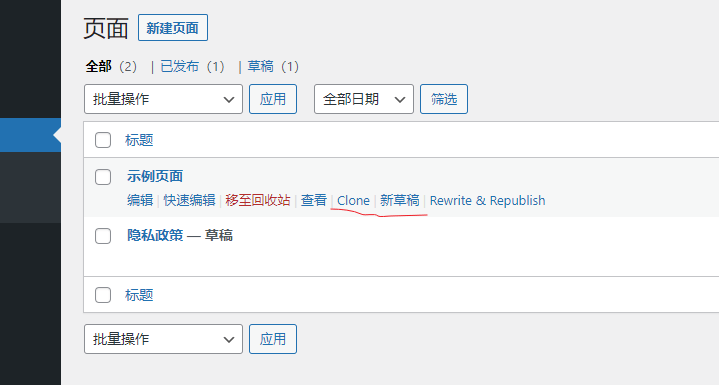
2. Activate the plugin, go to the page list, and you will see two options: Clone and New Draft.
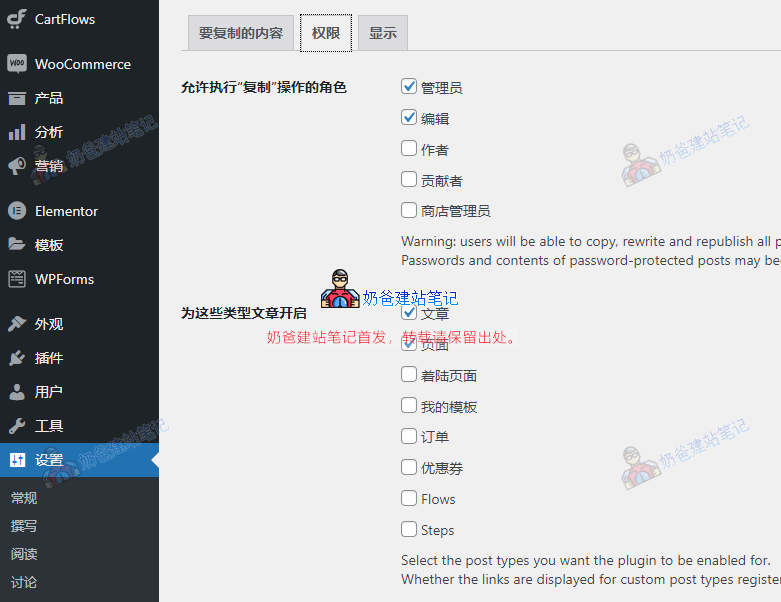
3. Plugin Settings
Some advanced themes include unconventional page types. To duplicate these, you need to set permissions within the plugin settings.
Alright, that's the method for duplicating pages and products in WordPress. Hope it helps you.