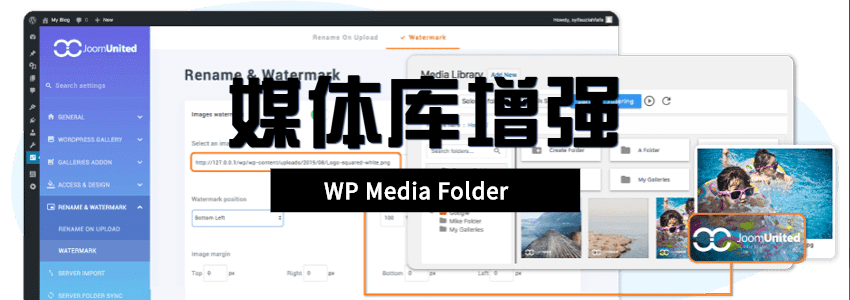
Previously, Naiba introduced4 WordPress Media Library Enhancement Plugins, today I will introduce another paid, more powerful media library folder enhancement plugin, WP Media Folder, to everyone.
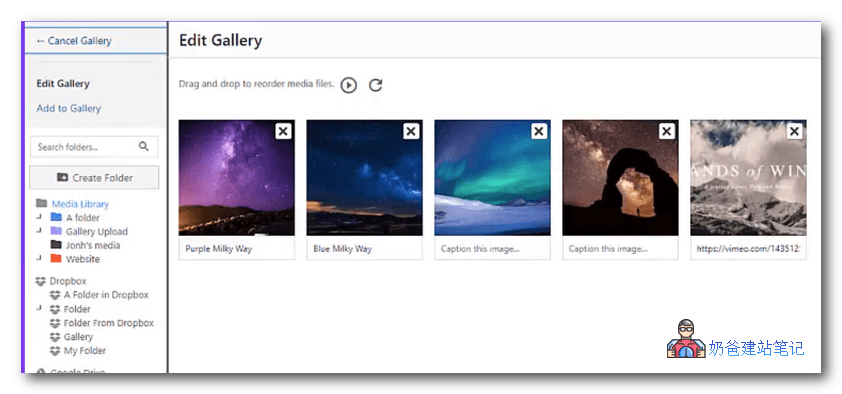
WP Media Folder is a paid plugin with powerful features. In addition to basic media library folder classification, it also includes many advanced features, such as syncing images to the cloud, supporting page builders and WooCommerce plugin, etc.
Video demo:
Partial feature introduction:
- Supports calling in both the Classic Editor and Gutenberg Editor
- Supports media library folders and color labels
- Create WordPress galleries from media folders
- WordPress Media Access Role Control
- Supports multi-folder management
- Supports WordPress Media Library sorting and filtering
- Import and synchronize server folders and media
- Compatible with WooCommerce
- Update, replace, copy existing media
- Custom styles
- Add image watermarks
- For more features, please visit the official website for details
You can visit the plugin's official website for detailed introductions and demos. If you want to try it out, you can join the Naibabiji communication group to download it.
Cracked versions are no longer available for download, sorry.
Another plugin, FileBird, is also good. Click hereDownload Free Version