
If you have built a marketing-type website, you will surely want to leave a call function button for customers. So, how do you add a call function button to a WordPress website? Naiba here recommends a simpleWordPress Plugin: Call Now Button
Call Now Button is very easy to use. After installing and activating the plugin, enter the phone number and button text. When accessed via mobile, a call button will appear. Clicking the button will automatically invoke the phone's dialing function.
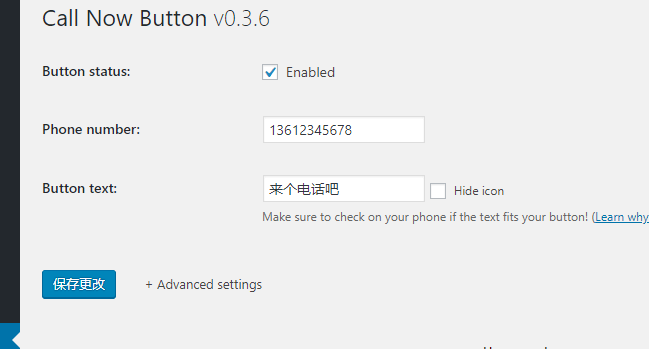

Of course, you can also configure advanced features, such as choosing button color, button position, whether to track button clicks, exclude certain pages, etc.
If needed, you can search for Call Now Button in the WordPress backend and install it, or download it from the link below and upload it.