
Nababiji Global Connect Hub (Global Contact Center) is a powerful WordPress Plugin designed to help users easily manage and display various contact methods.
The development of this plugin originated from a practical need. In daily work, I found that many clients frequently need to update their contact information, especially when certain social platform accounts (such as WhatsApp) are unstable and often get blocked. Manually modifying content across multiple pages each time is very inconvenient. Since there was a lack of simple-to-operate, feature-focused solutions on the market, I developed this plugin.
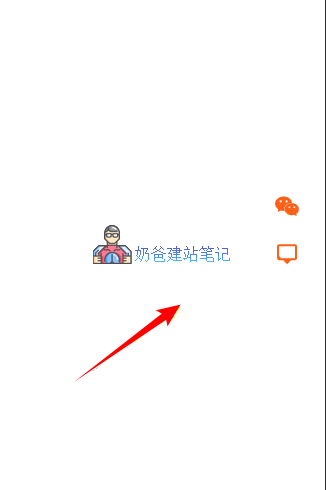
Nababiji Global Connect Hub supports displaying contact icons and WeChat QR code information in the website sidebar, while also providing Shortcode calling functionality. You can insert the shortcode anywhere, such as on a contact Page or in the footer, to achieve unified display of contact information. When you need to update contact methods, simply make the changes on the plugin settings page, and the system will automatically synchronize all calling locations, ensuring information consistency and avoiding omissions.
Plugin Download
The plugin has been submitted to the official repository. You can search for 'naibabiji' directly in the plugins section of your website's Admin Dashboard, or download it from the URL below and upload it for installation.
🚀 Core Features
1. Support for Multiple Contact Methods
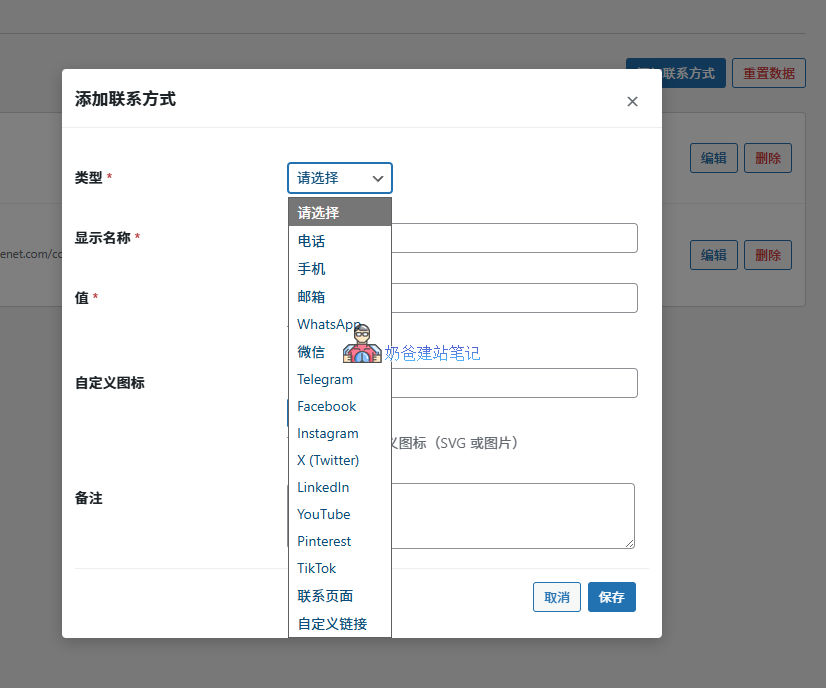
The plugin supports 15 different contact methods:
- Traditional Contact Methods: Phone, Mobile, Email
- Instant Messaging: WhatsApp, WeChat, Telegram
- Social Media: Facebook, Instagram, X(Twitter), LinkedIn, YouTube, Pinterest, TikTok
- Custom Links: Contact Page, Custom Link
2. Flexible Frontend Display Methods
- List Layout: Vertical list display
- Inline Layout: Horizontal arrangement
- Icon Layout: Display only icons, saving space
- Shortcode Support: [naibabiji_connect] with customizable parameters
3. Floating Contact Bar
- Fixed Position: Can be displayed on the left or right side
- Responsive Design: Adaptive for desktop and mobile
- Smart Expand/Collapse: Can be collapsed/expanded on mobile
- Desktop Floating: Displayed vertically centered
4. Admin Dashboard Management System
- Contact Method Management: Add, edit, delete contact methods
- Drag-and-Drop Sorting: Visually adjust the display order
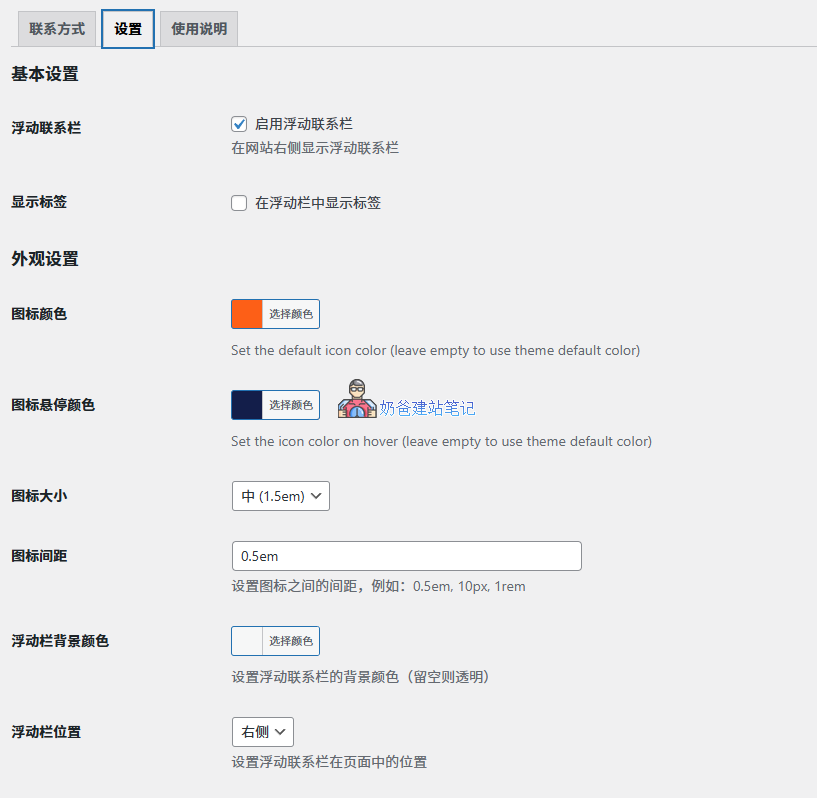
- Settings Configuration: Custom options for appearance, colors, dimensions, etc.
- AJAX Operations: Refresh-free operations to enhance user experience
5. Rich Interactive Features
- Hover Animation: Mouse hover effects
- Popup Display: WeChat QR code popup layer
- Phone Number Copy: Click to copy phone number
- Responsive Adaptation: Perfectly adapts to various devices
6. SEO Friendly
- External Link Security Handling
- Semantic HTML Structure
- Accessibility Tag Support