
Want to build a student grade system website yourself but don't know programming? Is there any free way? Of course there is. Naiba here shares 3 Student Grade Inquiry System WordPress Plugins to help you implement this query function.
Easy Student Results
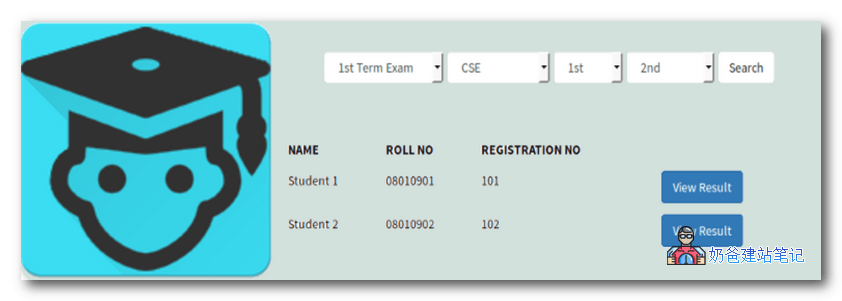
Easy Student Results is a full-featured grade management system for schools, colleges, and universities. You can also use the Student Result plugin for Employee Listing.
The plugin also offers a free Android app. With this Android app (version 4.4.4 and above), you can search for students, view results, and more.
Features
- Unlimited Departments
- Unlimited Batches
- Unlimited Semesters
- Unlimited Students
- Unlimited Courses
- Unlimited Results
- Shortcodes for viewing results and student lists
- Can search for students by department, batch, and semester
- Can search for results by exam, department, batch, and semester
- Result printing device
- Detailed Plugin settings page
- Custom Post Type for students and courses with many filter options
- Default WordPress appearance for each page
- Bootstrap template for students and result shortcode
- Plugin is translation-ready
- Uses WordPress Transients API for complex mysql queries
- WordPress Multisite Support
JP Students Result Management System
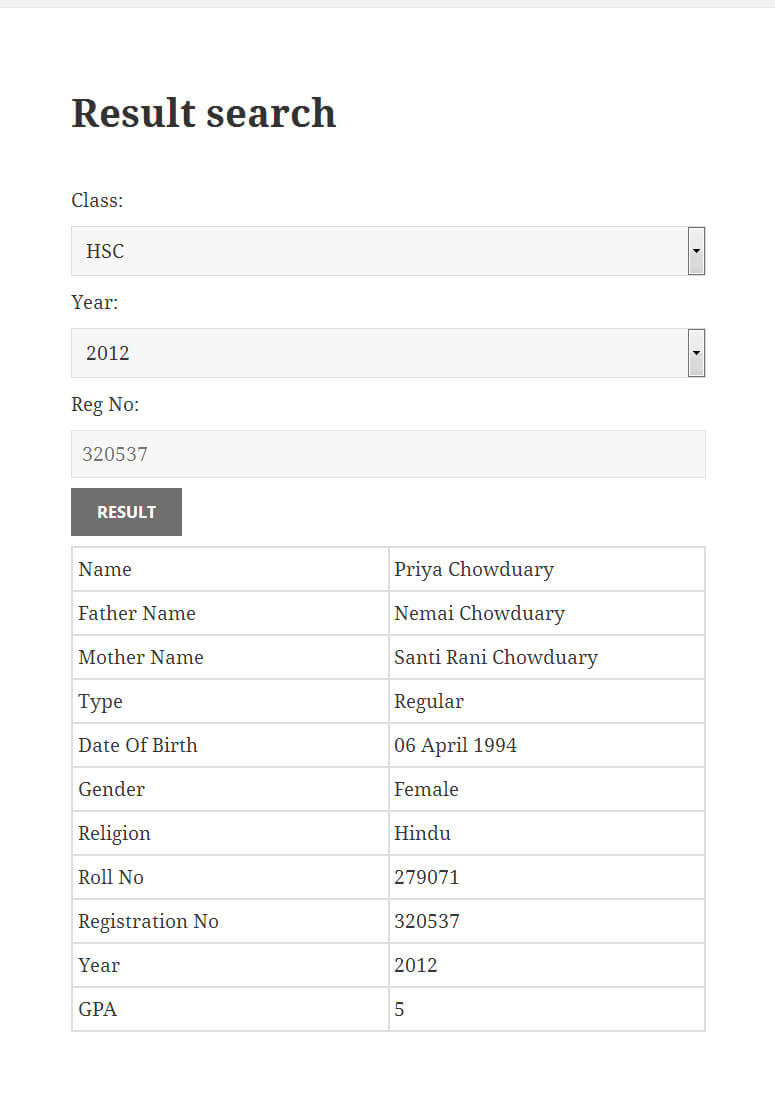
JP Students Result Management System is a simple yet powerful student result management system. You can add, edit, delete, and publish student results from the regular WordPress admin panel. It features an advanced Ajax-based result search form, using the shortcode [jp_students_result_sc] in posts or pages to search for student results.
Advanced Features
- Advanced result adding tool.
- Certificate adding feature.
- Unlimited subjects, classes, years, groups, and subjects.
- Feature to add results from CSV files.
- Multiple result adding feature from CSV files.
- Result export (backup) tool to CSV files.
- Advanced result search form.
- Seven different result search forms.
- Fully customizable result search form.
- Ajax-supported result search form.
- Responsive and customizable custom page template.
- Result printing tool.
- Certificate viewing and downloading tool.
- Plugin's own update engine.
- Translation support.
- Shortcode system.
- WordPress Multisite support.
- Settings panel and more.
- Android app for result search.
- Online and offline documentation.
Student Result or Employee Database
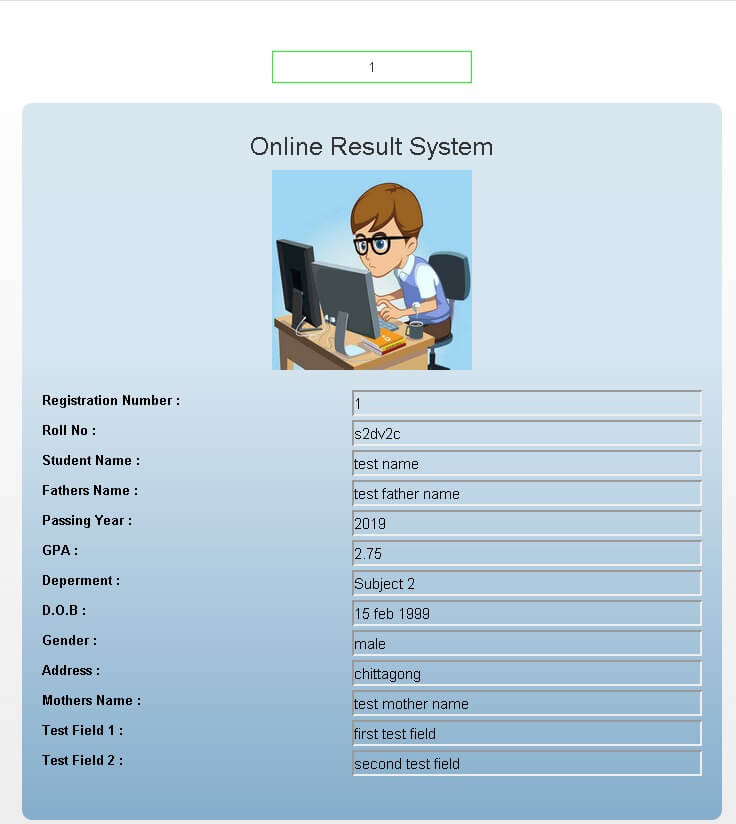
Student Result or Employee Database is an Ajax-supported student grade system. Results can be added via shortcode and displayed to users. Easy to use. You can easily add, update, and delete student results with images.
This plugin has a video tutorial on its introduction page. If interested, you can check out the specific features yourself.
How to Use These Plugins?
Naiba here introduces these result query systems, which are all WordPress plugins, so they requireinstalling WordPress before use。
After installation, download the plugin, then upload and activate it in the website backend, and you will see the corresponding management menu.
In the management menu, you can add and modify student grades.
Of course, if you want a grade management system that fully meets your needs, it is more convenient to have someone customize this type of program separately. If you have customization needs, you cancontact Naiba。