🚀 Is building a website too difficult? Let me guide you step by step—Learn about the 「Naibabiji WordPress Website Building Coaching Service」 →

Plugin for creating multi-column lists: Lazy Lists

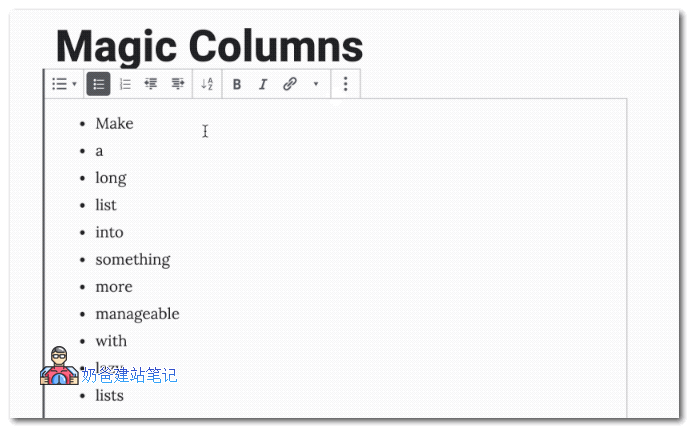
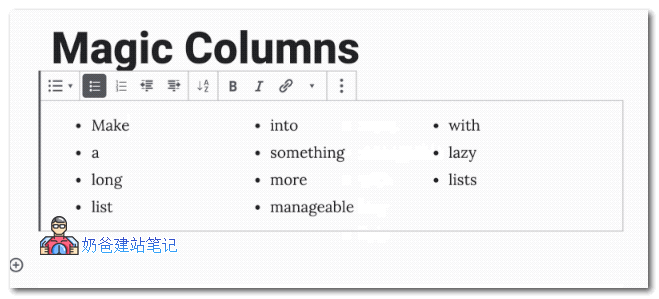
We often use lists when publishing Posts. Sometimes, when we want multi-column lists, the default WP editor's list function cannot meet our needs. Therefore, I recommend this Lazy Lists Plugin here. It supports list sorting and multi-column display. The default single-column list display effect is as follows:单列列表After switching to multi-column display, the effect is as follows:Lazy Lists多列列表Clearly, for long lists, displaying them in multiple columns is better for webpage interface presentation. This Lazy Lists Plugin can help you achieve that.Download LinkIn addition to multi-column support, it also supports A-Z sorting and can display up to 5 columns. Lazy Lists is a Plugin for the Gutenberg (Block Editor) and is not supported in the Classic Editor.

🚀 Still feeling confused after reading the tutorial? Let me guide you step-by-step instead.

「Naibabiji WordPress Website Building Coaching」 — From selecting a domain and purchasing hosting to installing themes and publishing posts, I「ll guide you through every step, helping you avoid detours and reach your goals directly.

👉 Learn about Website Building Coaching Service
🔒

Comments are closed

The comment function for this article is closed. If you have any questions, please feel free to contact us through other channels.

×
二维码

Scan to Follow