
If you are using the Gutenberg editor and have a basic understanding of simple code, you will notice that the content edited in the Gutenberg editor is organized block by block by default. This article introduces a plugin designed to add styles to these blocks.
Plugin Introduction
Custom CSS For Gutenberg Blocks is a GutenbergEditor Enhancementplugin that allows you to define styles for any block you create while writing articles with the Gutenberg editor, such as adjusting appearance, typography, and dimensions.
CSS Property: Typography
- Font Family
- Color
- Font Size
- Font Weight
- Line Height
- Letter Spacing
- Word Spacing
- Font Style
- Text Shadow
- Text Alignment
- Text Transform
- Text Decoration
CSS Property: Appearance
- Opacity
- Background Color
- Border
- Border Radius
- Box Shadow
CSS Properties: Dimensions
- Margin
- Padding
- Width
- Height
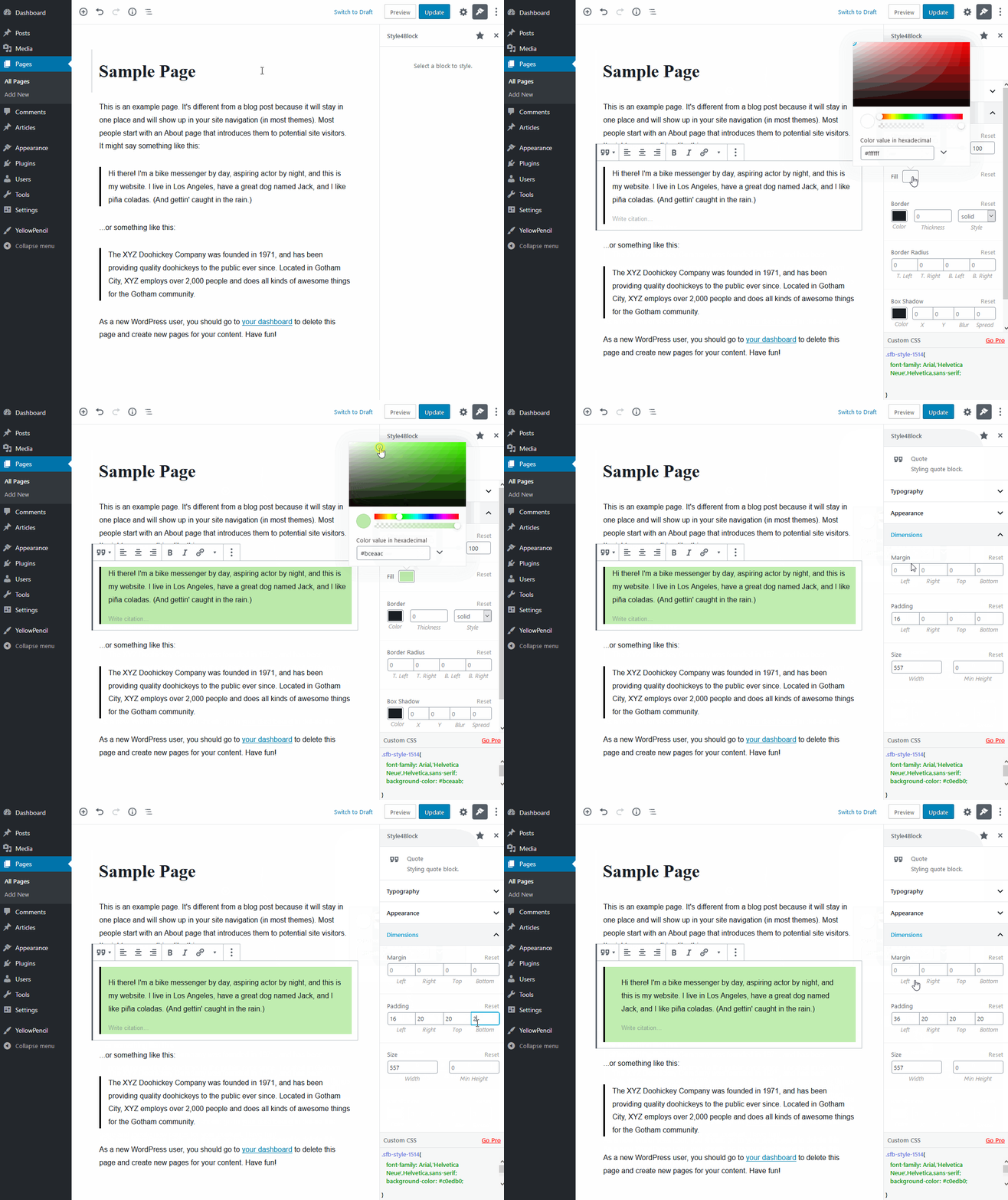
Animated GIF Example
Plugin Usage
Download the plugin using the download button at the end of this article, then activate it to use.
When using it, simply select the block you want to style, and a style setting area will appear on the right. Modify the display effect as desired.
Plugin Download
You can use the button below to download the plugin, or directly search for the plugin title in the backend to install it.