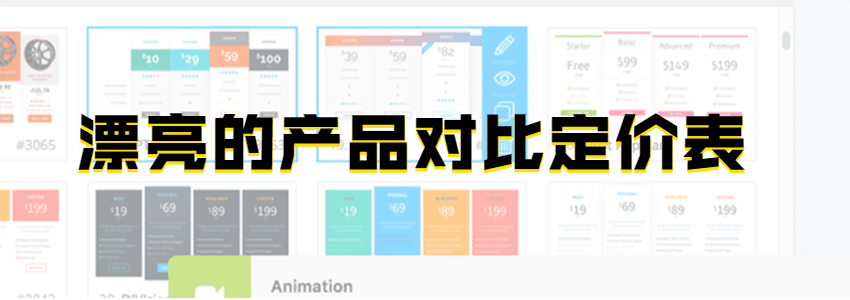
If youbuilding your own websiteIf you plan to sell products or services on your website, how do you create a beautiful product pricing table to facilitate user choices and improve conversion rates? We can use the Go Pricing WordPress plugin.
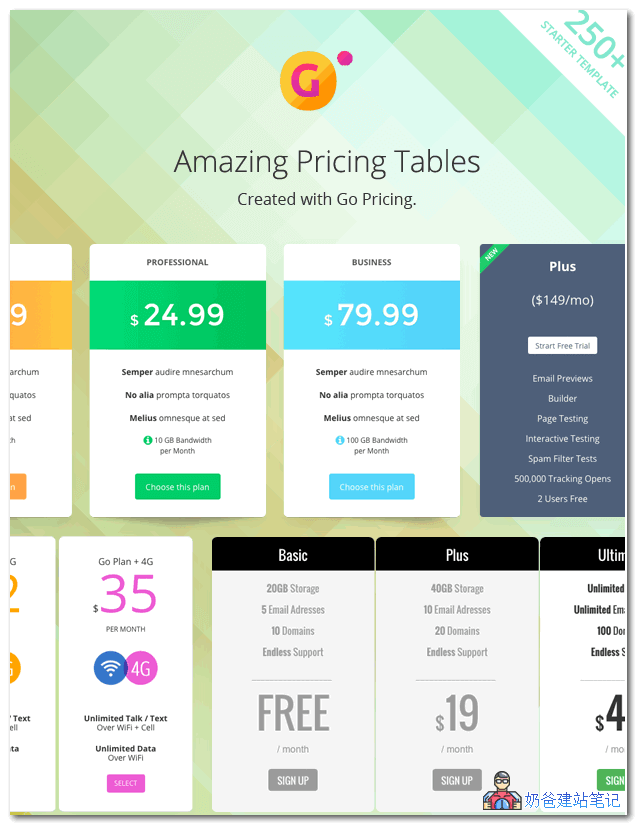
Go Pricing is a responsive WordPress product pricing table generation plugin that allows you to create beautiful, animated product comparison and pricing tables without coding or design skills.
Main Features
- Easy-to-use management interface – Quickly and efficiently edit tables using our clean UI. Helpful text, colors, and icons assist with effective navigation.
- Various media types – Make your tables more unique and engaging by adding content types such as audio, video, or maps.
- Google Fonts – Take full advantage of the complete Google Fonts collection and find the font that best matches your website.
- Over 2000 font icons – Awesome Font, Icomoon, Linecon, and Material Icons provide scalable vector icons that can be customized instantly and look beautiful on high-resolution displays.
- Live preview – This feature allows you to see what the pricing table looks like in real-time.
- Bulk actions – You can perform various operations on the dashboard with multiple tables, such as: clone, export, delete.
- Column animations – Add atmosphere to your table! Choose any of 39 amazing transitions for each column according to your preference.
- Customizable responsiveness – With various configuration options, you can ensure your table provides the best experience on any device.
- Import and export features – You can quickly import demo tables, create or restore backups, and move data between sites.
- Built-in plugin updates – You can keep the installed version up-to-date and take advantage of all the latest patches, features, and improvements.
- Small footprint – You can ensure content is loaded only when necessary.
It is recommended to purchase the official version and directly use the built-in 250+ styles with minor modifications.
If you want to test it, you can download it from the Naiba Web Development exchange group.
Group 774633089 shared > WordPress plugins > CJ13.gopricing3316