
By default, after installing the Astra Theme, the website sidebar has no background color, making the content inconvenient for users to read and not very aesthetically pleasing. In this article, Naiba teaches youhow to set the background color for Astra's sidebar widgets.。
First, this feature is only available in Astra Pro. If you don't have the premium version of Astra yet, you canclick here to purchase it。
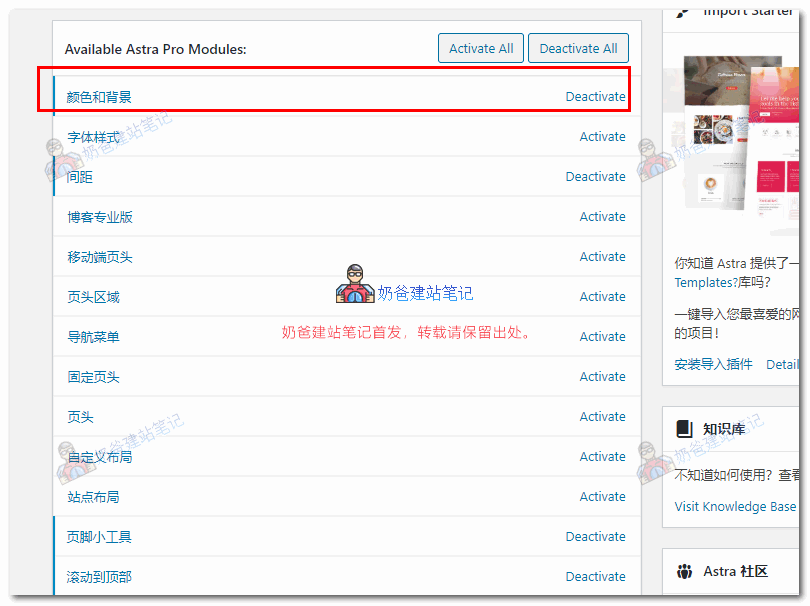
After activating Astra Pro, enable the Color and Background options, as shown below:
Then click on Customize.
First, under Global > Container, select Boxed, and you will notice that the sidebar widgets have a white background.
If you want to set a different color, go to the sidebar or other areas you need to customize, and you will find the Background Color setting.
After setting, publish it.