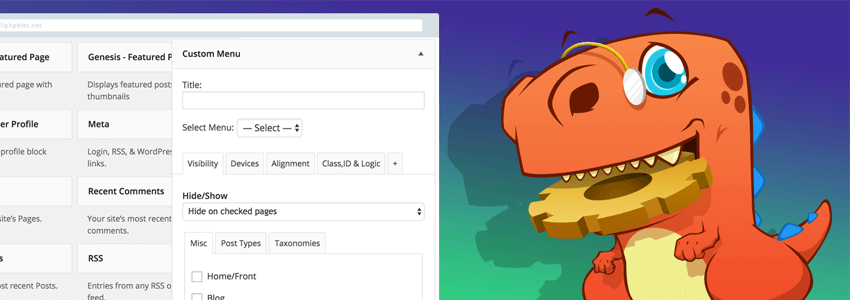
WordPress Widgetscan help us extend website functionality. If you want to display different Widgets on different pages, you can useLightweight Sidebar Managerto assist you. If you want a Widget with more features, then you need to use Extended Widget Options.
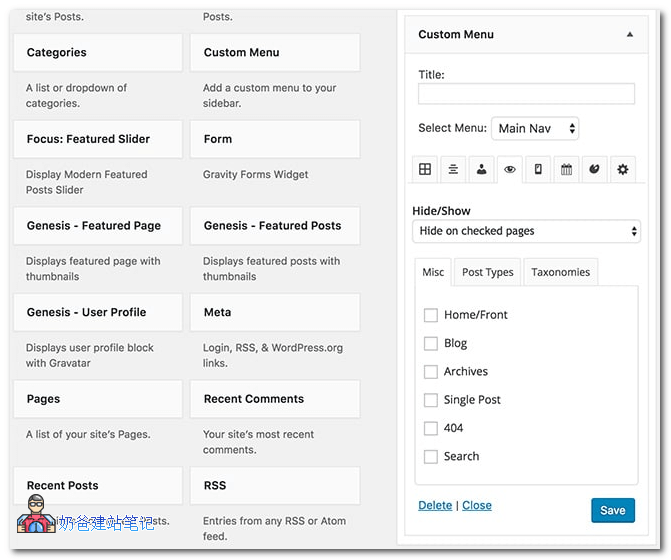
The features of Extended Widget Options include:
- Set the pages where the Widget is displayed;
- Show or hide the Widget on specific devices;
- Set the alignment of the Widget for different devices;
- Display the Widget based on logical conditions;
- Set the number of columns for the Widget on different devices;
- Display the Widget based on user level;
- Customize Widget styles;
- Customize Widget animations;
- Fix or scroll the Widget display;
- Display the Widget at specific times;
- Customize Widget classes;
- Display the Widget based on Post type and Category;
- Hide Widget Title;
- Customize Widget Link Address;
- Display Widget via Shortcode;
- Disable Widget;
- Widget Cache;
- Widget Test Search Box;
- Supports SiteOrigin Page Builder Plugin;
- Supports WordPress Customization;
Isn't it powerful?
With this plugin, you can display widgets on your website however you want, helping you control content display more flexibly in your website operations.
Extended Widget Options is a paid plugin, with a personal license costing up to $29.
If you need a cracked version, you can join group 774633089 to download it. The group shared file is CJ22.extended-widget-options.