WordPress's CDN automatically blocks traffic from China, causing our WordPress websites on domestic servers to be unable to install and update Themes and Plugins normally. Previously, we introduced using kill 429 to solve this. Today, we recommend a plugin with a higher success rate:WP-China-Yes
WP China Yes Plugin Introduction
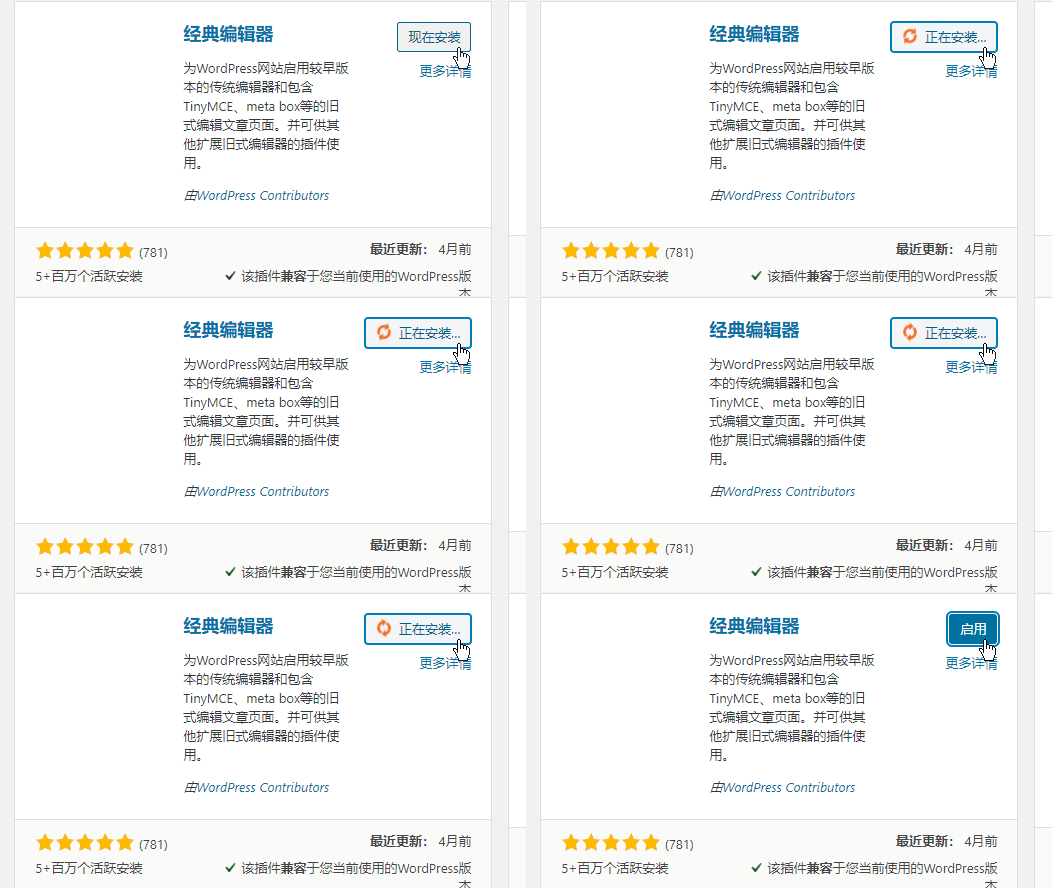
WP China Yes is also a plugin developed by a Chinese developer, open source and free, with the same functionality as kill 429, used to solve the pain point that domestic servers cannot update and install WordPress plugins and themes normally.
kill 429 is based on forward proxy for WordPress resources, while WP-China-Yes is based on reverse proxy for WordPress resources and uses Baidu Cloud CDN service, offering relatively higher stability.
The acceleration nodes set by WP China Yes directly accelerate all communication between your site and the WordPress headquarters server, including but not limited to: plugin and theme marketplace resource downloads, work images, author avatars, theme previews, etc...
WP China Yes Usage Method
1. Download fromWP official websiteor go toGitHubDownload, then upload to the website backend to install.
2. Enable the plugin and use it normally.
Since CDN caching is used, you may see that some images in the backend cannot be displayed. When a user requests them, the CDN server starts requesting from the WP server, and then they will appear on the CDN server.
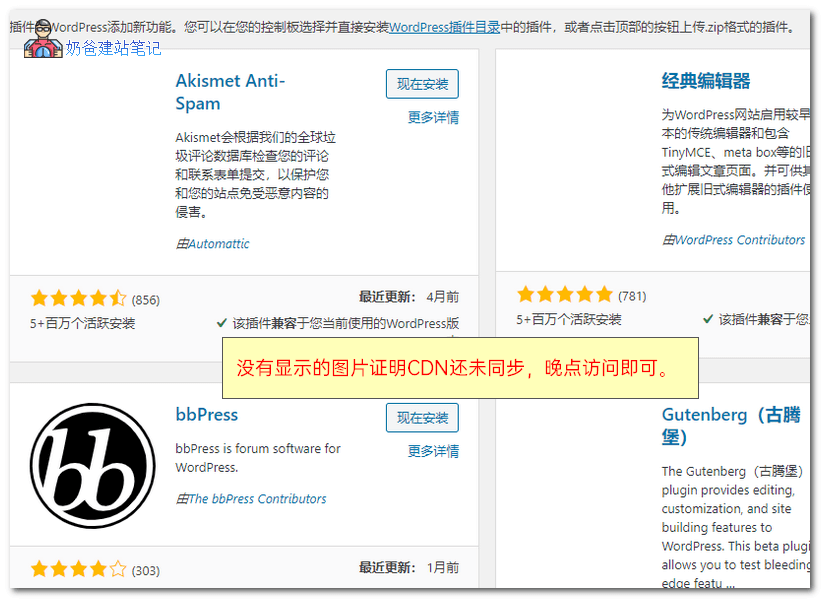
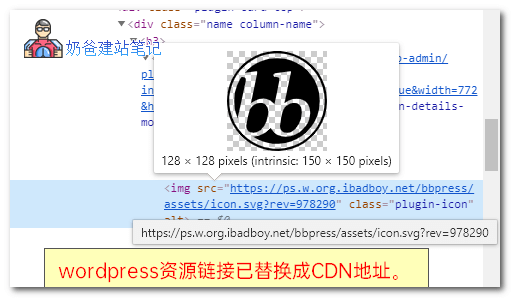
By inspecting with F12, it is found that the addresses of these images have been changed to the CDN address provided by the author.
Frequently Asked Questions
- Why is the speed so slow? – The acceleration node uses CDN cached data. For less popular resources with fewer visitors, the access speed will be much slower. If you encounter a timeout, please wait 10 minutes and try again. During this time, the CDN will automatically pull resources from the WordPress official server for use.
Author's release address: https://www.ibadboy.net/archives/3204.html