
Want to add social sharing functionality to your own website but don't know how? Naiba is here to share 10 WordPress sharing plugins with you. Just install and activate them to add social sharing buttons to your website. Check them out now.
Adding social sharing buttons to your website can help your site appear on social media, gaining more attention and exposure. Domestic sharing is basically no longer used, but it is still very popular abroad. Therefore, foreign trade websites are very necessary to install a sharing plugin. The following plugins can easily add sharing functionality to your website and also support sharing statistics.
AddToAny Share Buttons
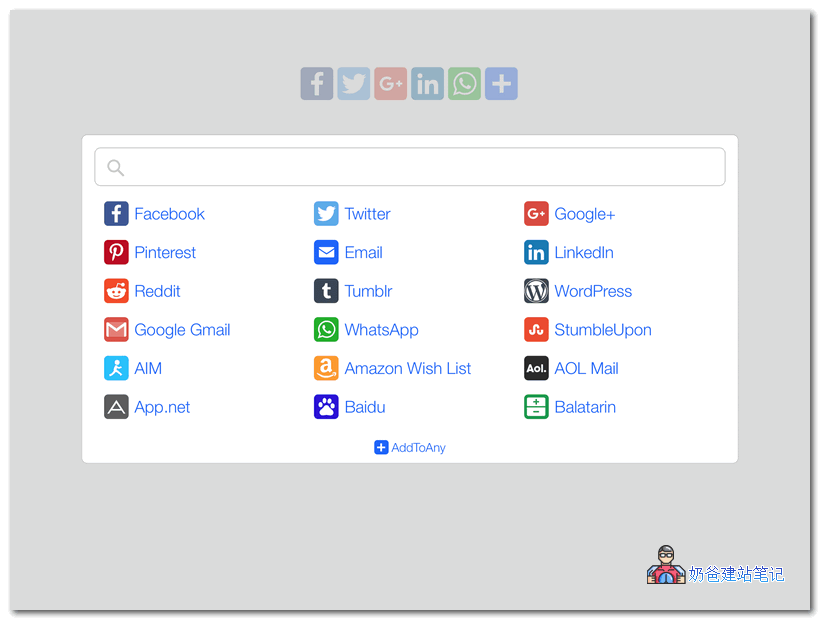
WordPress's AddToAny share button plugin increases traffic and engagement by helping people share your posts and pages to any service. Services include Facebook, Twitter, Pinterest, WhatsApp, LinkedIn, Tumblr, Reddit, WeChat, and over 100 social sharing and social media sites and apps.
AddToAny is the home of universal sharing, and the AddToAny plugin is the most popular sharing plugin for WordPress, enabling websites to use social media since 2006.
Social Media Share Buttons & Social Sharing Icons
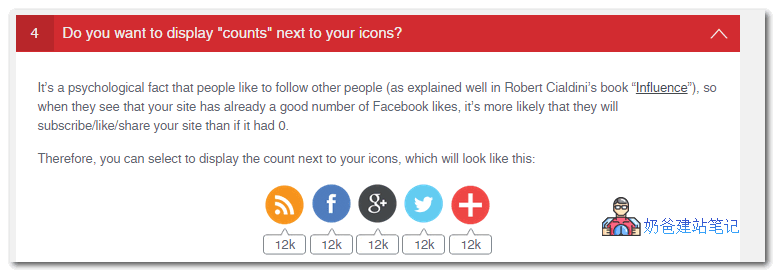
A social media plugin that allows you to add sharing icons for RSS, email, Facebook, Twitter, LinkedIn, Pinterest, Instagram, YouTube, „Share“ (covering over 200 other social media platforms), and upload custom sharing icons of your choice.
WordPress Social Sharing Plugin – Sassy Social Share
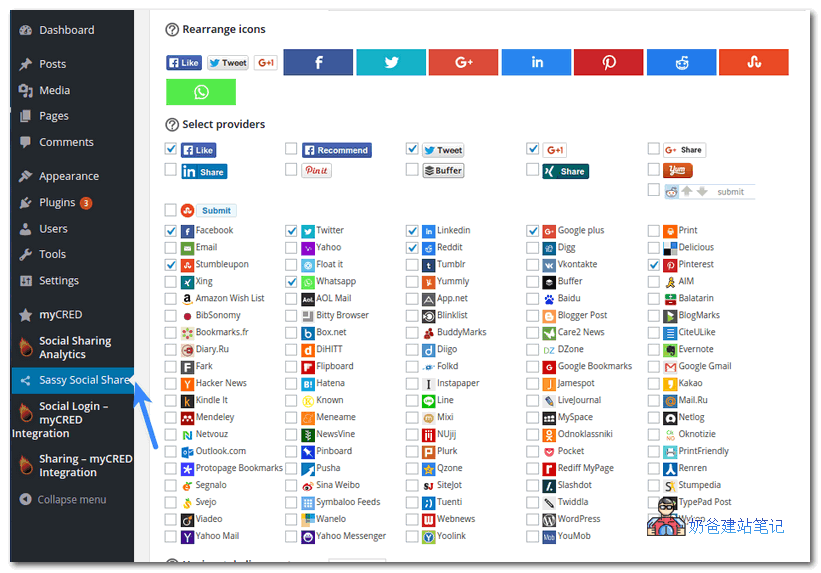
Sassy Social Share allows your website users to share content via Facebook, Twitter, Google, LinkedIn, WhatsApp, Tumblr, Pinterest, Reddit, and over 100 other social sharing and bookmarking services.
This is the simplest and smoothest social sharing plugin with beautifully optimized vector icons.
WordPress Share Buttons Plugin – AddThis
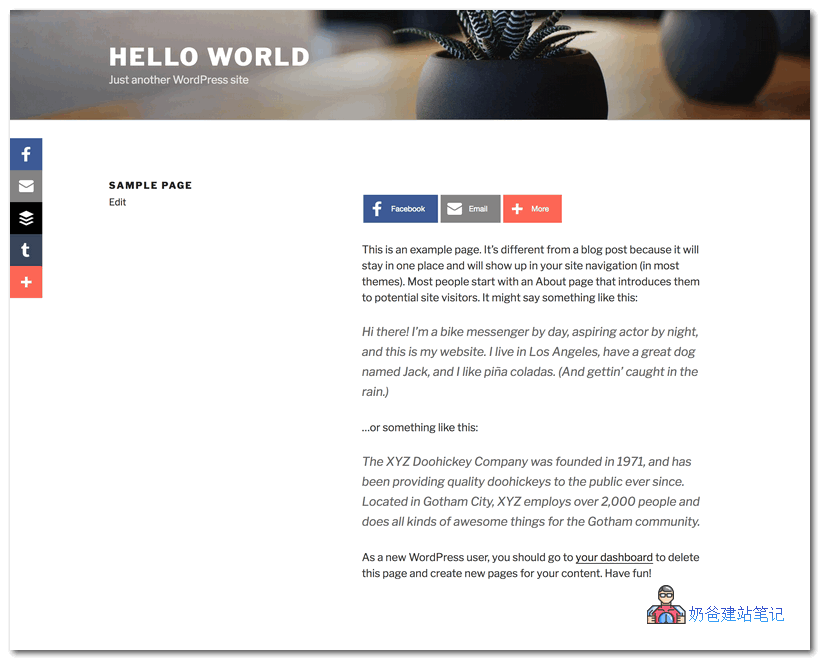
The free WordPress share buttons plugin provided by AddThis makes it easier than ever for your audience to spread your content across the web. Our fast-loading share buttons plugin allows you to connect to over 200 social channels, including Messenger, WhatsApp, Facebook, Twitter, Pinterest, and more.
Our neat, customizable, and simple share buttons are beautiful, load quickly, and are recognized across the web.
AddThis is trusted by 15 million websites, with over 2 billion unique users sharing content globally in over sixty languages.
This plugin is compatible with the AMP plugin.
Simple Share Buttons Adder
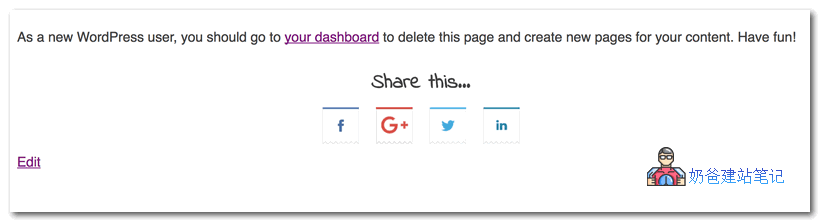
„Simple Share Buttons Adder“ does exactly what it says – simply adds share buttons to all posts and pages.
The new „Modern Share Buttons“ tab is a CSS-based setting that offers greater flexibility when customizing share buttons, icons, and icon hover colors! You can choose to use our predefined CSS themes or your own custom CSS.
Social Sharing Buttons – Grow by Mediavine
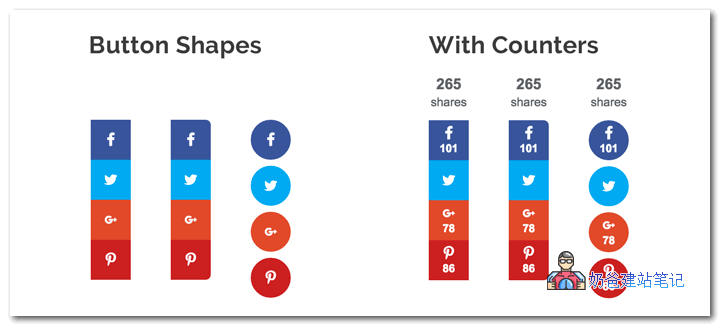
Grow by Mediavine, formerly Social Pug, is a simple, all-in-one social sharing plugin. You can add social share buttons that blend perfectly with your website design, increasing engagement and reach.
The free version of this social sharing plugin allows you to customize the four largest social media platforms: Facebook, Twitter, Pinterest, and LinkedIn.
For all social media platforms, you can personalize the social share buttons to your liking. Choose from multiple designs and use custom colors to catch the eye. You can even include social share counts.
You can place social share buttons before or after the post content, or have the social buttons appear as a floating social media sidebar that follows the reader as they scroll up and down the page.
Display the social share counts of posts to showcase the popularity of your content.
WordPress Social Sharing Plugin – Social Warfare
Most WordPress social sharing plugins slow down your website, are unattractive, and don't work the way you want. Social Warfare sharing buttons are fast and beautiful.
Not only does it not slow down your website like other sharing plugins, but we also provide you with the most attractive sharing buttons that look great regardless of screen size or resolution.
You can choose from social network sharing buttons at the top, including:
- Google+
- Mix
You can also choose where the sharing buttons are displayed. Select from the following placement options:
- Above Post Content
- Below Post Content
- Above and Below Post Content
- None (or) Manual Placement
When static (non-floating) buttons are not visible, we can also makeFloating Sharing Buttonsfollow your readers on the screen. This way, no matter where readers scroll on the page, they always have easy access to your sharing buttons.
Social Share Icons & Social Share Buttons
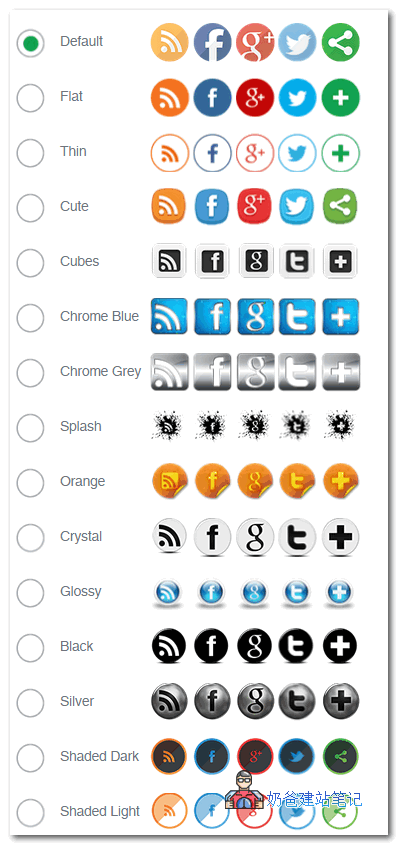
Add social sharing icons to your website with just a few clicks.
This Plugin can be customized as needed and is free. It is alsotranslated into various languages。
Feature List:
- Numerous social sharing platforms (see list below)
- Many placement options before and after posts, floating on your website's pages via Widgets, Shortcodes (top right, bottom left, etc.)
- Multiple actions can be performed with one social sharing button (e.g., your Facebook icon can direct visitors to your Facebook page and display a Facebook button to share your page on social media)
- 16 design styles for social sharing buttons
- Animated social sharing buttons (e.g., automatic shuffle, mouse hover effects)
- Social Pop-ups – Invite others to follow or share you
- Subscription Service – Allow visitors to subscribe to your website and automatically receive new Posts via email
- Share Counts
- Rearrange the order of social sharing icons
- Many other customization options for social sharing buttons
- Compatible with the Gutenberg editor
Social Media Share Buttons | MashShare
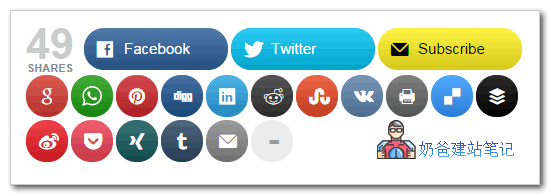
A free social media plugin, a professional and highly customizable ecosystem for social media sharing and optimizing your valuable content.
Important for EU users: MashShare is DSGVO compliant! No IP data or any other personal data is sent to third parties or collected at all.
Stop slowing down your website and prevent ranking drops. Other social buttons often use external scripts, which increase loading time. MashShare does not use any external script dependencies. All code is loaded directly from your website, ensuring privacy for you and your visitors!
Simple Social Media Share Buttons
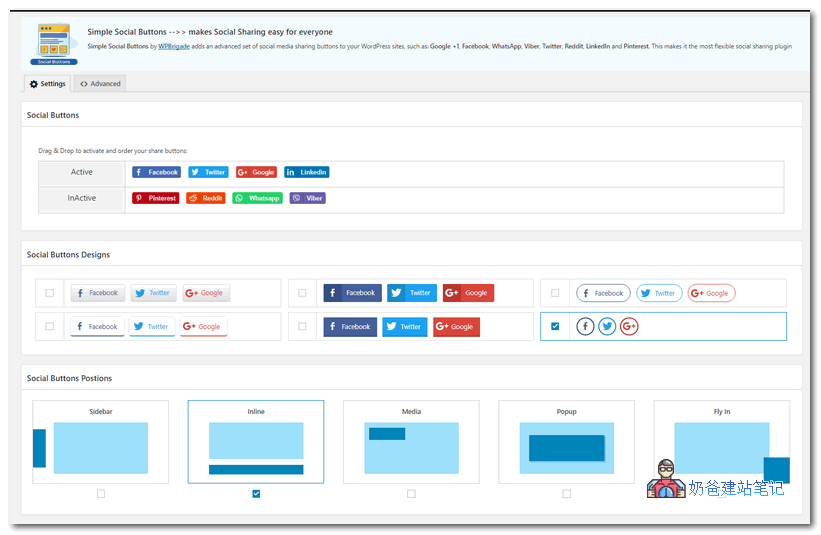
Simple Social Buttons adds a set of advanced social media sharing buttons to your WordPress website (in sidebars, inline, above and below post content, on photos, popups, instant messages, and many other options) such as: Facebook, WhatsApp, Viber, Twitter, Reddit, LinkedIn, and Pinterest.
Rich features make it the most flexible „Social Sharing“ plugin ever.
**This social sharing plugin is fully customizable. You can decide where to place these buttons:**
The above are the 10 social sharing plugins shared. You can see that these plugins have complete features. In addition to basic sharing functions, they also support sharing statistics, and can customize styles and positions without loading resources from third parties, thus affecting website speed.
If you need one, choose one and install it now.